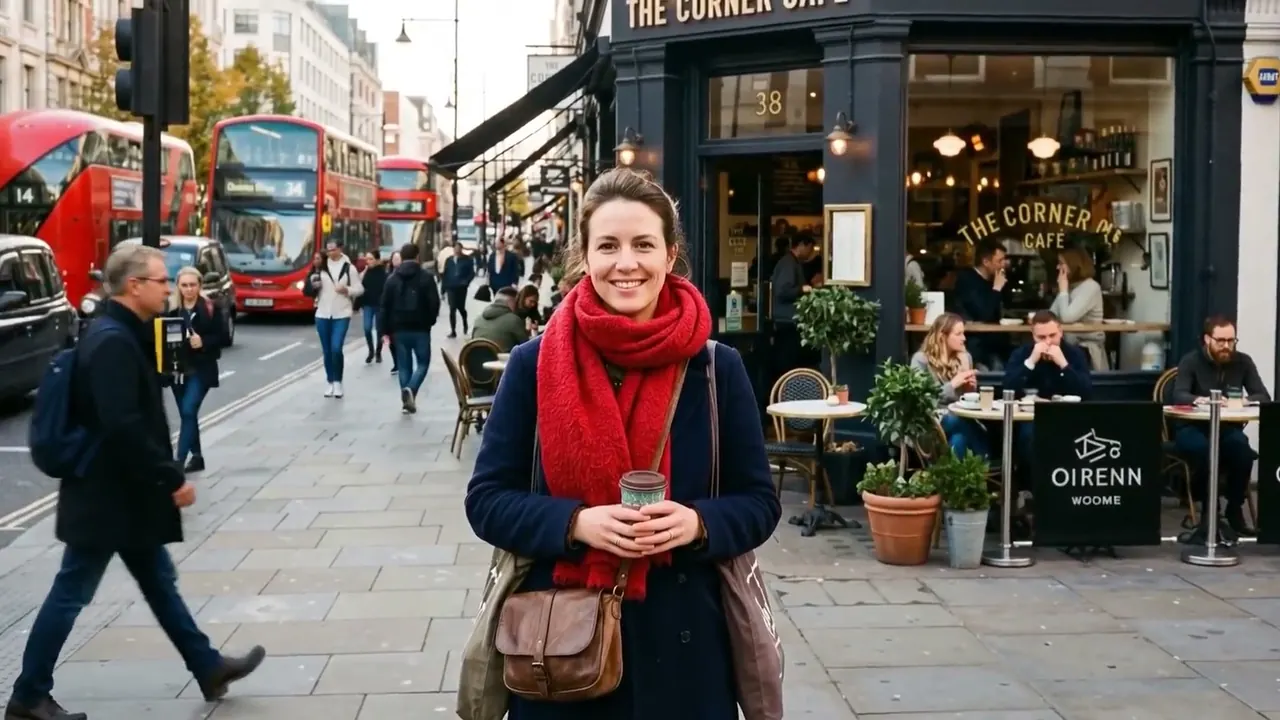
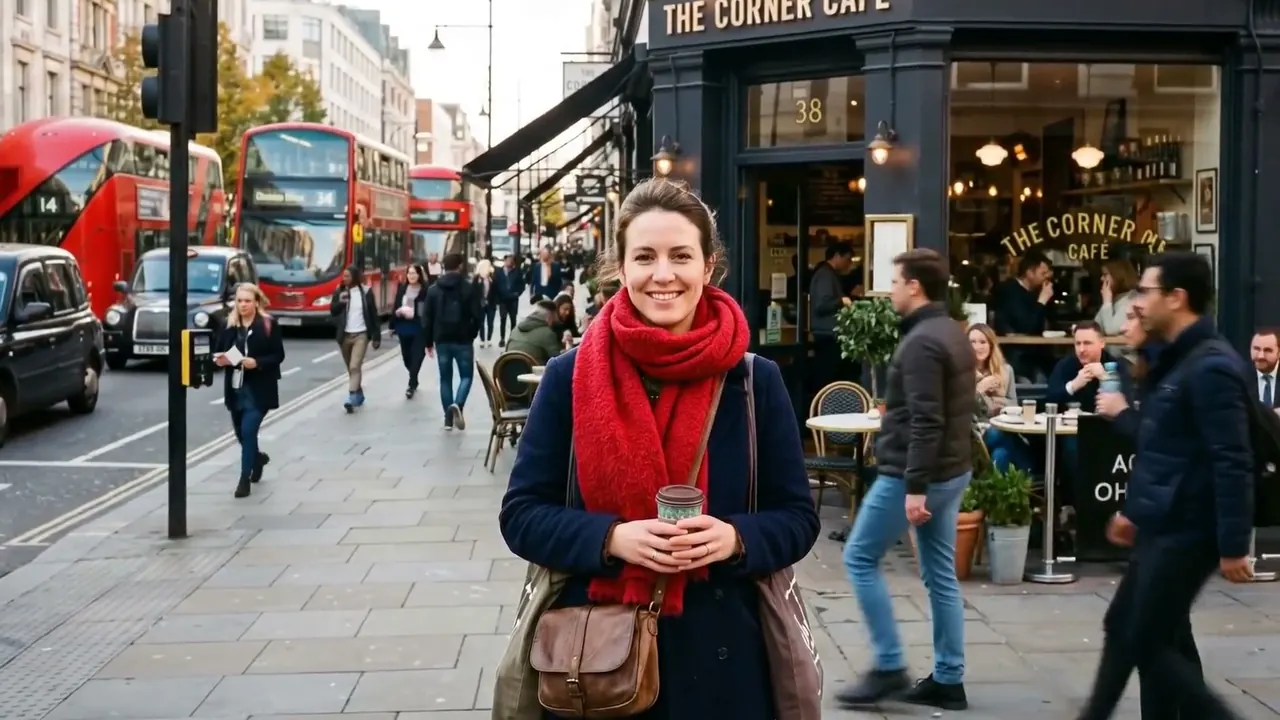
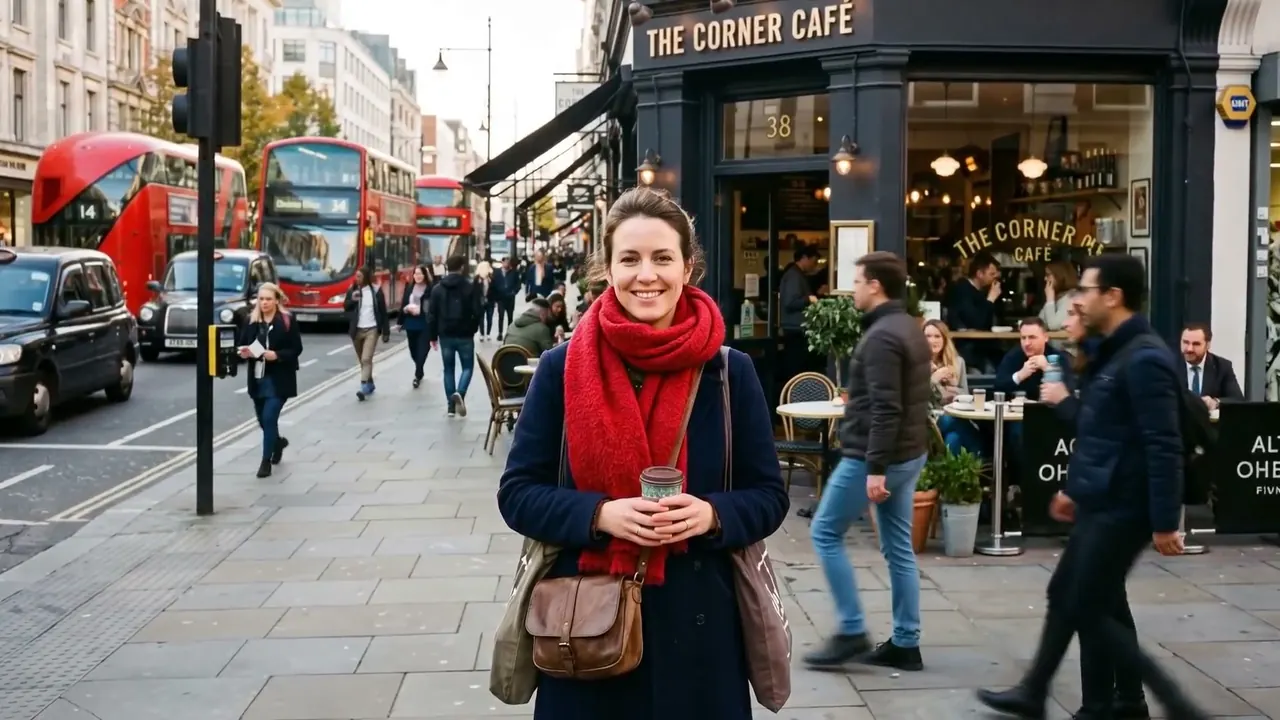
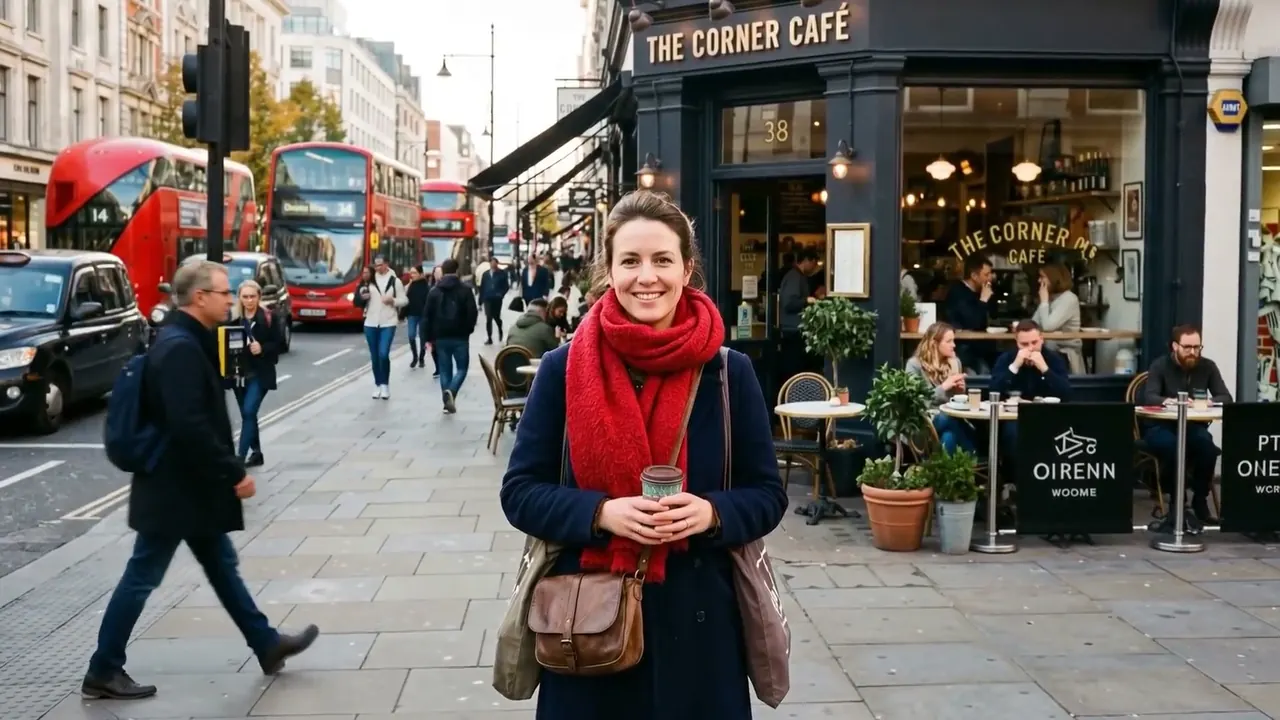
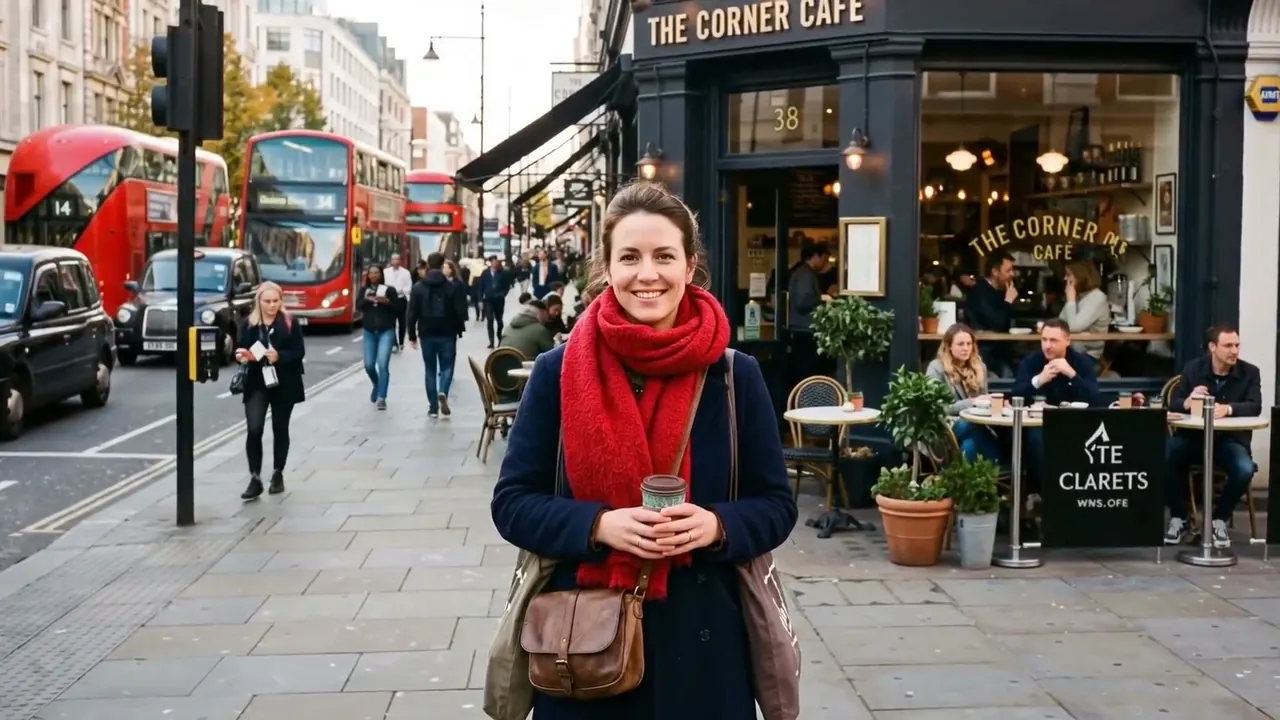
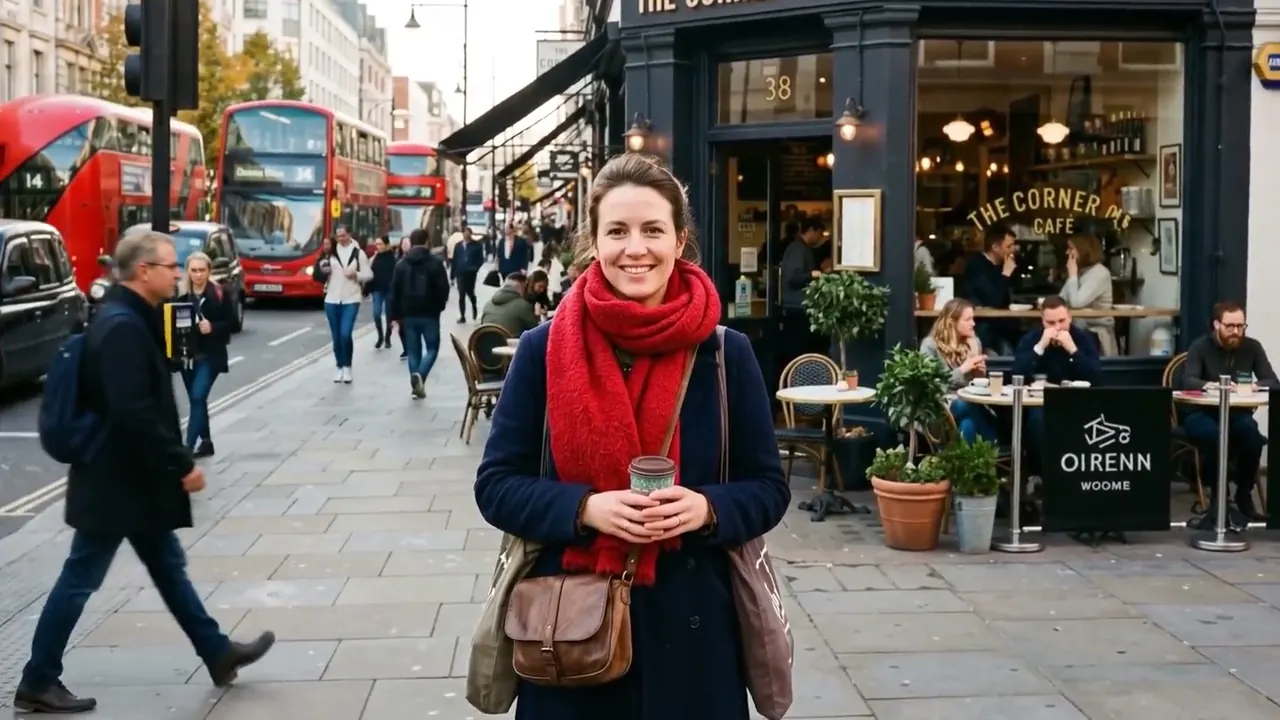
Hyperlapse
A time-lapse that travels, so the camera covers ground at speed.
Opens a video model with the prompt in it. The price is on the page before you sign in.
What it is for
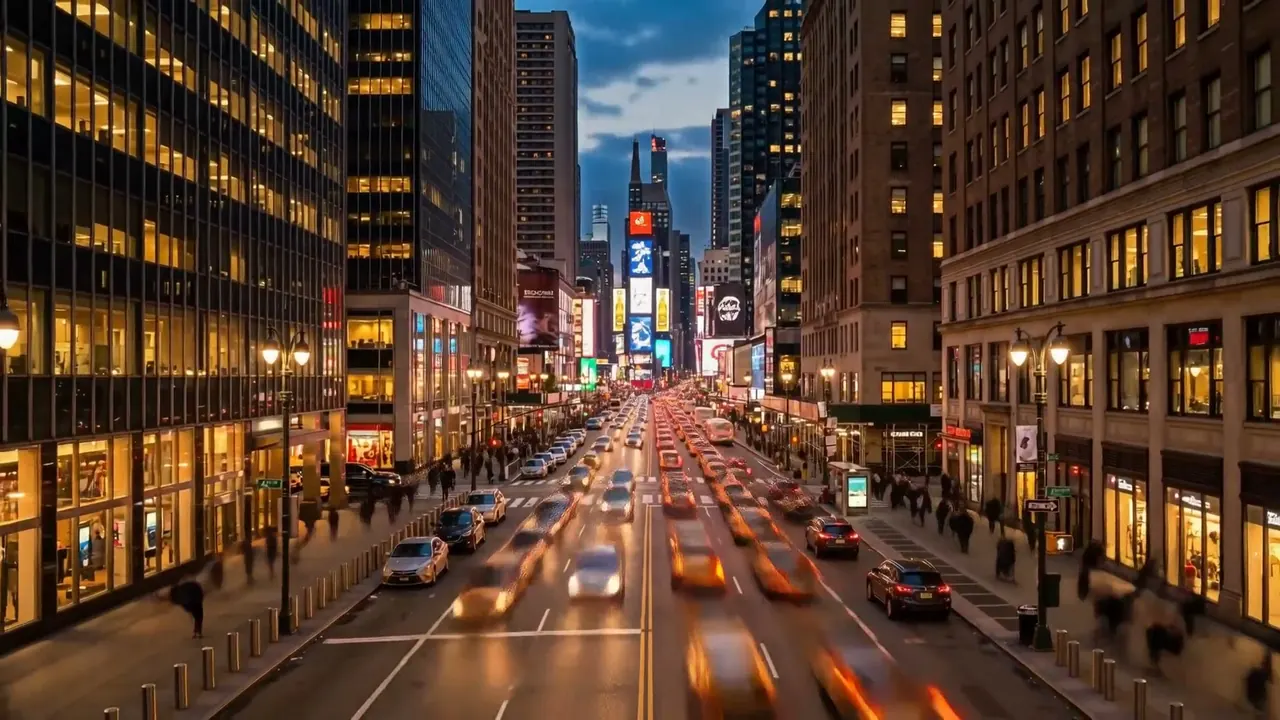
Time is compressed and the camera is travelling at the same time. Distance and hours both collapse into a few seconds.
It reads as a journey rather than as a view. A time-lapse watches the world change from one spot, and a hyperlapse crosses it.
It turns a route into a single gesture. A walk that took an hour becomes one continuous movement, and the effort disappears from it.
How it works
Frames are shot at long intervals from positions spaced along a route, so each one is taken further along than the last. Played back at normal speed, the camera appears to move at an impossible rate.
Every frame is aligned to the same anchor in post, which is why the technique needs one. A building, a monument, a doorway at the end of the street.
Without that anchor the frames do not register against each other and the sequence turns into strobing noise.
The spacing between positions sets the apparent speed. A step of a metre between frames reads as a walk at an impossible pace, and a step of ten metres reads as flight.
When to use it
Use it for city sequences, travel, the passage of a day across a route, and titles that have to cover ground fast.
Avoid it when anything in the scene has to be followed or read. People become streaks, and streaks carry no information.
It also wants a route with a vanishing point. A straight street, a bridge or a corridor gives the frames something to converge on, and a winding path does not.
Told apart from its neighbours
A time-lapse stays in one place and lets time move. A hyperlapse moves through space while time moves as well.
The test is whether the camera position changes between frames. If it does, it is a hyperlapse. If only the light and the traffic change, it is a time-lapse.
The prompt
Replace the blanks, keep the rest. Then run it on a video model.
hyperlapse traveling toward <subject>, time compressed, camera covering distance, stabilised on the subject
What goes wrong
With no anchor the result is a blur with no sense of travel. Name the fixed subject the frames stabilise on and say it stays centred.
The second failure is a static time-lapse under a hyperlapse label. Say the camera covers distance toward the subject, so the movement is in the shot rather than only in the clock.
A third problem is a subject that moves. The anchor has to be fixed, such as a building or a monument, because a stabilising target that walks away takes the whole sequence with it.
A fourth problem is a frame with no foreground. Objects passing close to the lens are what make the speed legible, so a route across open ground reads as slow even at the same rate.
Leave out
static timelapse, real time
Watch for
State the anchor. Without a fixed subject, a hyperlapse becomes a blur.
Questions
Shoot it
Pay for the one run. No subscription, and the price is on the model page before you sign in.
Next to it in how the camera is carried