Mouth In
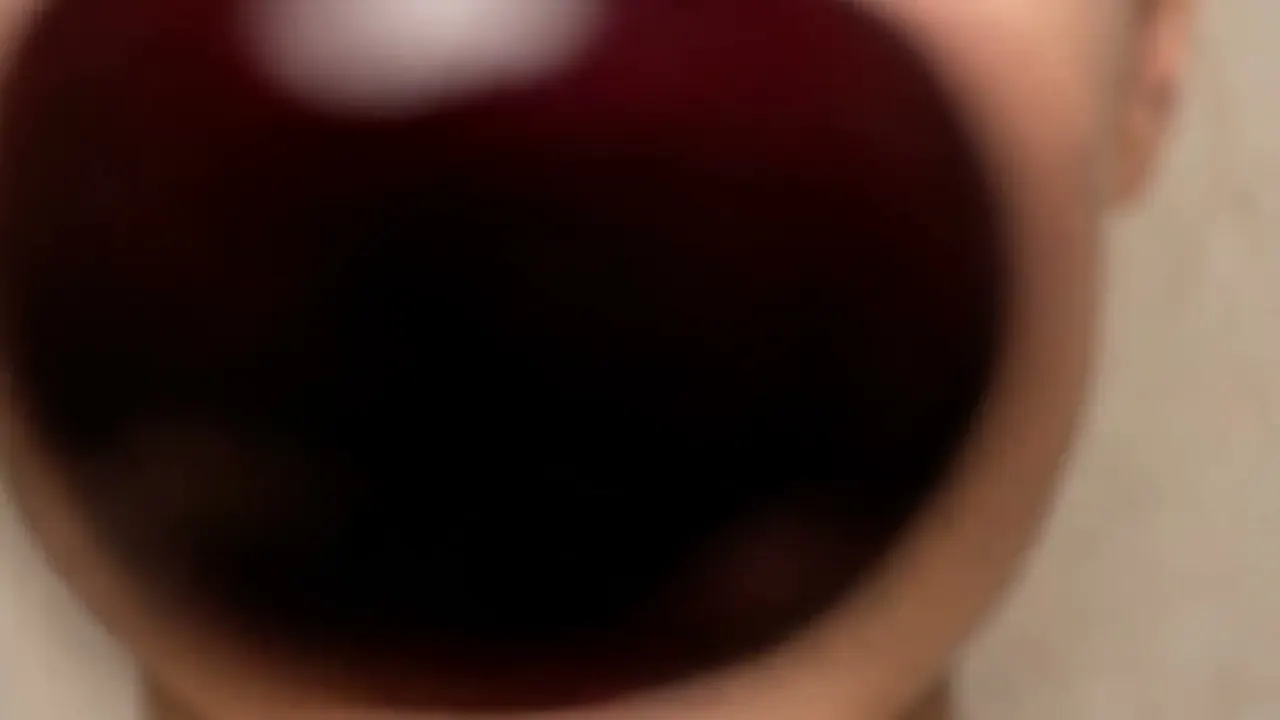
The camera pushes into an open mouth and through into darkness.
Opens a video model with the prompt in it. The price is on the page before you sign in.
What it is for
The camera goes into an open mouth and keeps going into the dark. It is a threshold shot, and what waits on the other side is usually a different scene entirely.
The body makes it uncomfortable, which is the reason to use it. A mouth at that scale stops being a feature of a face and becomes an opening.
How it works
A forward push that starts on the face, closes past the lips and continues into black. The frame loses light as it goes, so the darkness at the end is a real part of the exposure.
Say it continues. The move has no meaning if it lands on the teeth, and a model will stop there unless the prompt says otherwise.
The far side is optional and worth deciding. Ending in darkness works as a transition. Ending on another space makes the mouth a door.
When to use it
Use it as a transition into a dream, a memory or a different scale, and in horror where the body is the subject.
Do not use it decoratively. It is a loud move and it makes a promise about what comes next.
Told apart from its neighbours
An eating zoom closes on food at the mouth and stops outside. The mouth stays part of a face, and the subject is the meal.
A mouth in crosses the lips and goes inside. If the shot ends in darkness rather than on a bite, it is a mouth in.
The prompt
Replace the blanks, keep the rest. Then run it on a video model.
camera pushes into the open mouth of <subject>, continues into darkness, unbroken move
What goes wrong
The push stops at the lips, because that is where a model expects a face shot to end. Say the camera continues into darkness past the teeth.
The other failure is a cut hidden in the middle of the move. Ask for one unbroken take, and say the light falls away as the camera enters.
Leave out
stop short, cut
Watch for
Say it continues through. Stopping at the lips wastes the shot.
Questions
Shoot it
Pay for the one run. No subscription, and the price is on the model page before you sign in.
Next to it in moves that go through something