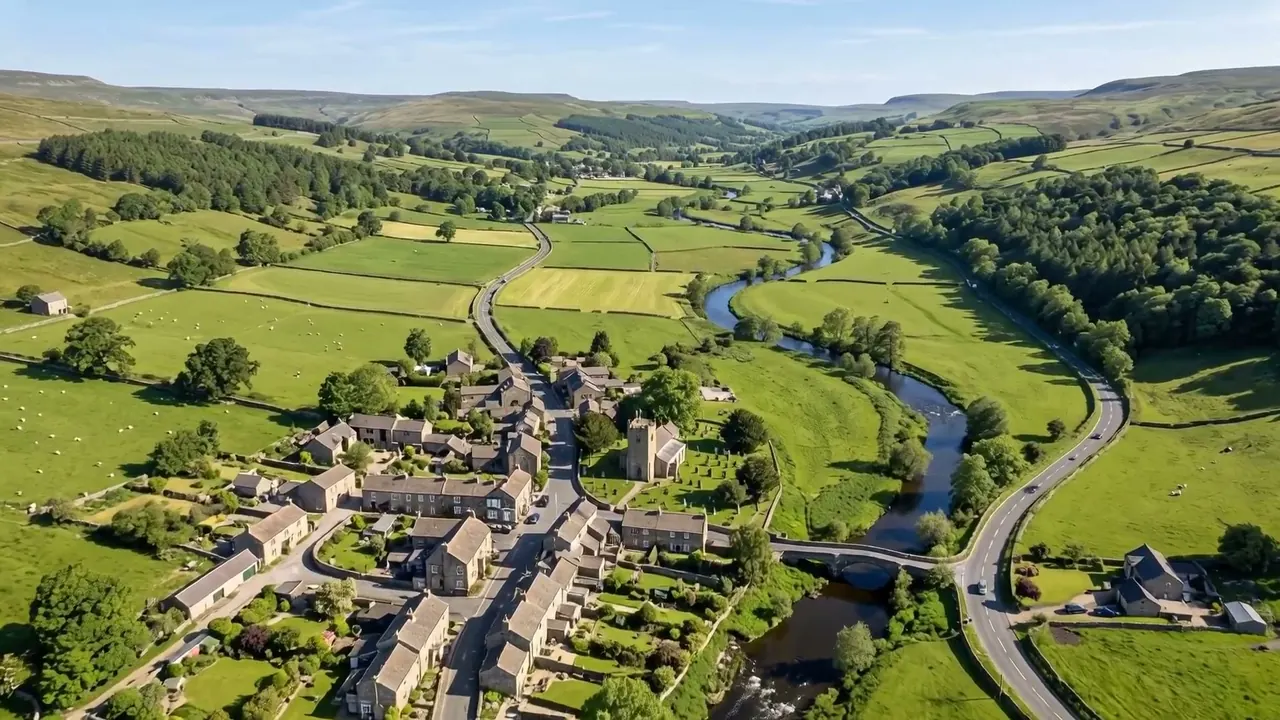
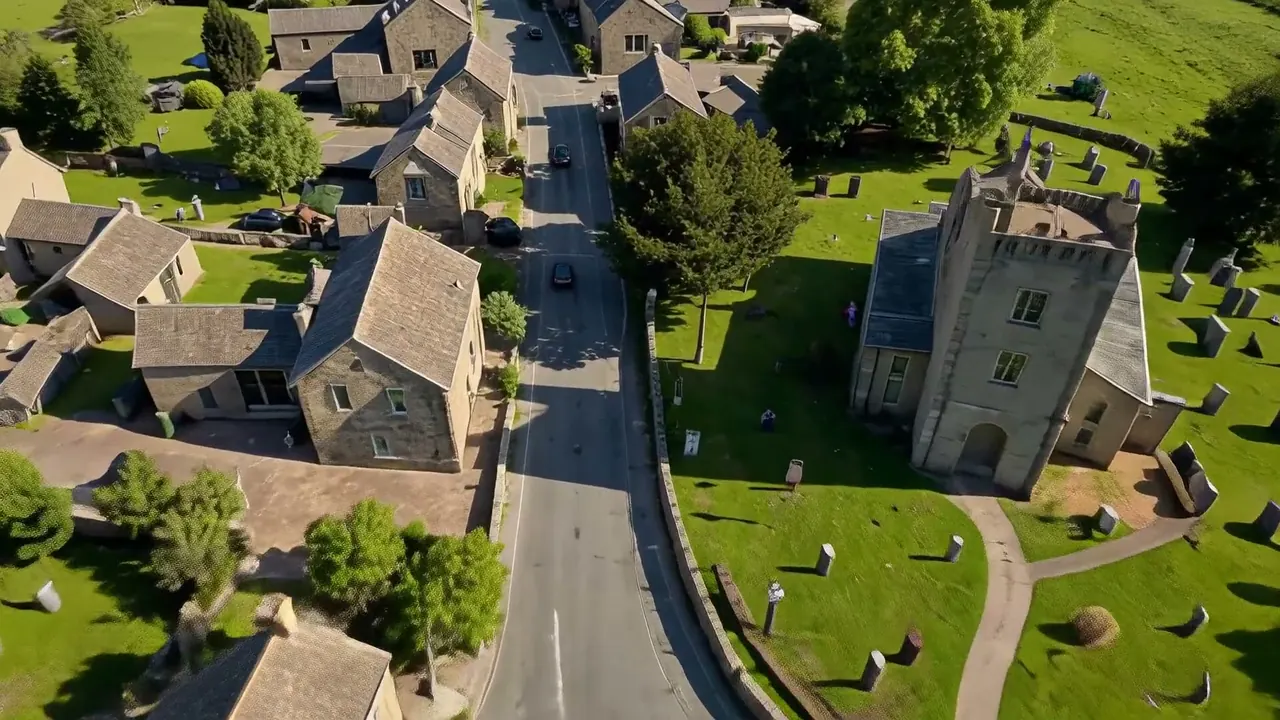
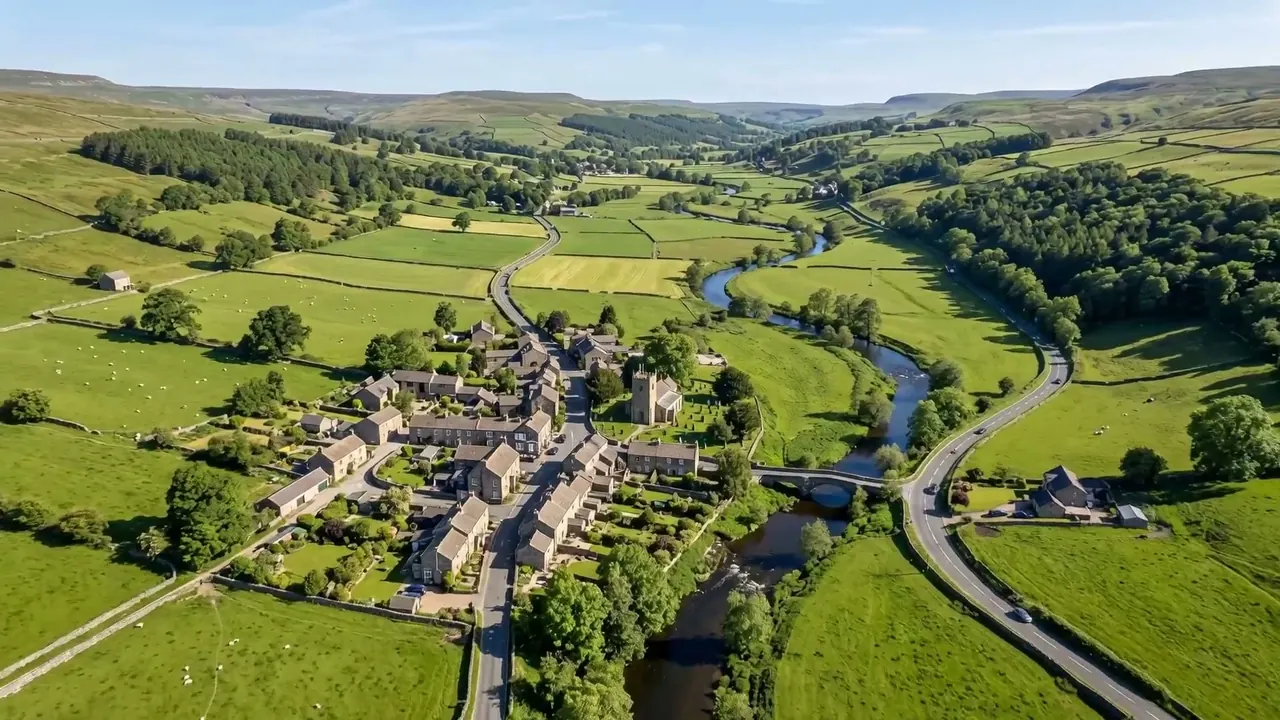
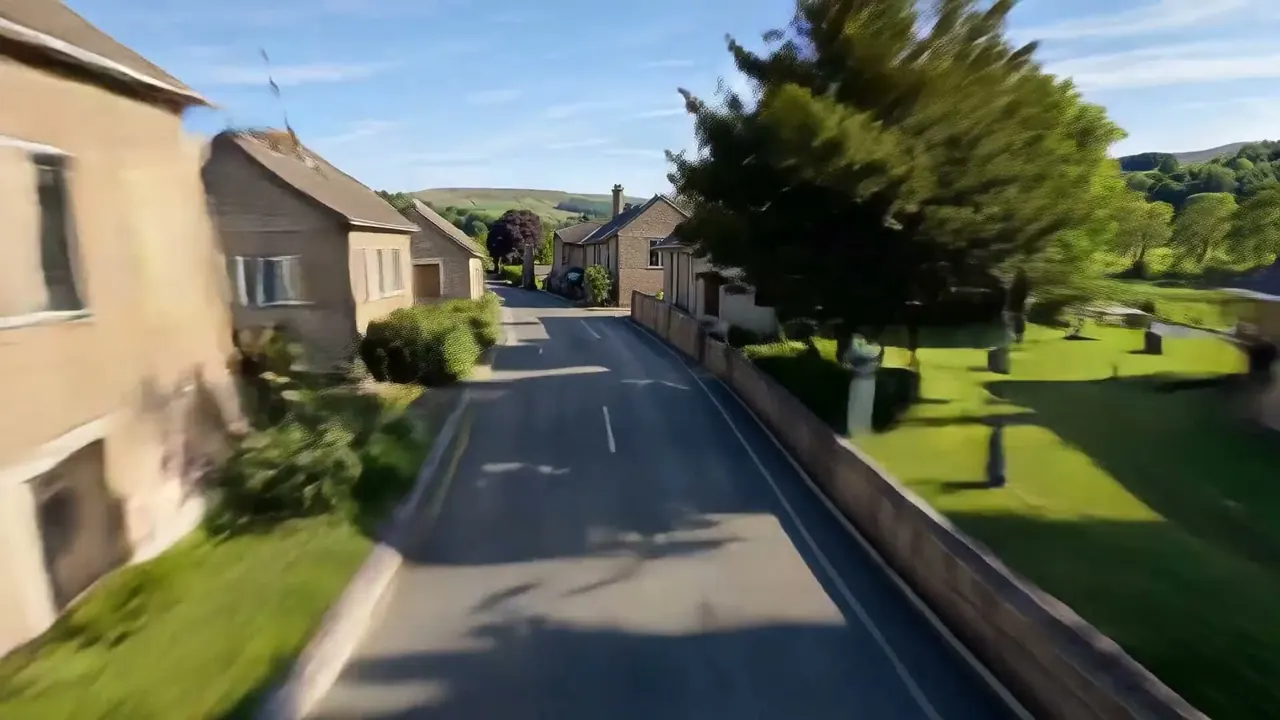
Flying Cam Transition
A flying camera carries the shot from one scene into the next.
Opens a video model with the prompt in it. The price is on the page before you sign in.
What it is for
One continuous flight carries the shot out of one place and into another. There is no cut, so the two spaces are joined in the audience's head.
That join is the argument. Two locations connected by a camera that never stops feel like parts of the same world rather than separate scenes.
It also hides an edit in plain sight. The audience knows two places cannot be one shot, and the move is enjoyable because they can see the trick and still take the ride.
How it works
The camera leaves the first space through an opening, travels, and arrives in the second. A window, a doorway, a gap in a wall, or a rise over a roof and down the far side.
Both ends have to be composed. The move starts on a frame worth leaving and lands on a frame worth arriving at, and the middle is travel.
The seam usually hides in a dark or featureless moment: through a chimney, past a trunk, into a shadow. That is where a real one is stitched, and asking for it gives the model somewhere to cheat.
The speed usually changes across the move. Fast through the gap and slower at each end, so the two compositions get time and the travel does not.
When to use it
Use it to move between locations without a cut, to compress a journey, and to open a piece that has several places to introduce.
Skip it when the two places should feel disconnected. A continuous flight insists they are neighbours.
It also works inside one location. Flying from a room on one floor to a room on another says the two are connected in a way a cut never could.
Told apart from its neighbours
A pass through goes through one object inside a single space, such as a window or a keyhole, and comes out the other side of the same scene. A flying cam transition uses that move to change scene entirely.
The question is what is on the far side. Same place means a pass through. Different place means a transition.
The prompt
Replace the blanks, keep the rest. Then run it on a video model.
camera flies from <scene A> through to <scene B>, continuous flight, no cut between the two spaces
What goes wrong
Only one space gets described, so the camera flies and arrives nowhere. Name both spaces and what the camera passes through between them.
The second failure is a cut appearing in the middle. Say continuous flight, no cut, single take, or the model resolves the distance by editing.
A third problem is a gap the camera cannot fit through. Name something with an opening, such as a window, an archway or a broken wall.
A fourth problem is two spaces that look alike. Make the second place clearly different in light or colour, so the arrival registers as a new location.
Leave out
cut, dissolve
Watch for
Name both spaces. A flight with one destination has nothing to transition to.
Questions
Shoot it
Pay for the one run. No subscription, and the price is on the model page before you sign in.