Ratio Switch
- Expanding frame
- Narrative frame boundary
The aspect ratio changes during the film.
Opens a video model with the prompt in it. The price is on the page before you sign in.
What it is for
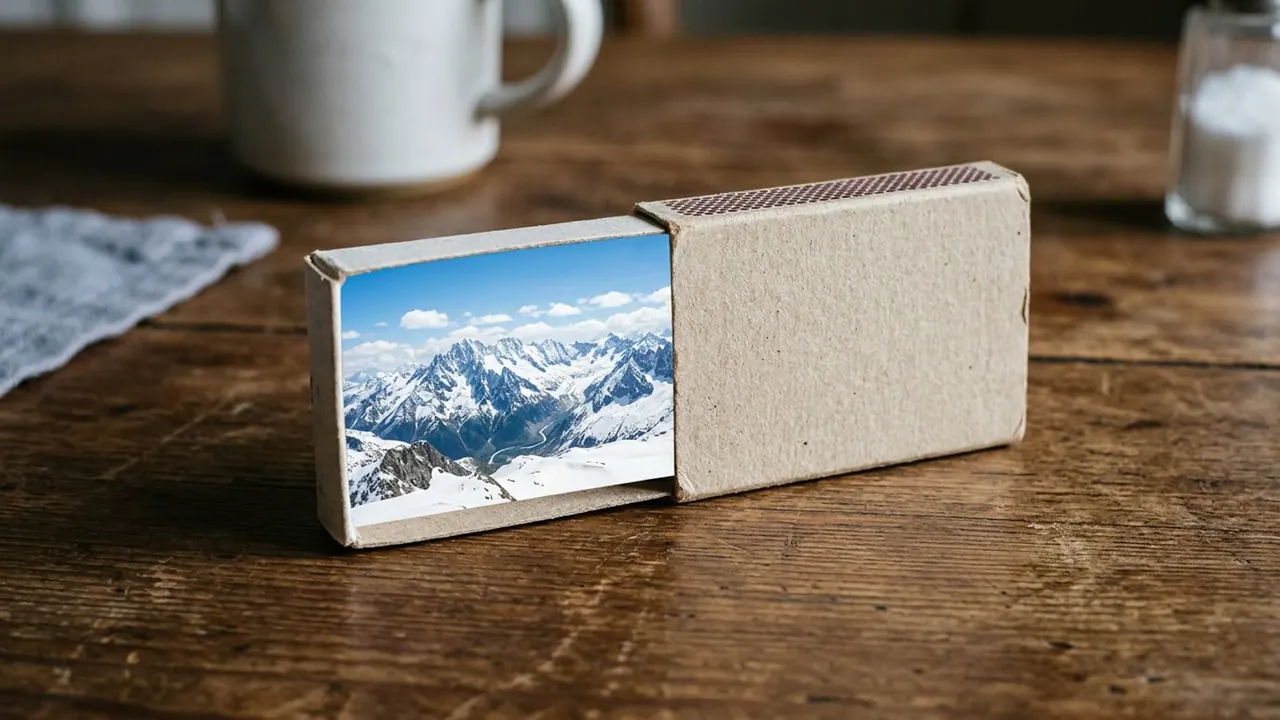
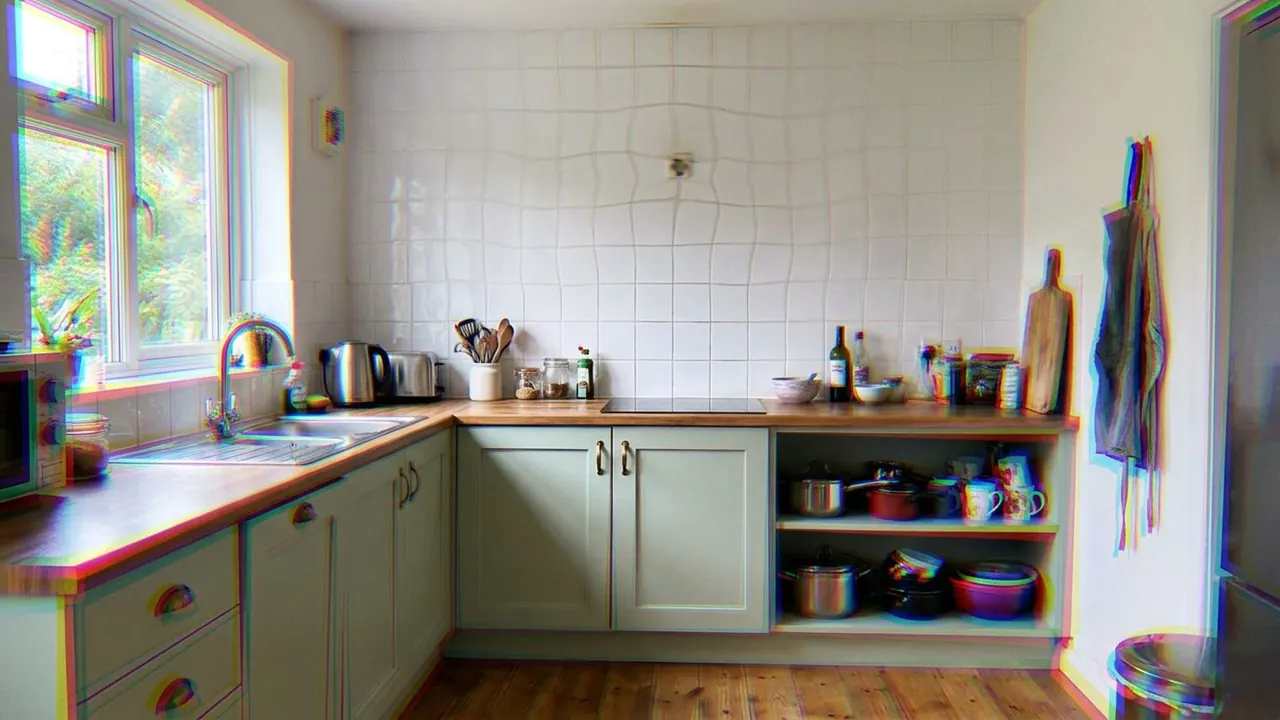
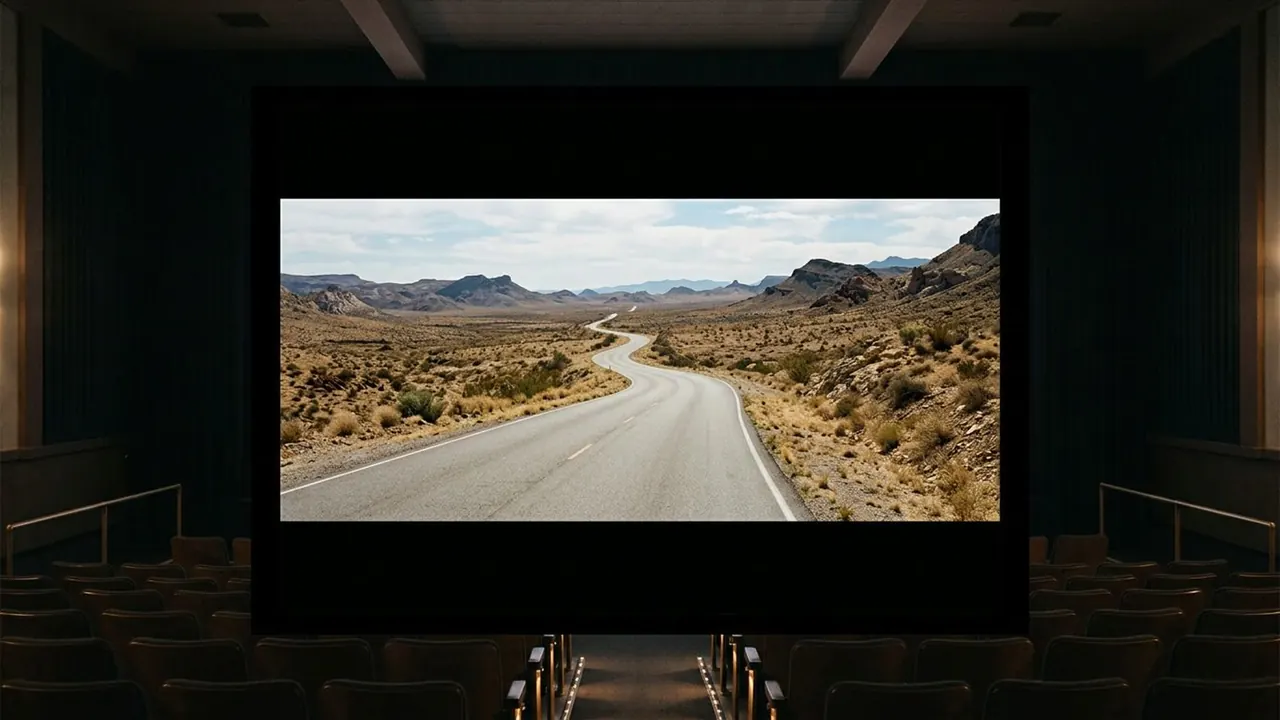
The shape of the frame changes during the film. Bars open outward or close inward, and the picture gets wider or narrower at a chosen moment.
It marks a change the audience feels before they name it. A frame that opens reads as release. A frame that closes reads as a world getting smaller.
How it works
The switch lands on a moment, usually a decision or a reveal, and it either cuts to the new shape or opens into it over a second or two. An animated open is more noticeable than a cut.
Composition has to work in both shapes, because the change is meant to be felt rather than studied. Shooting with the wider ratio in mind and protecting the narrower one is the usual discipline.
A video model will not switch shape mid run. Generate at the widest ratio and crop to the narrower one in the edit, then animate between the two crops.
When to use it
Use it once, or twice, on a real structural break. A change of period, a change of point of view, a moment a character's world opens up.
Skip it as decoration. A ratio that keeps changing stops meaning anything, and the audience starts watching the bars instead of the film.
Told apart from its neighbours
Masking blocks part of the frame with a shape and leaves black around an opening, and it is about what somebody is looking through. A ratio switch changes the shape of the picture itself, and it is about the film speaking to the audience.
The test is whether the change is motivated by a character. A keyhole or binoculars is masking. Bars moving with no in-world cause is a ratio switch.
On film
Mommy (2014) runs in a square frame and then opens to widescreen at a moment of freedom, pushed open by the character on screen. The Grand Budapest Hotel (2014) gives each of its time periods a different ratio, so the shape of the frame tells the audience which decade they are in.
- Mommy (2014)
- The Grand Budapest Hotel (2014)
The prompt
Replace the blanks, keep the rest. Then run it on a video model.
<subject> with the frame changing aspect ratio at <moment>, bars opening or closing on the image, deliberate reframe
What goes wrong
The model returns one fixed shape, because it cannot change ratio inside a run. Generate the widest ratio and do the change in the edit, as the note says.
The second failure is a composition that only works in one of the two shapes. Frame for the wider ratio and keep the important material inside the narrower one.
Leave out
fixed ratio
Watch for
Generate the widest ratio and crop in post. A model will not switch shape mid-run.
Questions
Shoot it
Pay for the one run. No subscription, and the price is on the model page before you sign in.
Next to it in space that does not behave