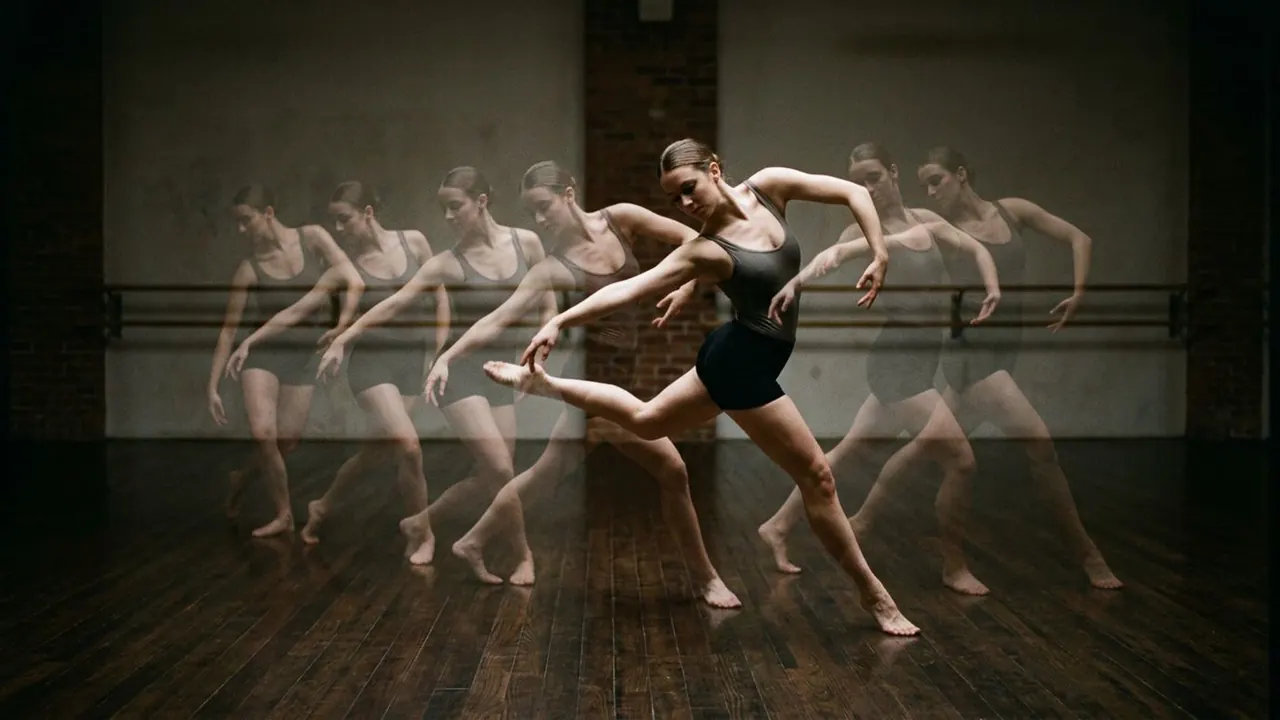
Masking
A shaped matte blocks most of the frame and leaves an opening.
Opens a video model with the prompt in it. The price is on the page before you sign in.
What it is for
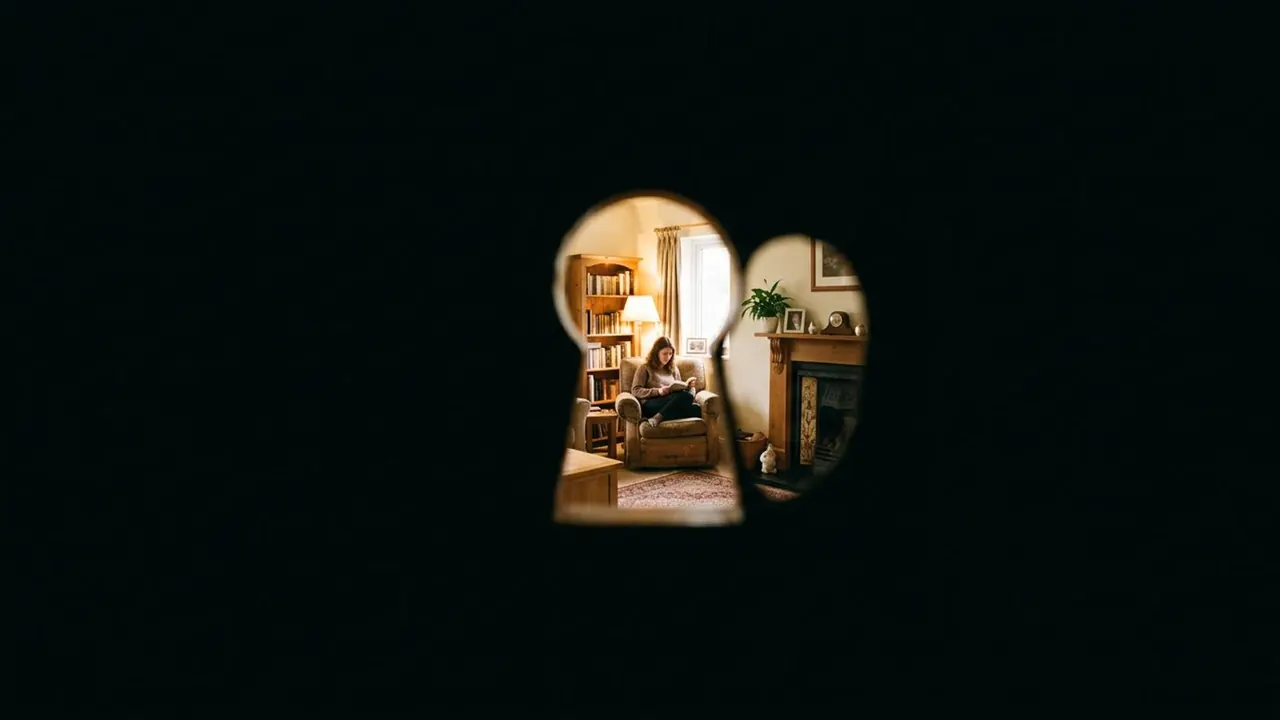
A shaped matte blocks most of the frame and leaves an opening. The audience looks through a keyhole, a pair of binoculars or a letterbox, and the black around it is part of the shot.
The shape tells them whose view it is. Somebody is holding the binoculars, kneeling at the keyhole, looking through the slot. The mask puts a body in the scene that never appears in it.
How it works
The matte sits in front of the lens or is added after, with a hard edge and full black outside it. Softening that edge turns a mask into a vignette and loses the sense of an object.
The classic shapes each carry a meaning. A keyhole reads as trespass. Two overlapping circles read as distance and surveillance. A narrow horizontal slot reads as hiding.
Scale is what makes it convincing. A keyhole mask that fills most of the frame reads as an eye pressed against the door. A small one in the middle of black reads as a graphic.
When to use it
Use it for a point of view that is being concealed, for a device the character is looking through, and for the silent-era register it carries with it.
Avoid it for a general tightening of the frame. A mask is a statement about who is looking, so using it as decoration wastes it.
Told apart from its neighbours
An iris is a mask that moves. It opens from a point at the start of a scene or closes down to one at the end, and the movement is the whole device. A mask holds its shape for the length of the shot.
The test is whether the opening changes size. Fixed is a mask. Opening or closing is an iris.
The prompt
Replace the blanks, keep the rest. Then run it on a video model.
<subject> seen through a <shape> shaped mask, rest of the frame black, hard edge to the opening
What goes wrong
The model returns a soft dark vignette around a normal frame. Ask for a hard edge and full black outside the opening.
The second failure is a generic circle. Name the shape, as the note says, because binoculars, a keyhole and a letterbox all say different things about who is watching.
Leave out
full frame, soft vignette
Watch for
Name the shape. Binoculars, a keyhole and a letterbox all read differently.
Questions
Shoot it
Pay for the one run. No subscription, and the price is on the model page before you sign in.
Next to it in two images in one frame