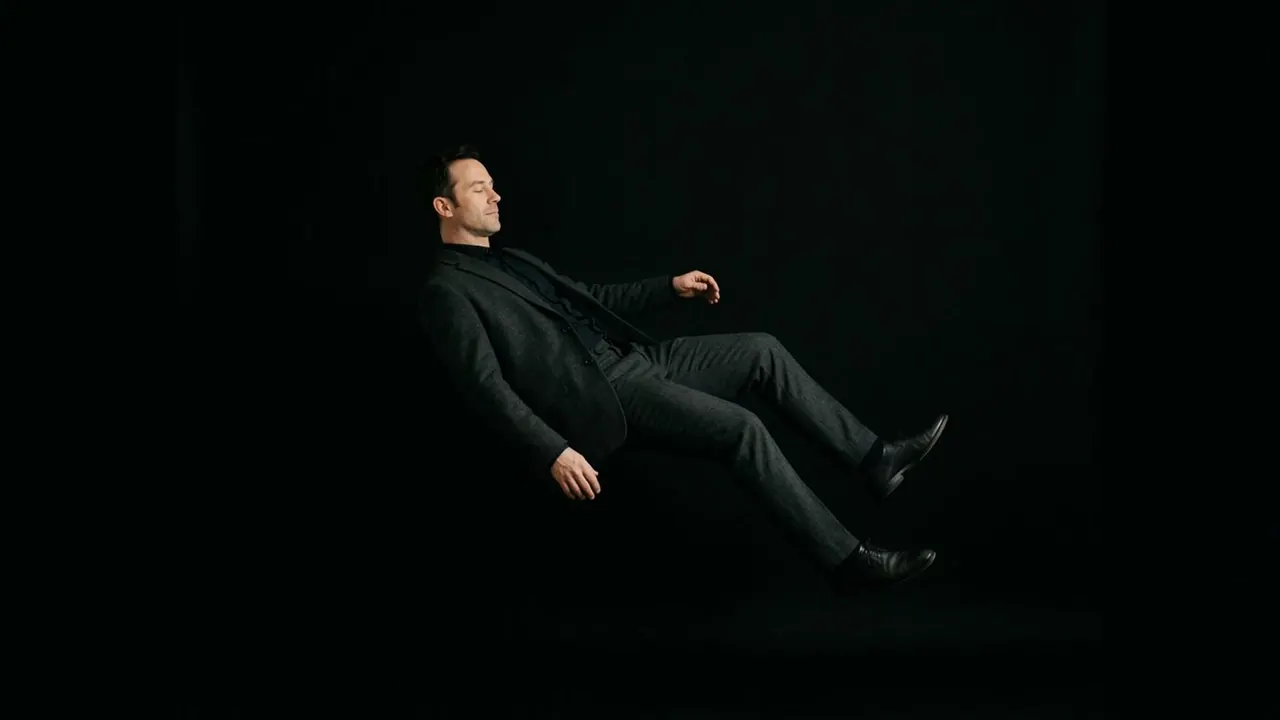
Floating UI
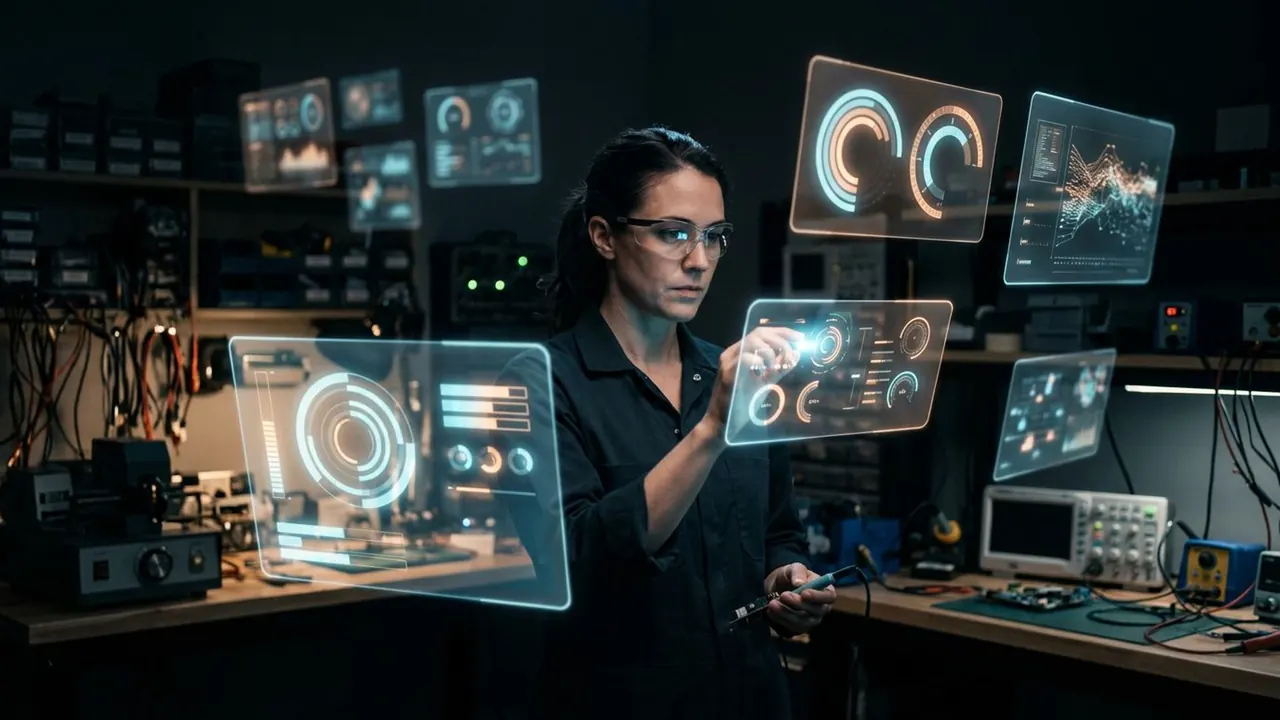
Interface panels hang in the air around the subject.
Opens a video model with the prompt in it. The price is on the page before you sign in.
What it is for
Interface panels hang in the air around a person with nothing holding them. Information has left the screen and entered the room.
It says the character controls something, and it lets the audience read what they are looking at. A person staring at a monitor gives the camera one angle. A person inside their interface gives it every angle.
How it works
Let the panels light the face, as the note says. A glowing surface a metre from somebody puts a coloured key on their cheek and a reflection in their eyes, and without that spill the panels read as a graphic pasted over the plate.
Give them depth and parallax. Panels at several distances that move against each other as the camera shifts are what put them in the room. A single flat layer at one distance is an overlay.
Keep the data legible and sparse. A dense wall of numbers turns into texture, and the audience stops reading it. A few readable elements do more than a hundred unreadable ones.
When to use it
Use it for near-future work, for a control room, for a surgeon or a pilot, and for any scene where the audience needs to see what somebody is working on.
Skip it in a period or realist piece. The form carries a strong science fiction register with it.
Told apart from its neighbours
A projection lands on a real surface and takes its shape, breaking over every edge. A floating interface hangs in air with no surface at all, so it stays flat and keeps its own plane.
The test is whether the image has something to land on. A surface under it is a projection. Air under it is a floating interface.
On film
Minority Report (2002) built its interface as translucent panels in front of the performer, moved by hand, with the light from them landing on his face and arms.
- Minority Report (2002)
The prompt
Replace the blanks, keep the rest. Then run it on a video model.
holographic interface panels floating around <subject>, translucent glowing screens in the air, data legible, light spilling onto the face
What goes wrong
The panels arrive as a flat overlay with no effect on the person. Say the panels light the face and put a reflection in the eyes.
The second failure is illegible noise. Name two or three specific elements the panels show, and say the rest is sparse.
Leave out
physical screens, flat overlay
Watch for
Let the panels light the face. Without spill they look pasted over the shot.
Questions
Shoot it
Pay for the one run. No subscription, and the price is on the model page before you sign in.
Next to it in floating and falling