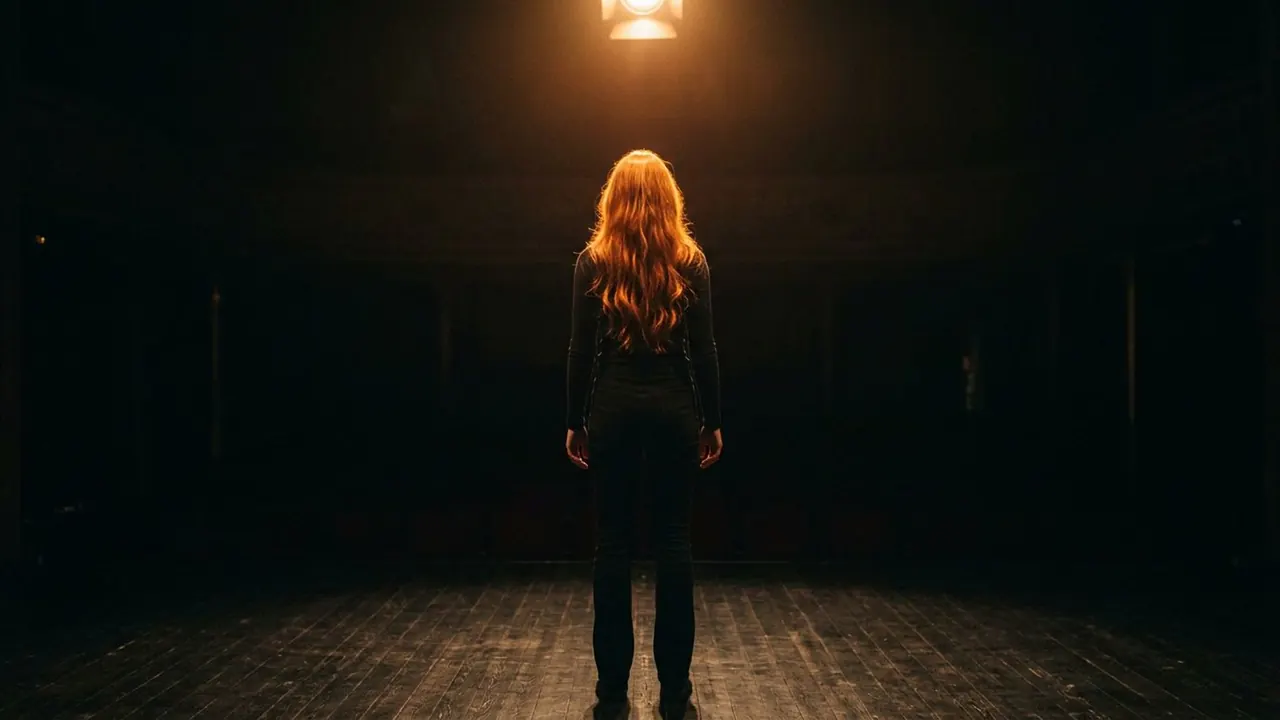
Three-Point Lighting
A key, a fill and a back light shape the subject in the standard way.
Opens a video model with the prompt in it. The price is on the page before you sign in.
What it is for
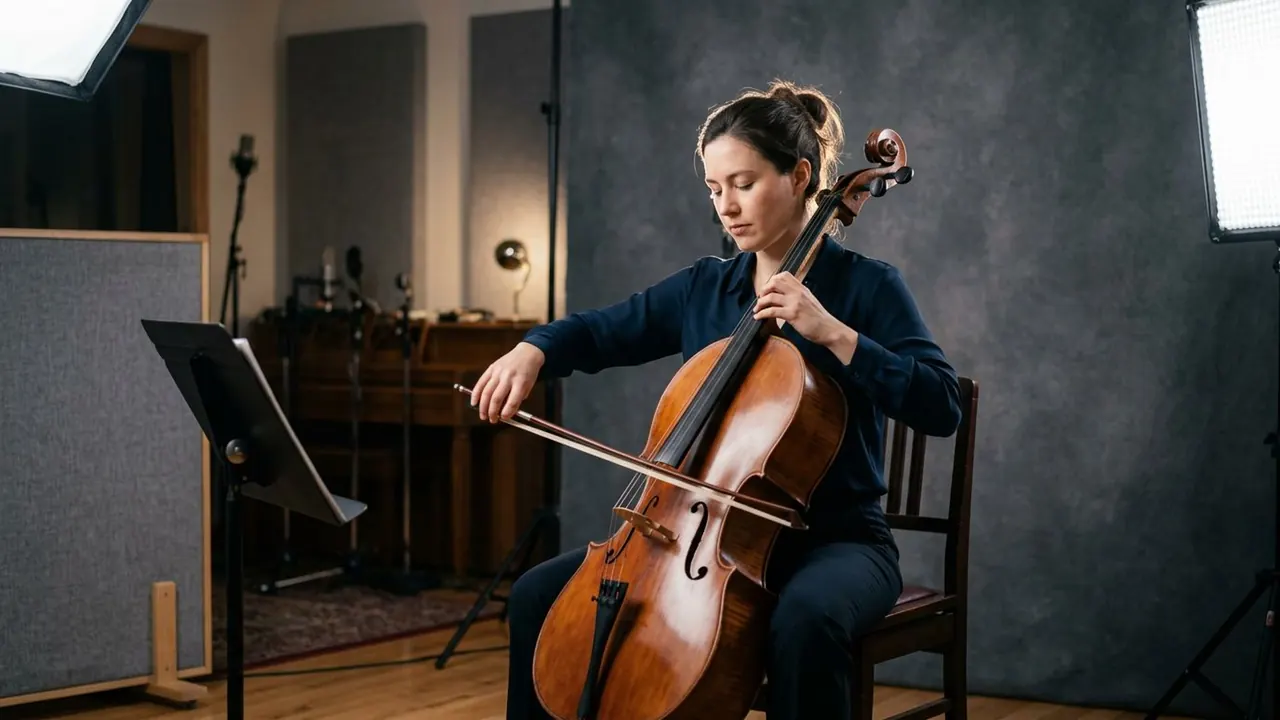
Three lights cover the three jobs a portrait needs. The key gives shape, the fill controls how dark the shadow goes, and the back light separates the subject from the wall. Together they produce a face that reads correctly on any screen.
It is the default for a reason. Interviews, presenters, product demonstrations and corporate video all use it, because it is repeatable, it survives a camera move, and nobody looks at it and asks what the lighting is doing.
How it works
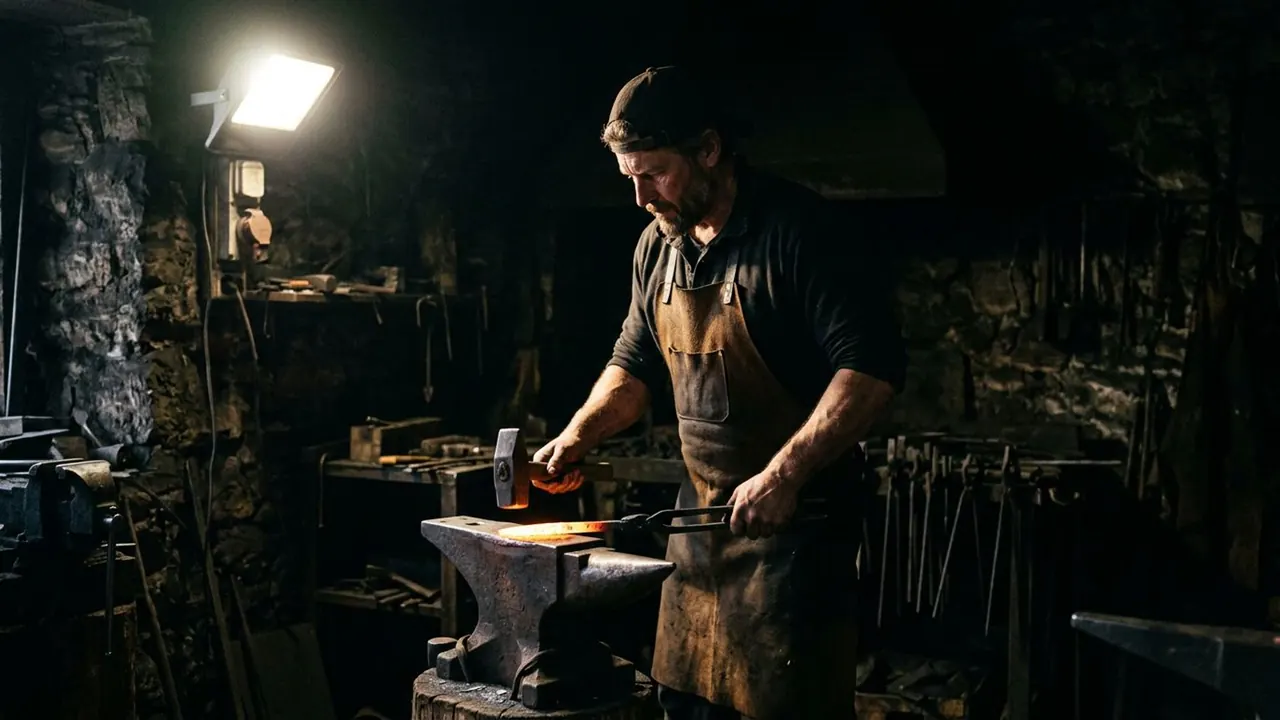
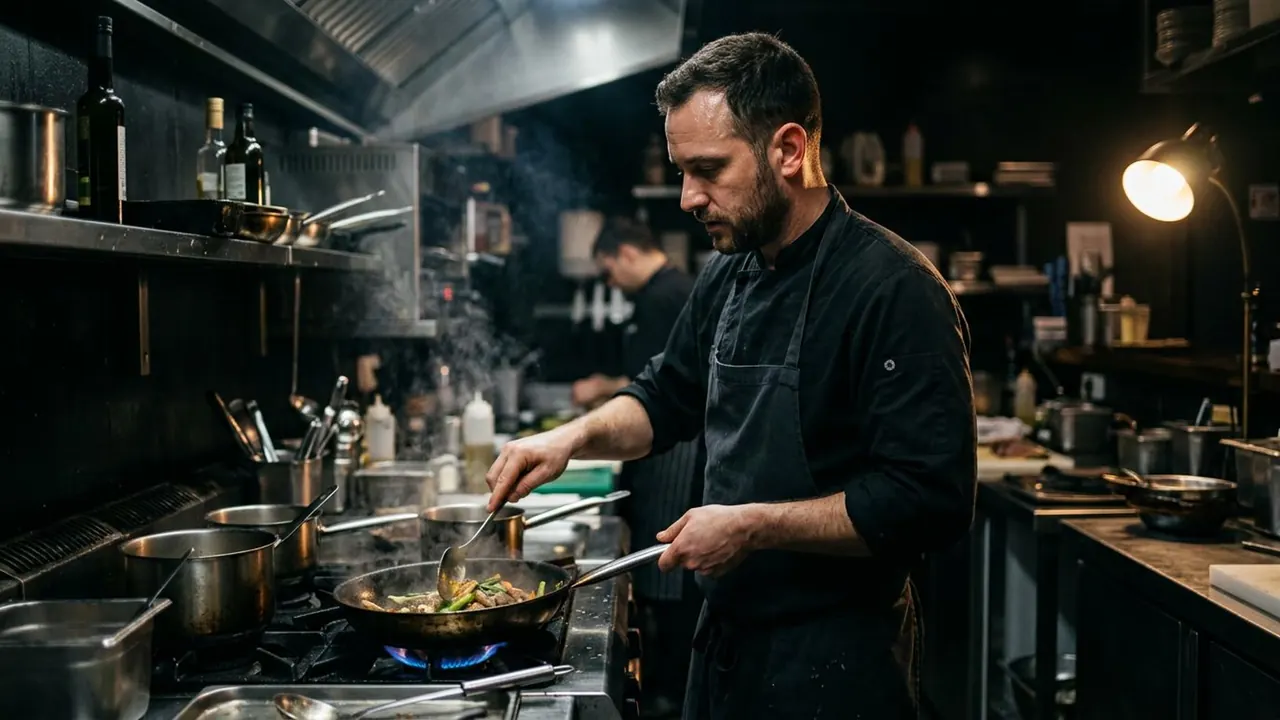
The key goes about forty five degrees off the lens and slightly above eye level. The fill goes on the opposite side, close to the camera, soft and dimmer. The back light goes behind and above, aimed at the head and shoulders.
The ratio between key and fill is the only real variable. Bring the fill up and the setup reads as friendly daytime. Take it down and the same three positions read as drama.
The back light has to stay off the face. Its job is the edge, so it belongs behind the subject's shoulder line, not swung round where it starts lighting the cheek.
When to use it
Use it when the lighting should be correct rather than interesting: a talking head, an explainer, a testimonial, anything where the viewer has to watch a person and nothing else.
Move off it when the room is supposed to have a mood. Three point lighting is designed to look like nowhere in particular, so it fights a scene that depends on a practical lamp, a window or a dark corner.
Told apart from its neighbours
A key light on its own is one of the three. Naming a key gets you shape and a shadow side. Naming three point lighting gets you shape, a controlled shadow and separation from the background, which is a complete setup rather than a single unit.
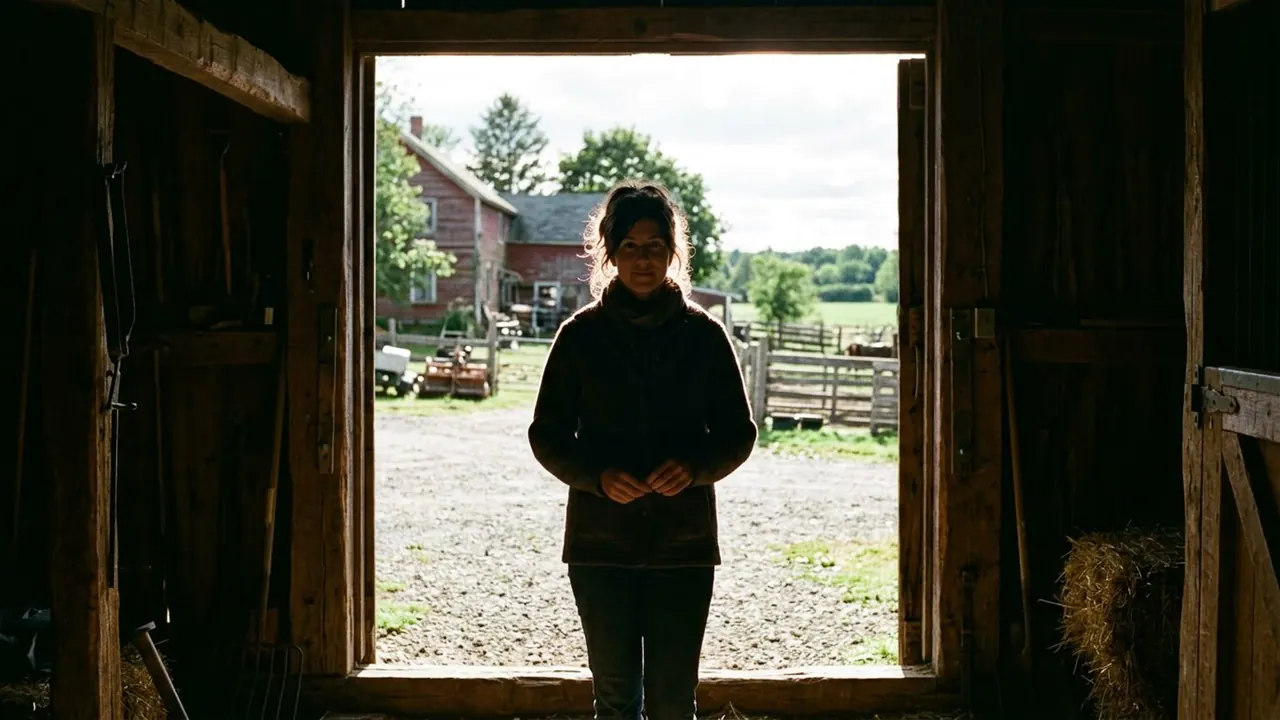
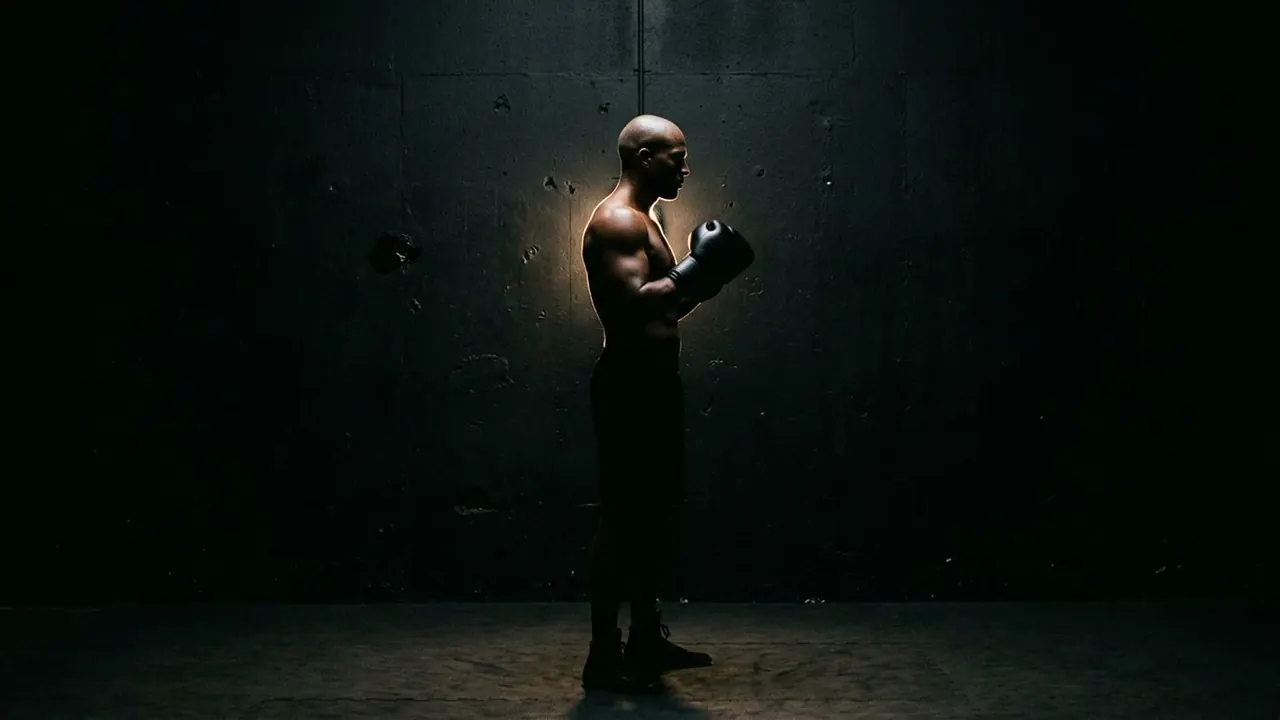
The check is the background. If the subject's outline disappears into the wall behind them, there is no back light, and what you have is a key with some fill.
The prompt
Replace the blanks, keep the rest. Then run it on a video model.
three point lighting on <subject>, key from one side, soft fill opposite, back light separating from the background
What goes wrong
Models hear three lights and give you flat television lighting with no shadow anywhere. Say the key side and the shadow side explicitly, and give the fill a limit.
The other failure is no separation. Ask for the back light by its job: a rim on the head and shoulders that lifts the subject off the background.
Leave out
single source, flat light
Watch for
It is the safe setup. Name it when the lighting should be correct rather than interesting.
Questions
Shoot it
Pay for the one run. No subscription, and the price is on the model page before you sign in.
Next to it in the standard setup