Two Color
- Color isolation
- Spot color
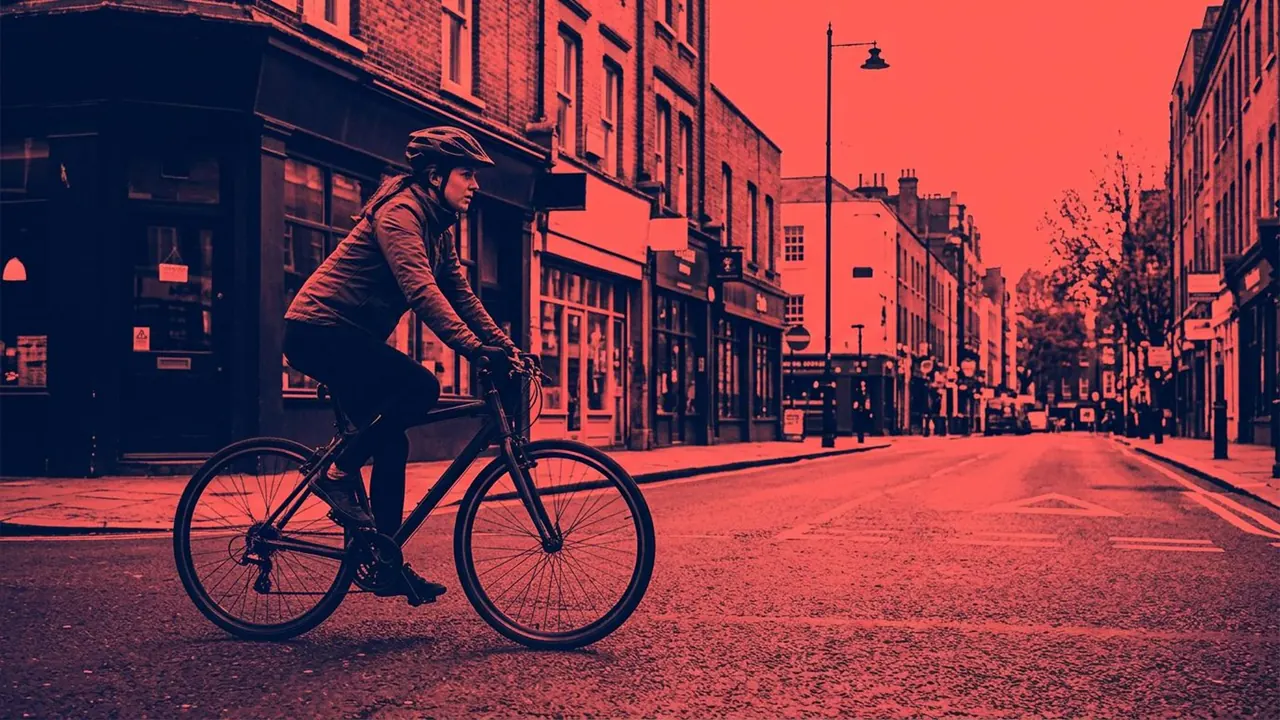
The frame is reduced to two colours and nothing else.
Opens a video model with the prompt in it. The price is on the page before you sign in.
What it is for
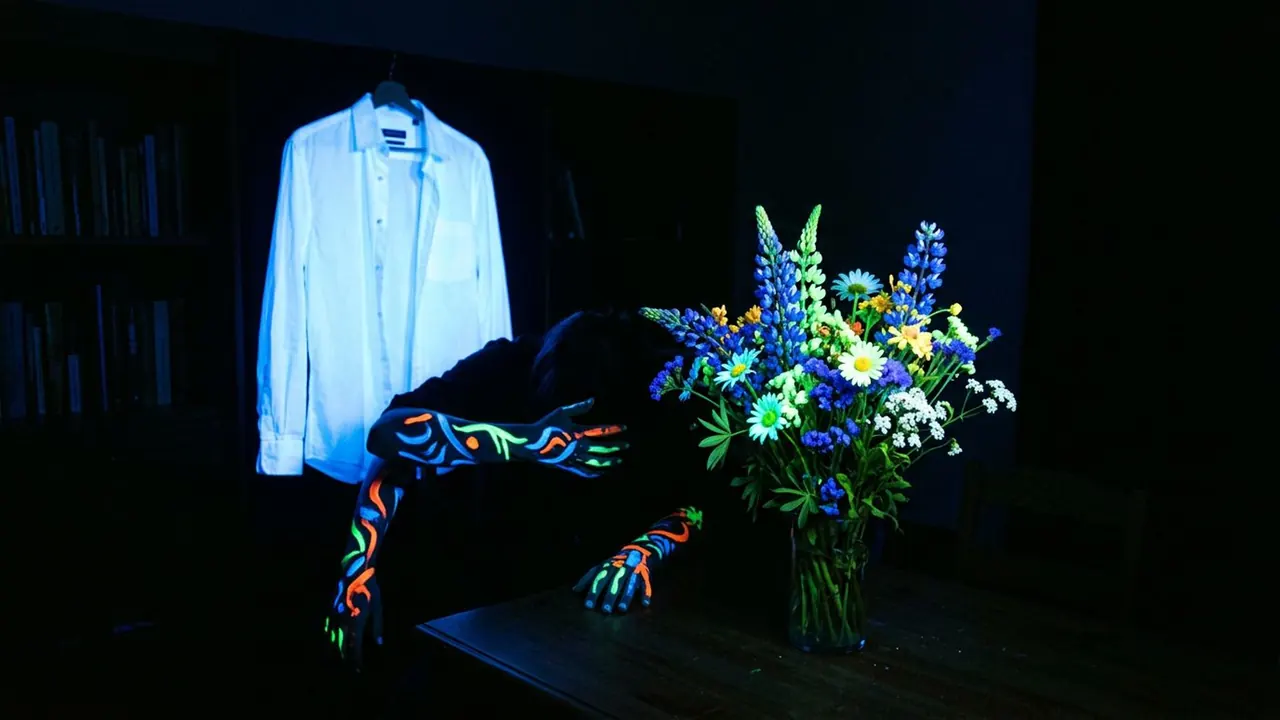
Removing every colour but two turns the frame into a decision. What is coloured is important and what is not has been set aside, and the audience reads that hierarchy immediately.
It survives compression and it survives thumbnails. A two colour frame is legible at any size, which is more than most palettes manage.
How it works
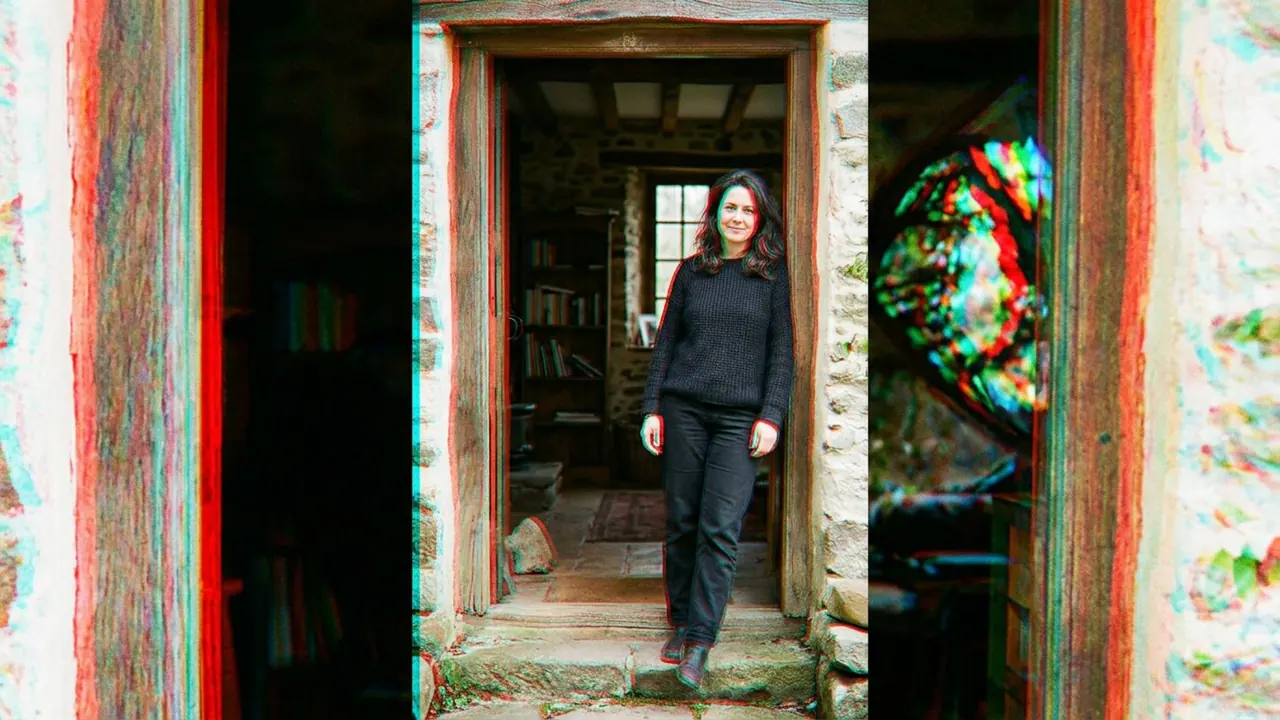
Every hue outside the chosen pair is removed rather than muted. Skin, sky and foliage all drop out, and what is left reads as a graphic rather than a photograph that has been graded.
The division between the two colours wants to be hard. Midtones between them soften the split and the frame drifts back toward an ordinary duotone image.
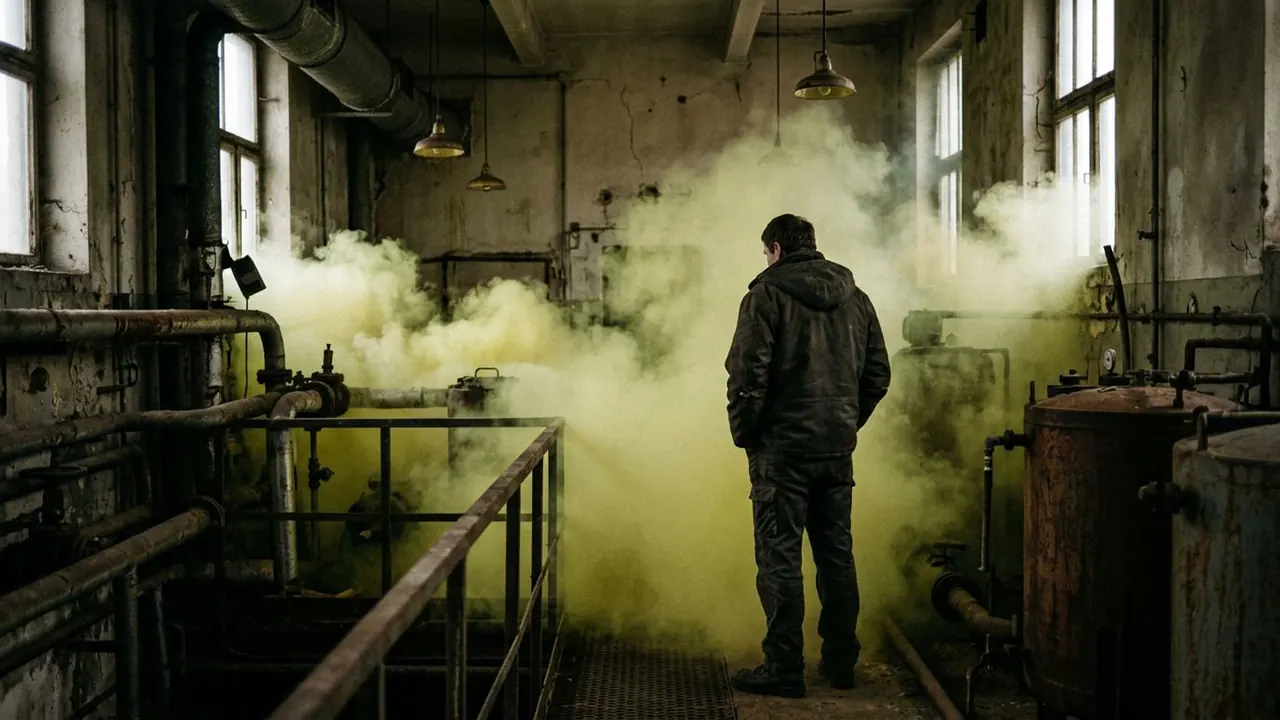
A spot colour version keeps the frame monochrome and lets one object hold its colour. That is the same decision made from the other direction, and it is the form most films use.
When to use it
Use it for titles, posters and any shot that has to work small. It also suits a single object you want the audience to follow through a scene.
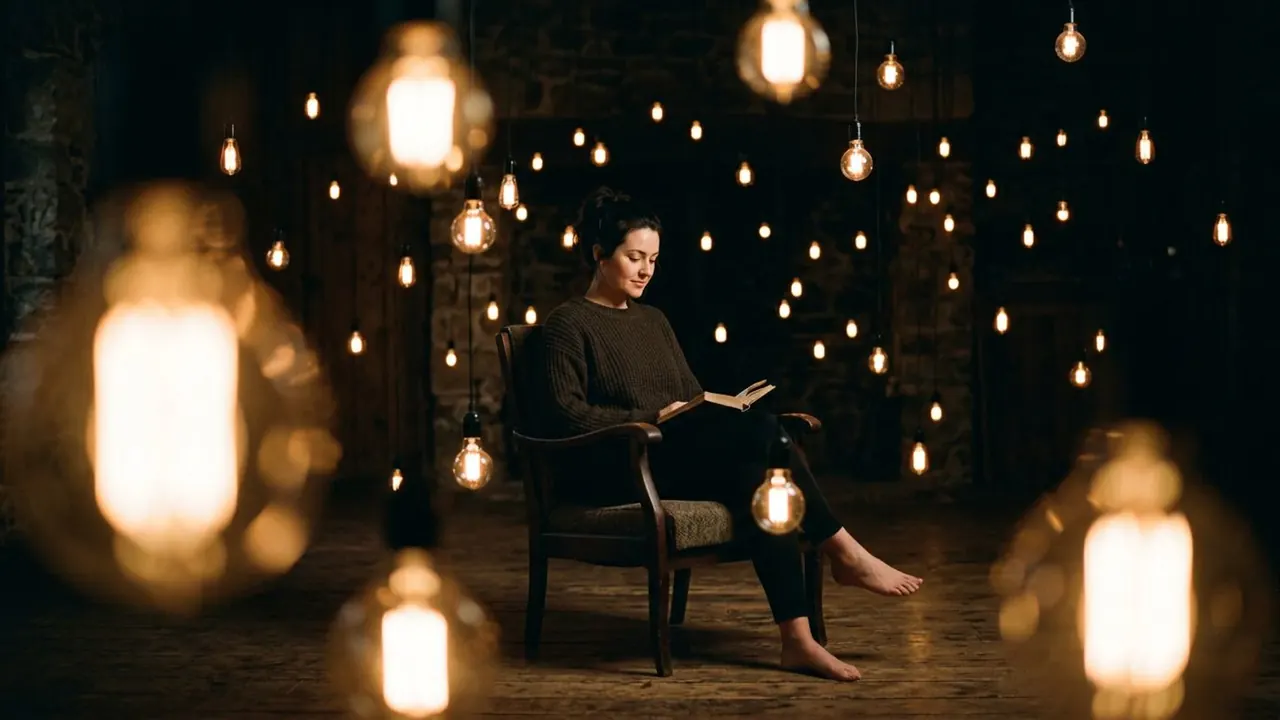
Skip it when the scene depends on material or skin. Both need a range of related hues, and both come back wrong under two colours.
Told apart from its neighbours
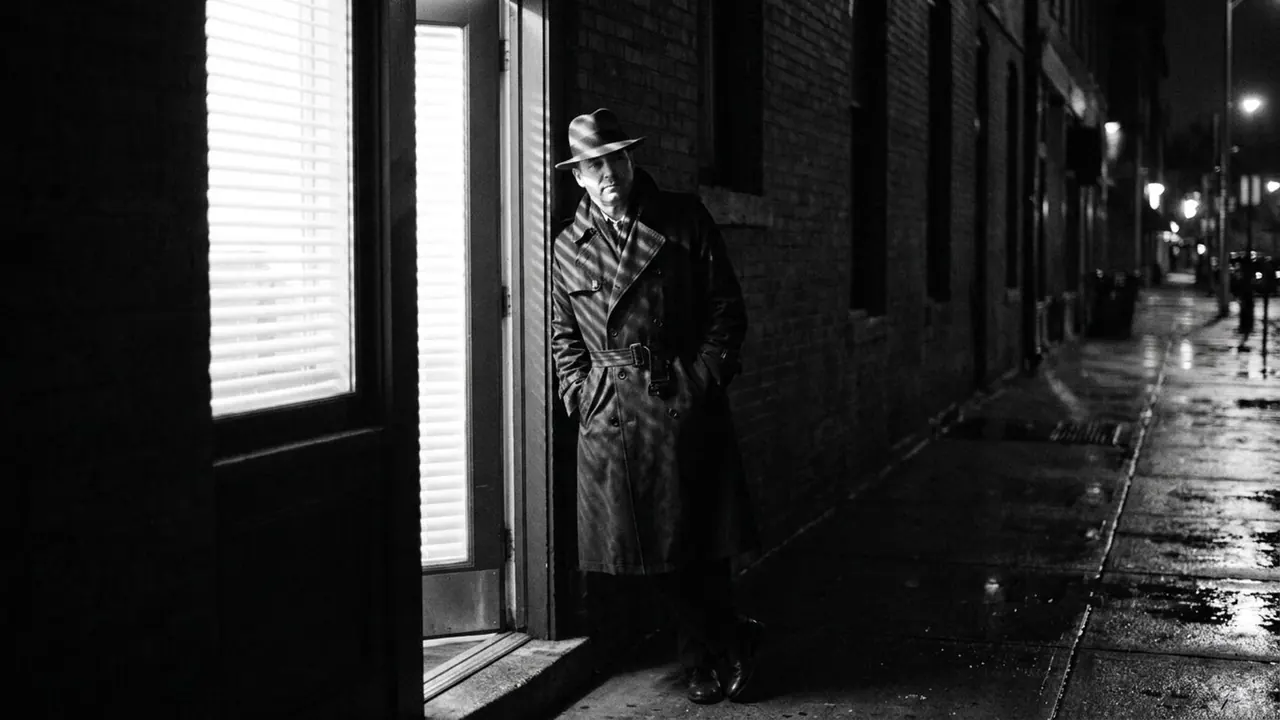
Monochrome removes all colour and lets tone alone carry the image, from deep black to clean white. Nothing is coloured.
The check is how many hues survive. None means Monochrome. Exactly two, with nothing between them, means Two Color.
On film
Schindler's List (1993) is shot in black and white and gives one coat its red, so the eye follows that one object through a crowd. Pleasantville (1998) starts monochrome and lets colour arrive piece by piece, and Sin City (2005) holds a near black and white frame while letting a dress or a pair of eyes keep their hue.
- Schindler's List (1993)
- Pleasantville (1998)
- Sin City (2005)
The prompt
Replace the blanks, keep the rest. Then run it on a video model.
<subject> rendered in only <colour A> and <colour B>, every other hue removed, hard division between the two, no midtones between them
What goes wrong
The model chooses the pair for you and usually lands on teal and orange, which is the trap the entry warns about. Name both colours explicitly in the prompt.
The other failure is a gradient between the two. Ask for a hard division with no midtones, and ban the full spectrum, or the frame slides back into a normal grade.
Leave out
full spectrum, gradient
Watch for
Name both colours. Bare two-colour leaves the pair to the model.
Questions
Shoot it
Pay for the one run. No subscription, and the price is on the model page before you sign in.
Next to it in colour pushed hard