Pixel Art
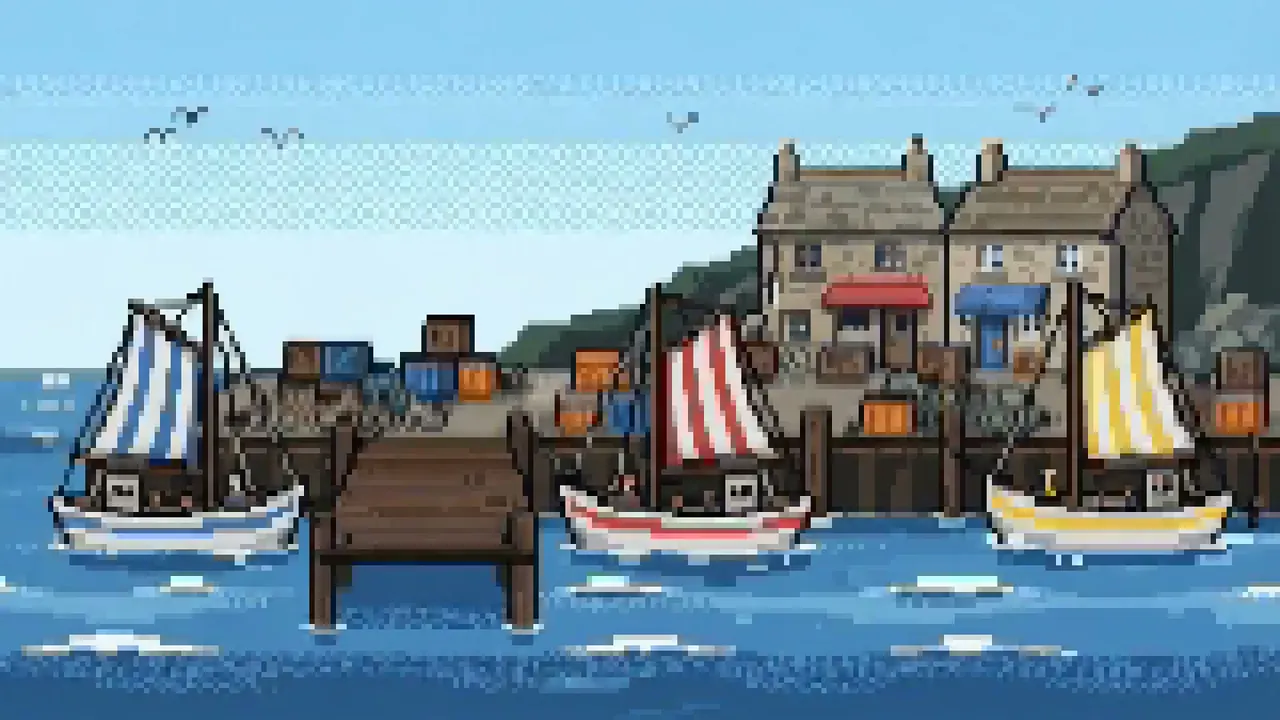
The image is built from a coarse grid of visible pixels.
Opens a video model with the prompt in it. The price is on the page before you sign in.
What it is for
The image is made of squares you can count. That constraint is the style: every shape has to survive being described in a handful of pixels, and the decisions show.
It also carries a period. Coarse grids and small palettes belong to hardware that could not do more, so the look reads as a specific era of computing rather than as a filter.
How it works
A coarse grid with hard edges and no anti-aliasing. Every pixel is a deliberate colour, and the step on a diagonal line is visible and intentional.
A limited palette, often a few dozen colours or fewer. Shading is done by dithering, which means alternating two colours in a pattern rather than mixing a third.
Resolution is the first decision. Pick a low canvas size and let it scale up with hard edges, because a high resolution image with a pixel filter over it reads as an imitation.
When to use it
Use it for games, for a retro computing reference, and for anything that gains from a constrained palette and a readable silhouette.
Skip it when detail matters. The grid removes most of it, and adding detail back defeats the constraint the style runs on.
Told apart from its neighbours
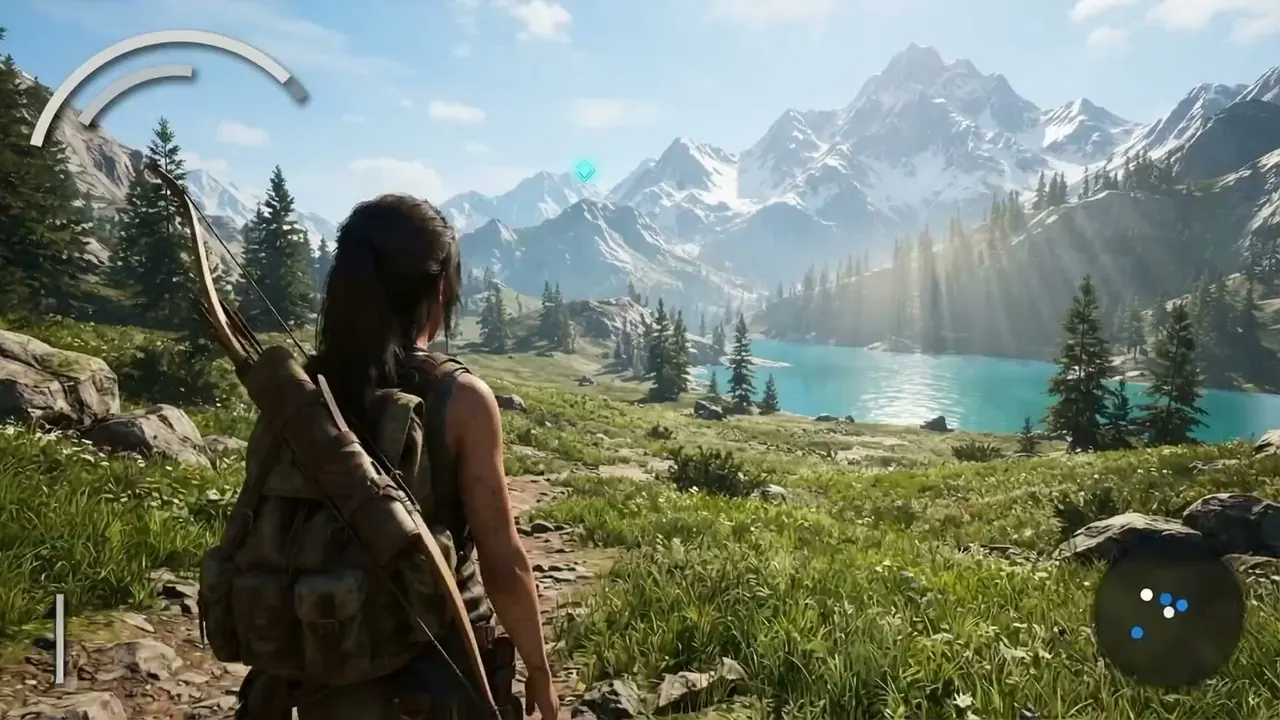
A game engine render has real-time lighting, smooth surfaces and an interface at the frame edge. Pixel art has none of those and works at a resolution a render would never use.
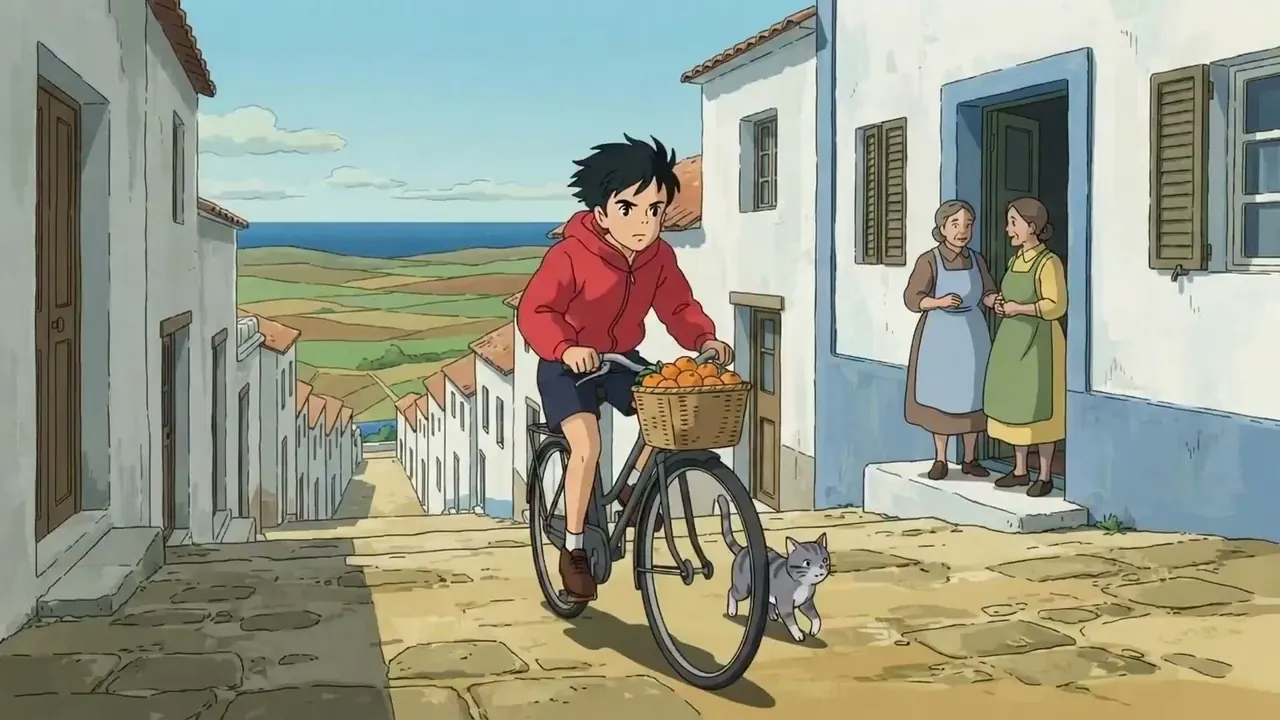
Animation draws at whatever resolution it likes, with smooth lines and painted shading. If the edges step visibly and the palette is small, the name is pixel art.
The prompt
Replace the blanks, keep the rest. Then run it on a video model.
pixel art <subject>, coarse visible pixel grid, limited palette, hard edges, no anti-aliasing, low resolution rendering
What goes wrong
The model smooths the edges. Anti-aliasing is what makes fake pixel art look wrong, so ban it explicitly and ask for hard edges with no blending.
The second failure is too many colours and too much resolution. Say low resolution rendering and a limited palette, and name a rough pixel size if you have one in mind.
Leave out
smooth gradient, high resolution
Watch for
Ban anti-aliasing. Soft edges are what make fake pixel art look wrong.
Questions
Shoot it
Pay for the one run. No subscription, and the price is on the model page before you sign in.