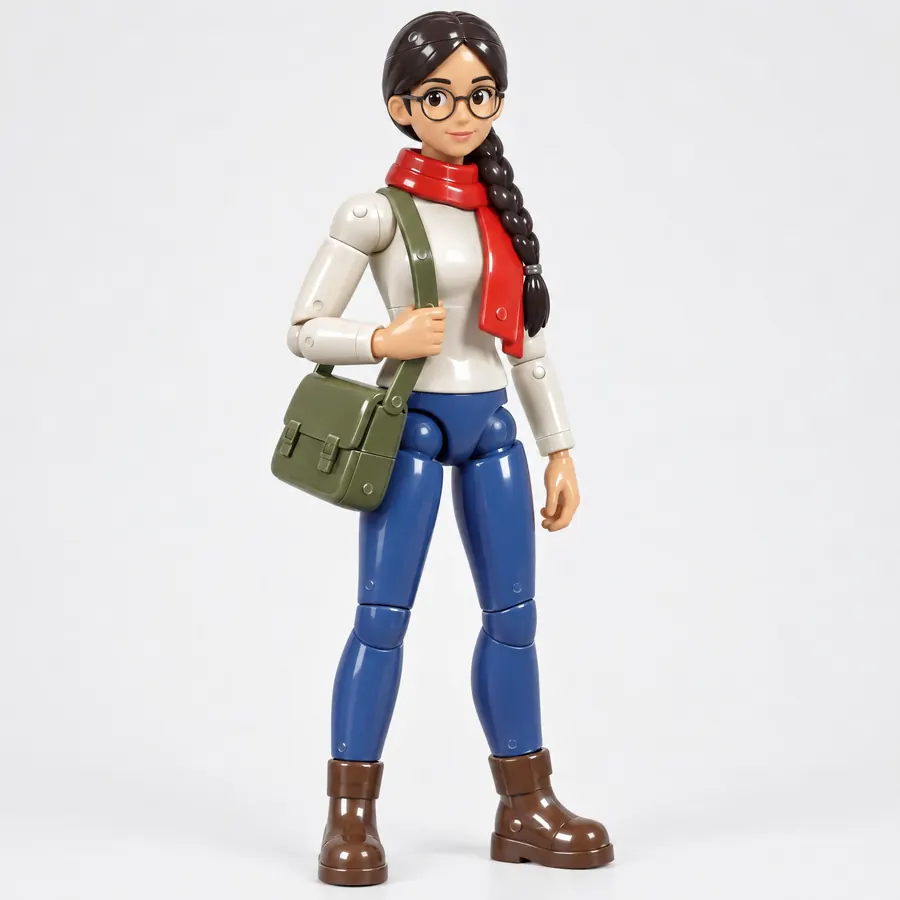
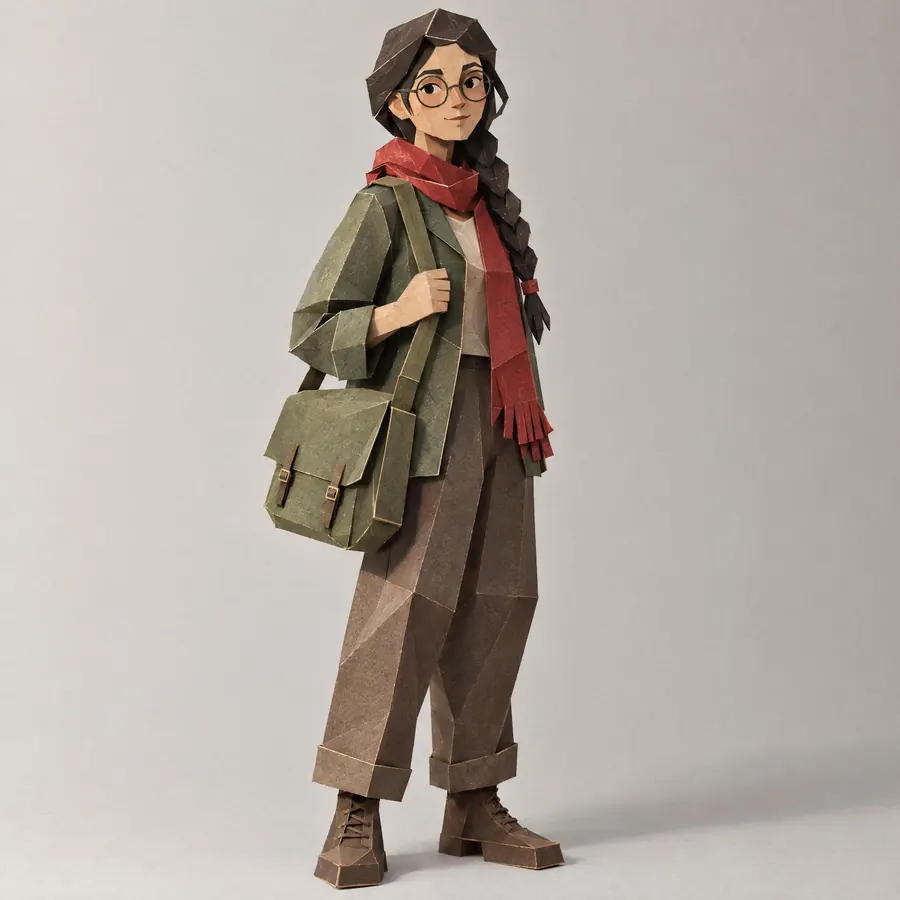
Clay Render
- clay shader
- matcap clay
- grey render
- AO pass
One matte material on everything, so only the form and the shadow show.
Opens an image model with the prompt in it. The price is on the page before you sign in.
What it is for
Stripping colour and texture leaves only form, which is why studios review models this way. It also looks expensive and calm, so it escaped from the review room into finished work.
How it works
One matte material covers everything. A large soft light gives an even falloff with no hot spot. Ambient occlusion darkens every crease and every point where two surfaces meet, which is what describes the form. There are no reflections at all.
When to use it
Use it to show a shape, a product or an idea without committing to colour. Avoid it when the subject is material, because this style removes material by definition.
Told apart from its neighbours
Claymation is a photograph of real plasticine, with fingerprints, asymmetry and a real lens. Subsurface Character adds light passing through the surface. Stylised PBR keeps real materials and a key light.
Where it is used
It carries a portfolio page, a product concept, a design review and any image about form rather than finish.
- Design reviews and modelling portfolios
- Product concepts and architectural studies
The prompt
Replace the blanks with your own character, keep the rest. Then run it on an image model.
<character>, clay render style, the entire model in one single matte clay material with no colour variation and no texture anywhere, soft even studio light from a large source, deep ambient occlusion darkening every crease and contact point, a very slight warm grey tone, no reflections and no specular highlight, a plain seamless background in the same tone, the geometry doing all of the work
What goes wrong
A picture of real clay with fingerprints comes back. Say render, one uniform matte material, no fingerprints and no unevenness.
Leave out
colour, texture maps, reflections, specular highlights, fingerprints, a photographic background
Watch for
It is a render, not clay. Ask for no fingerprints and no unevenness, because those belong to real plasticine and having both makes the picture read as neither.
Questions
Draw it
Pay for the one run. No subscription, and the price is on the model page before you sign in.