
Spotlight search
Find any model, tool or page and jump to it.

curl -fsSL visualsandbox.com/install.sh | sh && vsb setupOr paste the prompt into Claude Code — it installs the CLI, signs you in, and runs your first render.
Bring Claude, Cursor or Codex. Copy a setup prompt and it connects itself.
Visual Sandbox for Codex
Every model, over one MCP server. No API key.
codex mcp add visual-sandbox --url https://visualsandbox.com/mcp91 models · No API key · Pay per run · First $1 free

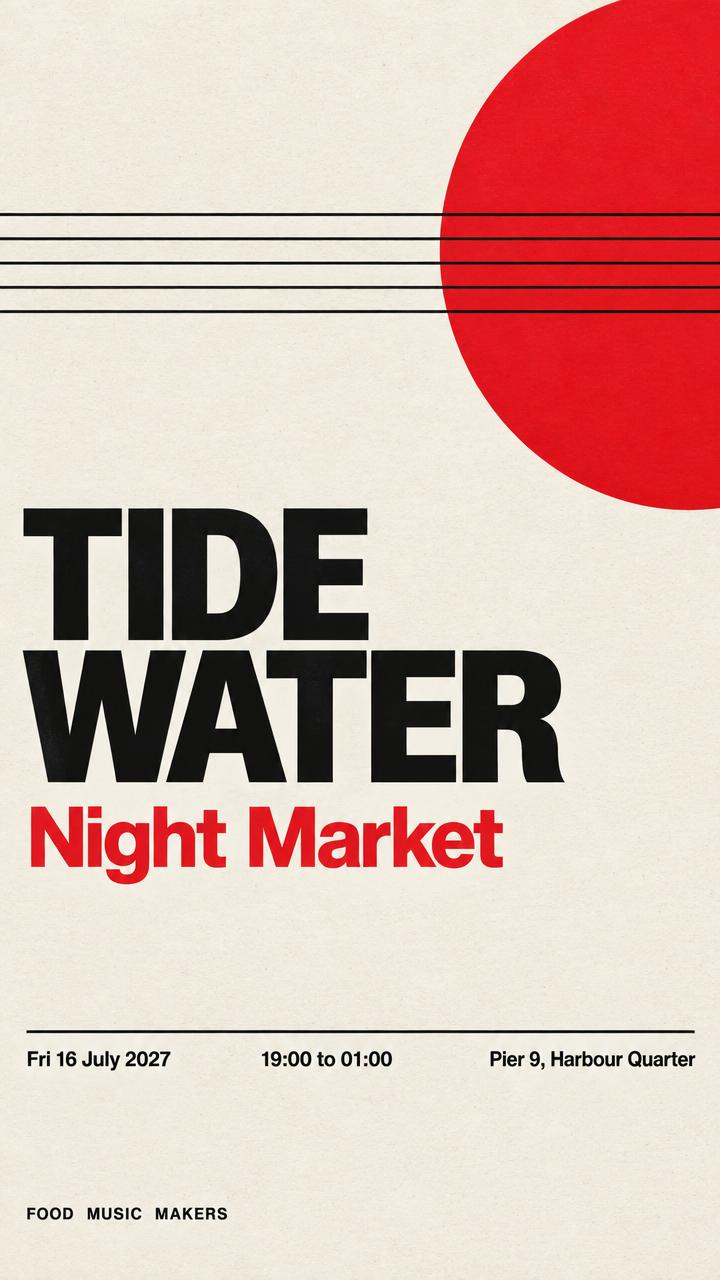

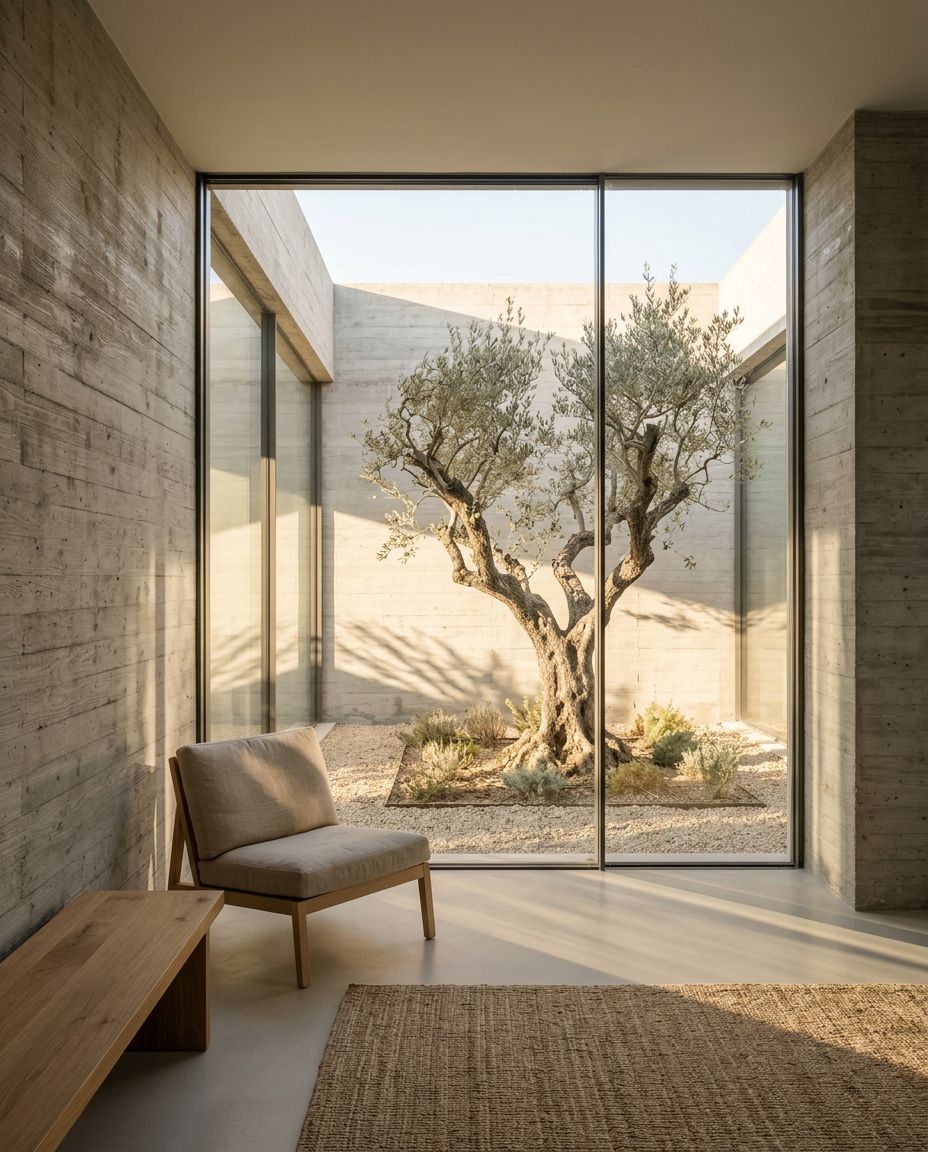


The agent knows what looks good. Ask in plain words. It picks the model and writes the prompt for it.
A cosy photo of a sage green mug for my shop page.
Amateur phone photo of a matte sage-green ceramic coffee mug with a small cork lid, sitting on a light oak kitchen table next to a folded linen napkin. Slightly off-centre framing, shot from a 30 degree angle above. Shot on iPhone, main lens about 26mm, natural window light from the left.
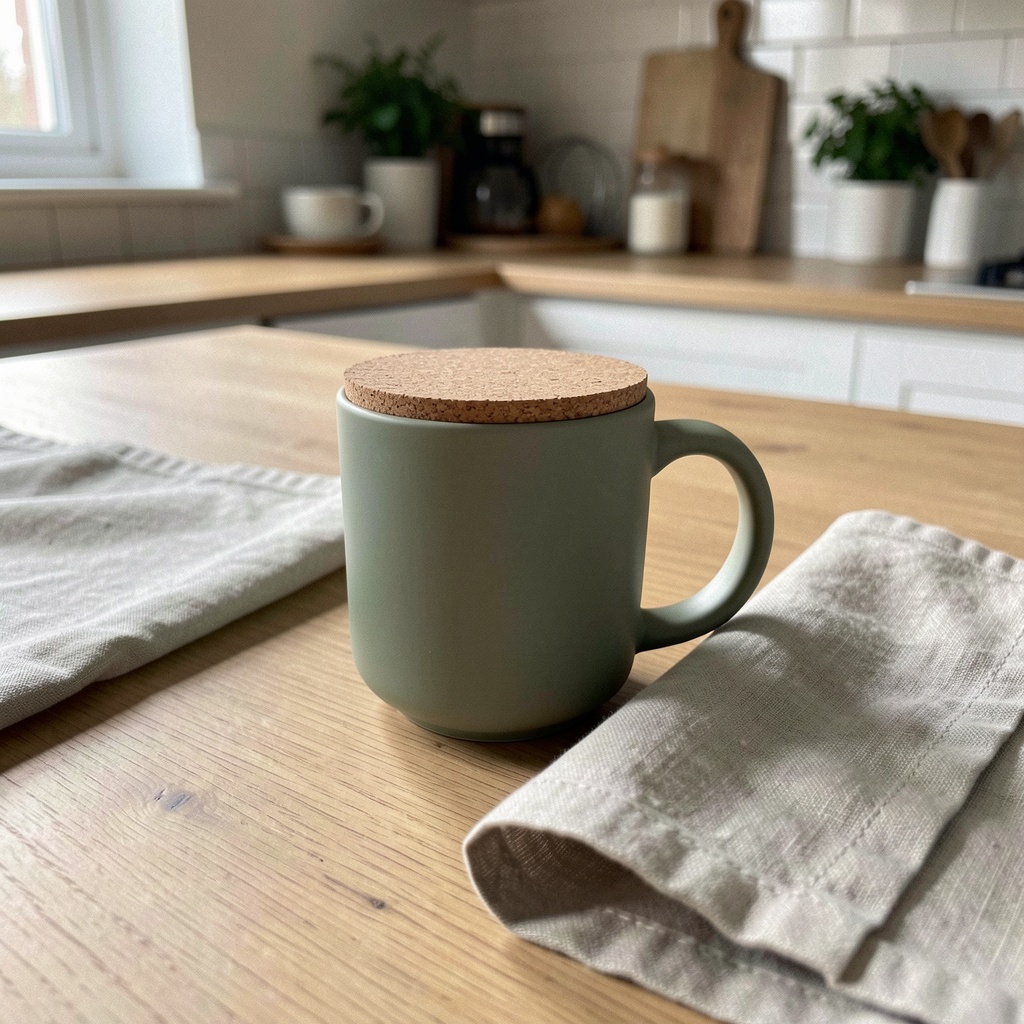 FLUX.2 Klein 9B$0.02
One URL. Every model. Nothing to install. Your agent signs in with your browser.

Every model
Image, video, audio, 3D and vector, with the price of each.
list_modelsThe price first
Your agent can price a run before it starts it.
estimate_costPrompt guides
It reads how to prompt a model before it writes the prompt.
get_skillVideo edits
Join clips, add sound and captions, and trim.
join_clipsDesigns
Web pages, screens and SVG drawings. Export them as HTML, React or SVG.
create_designNo key
OAuth sign-in in the browser. Nothing to paste or rotate.
https://visualsandbox.com/mcp
Set it up in three steps. Or paste one prompt, and your agent does them for you.
- 01
Add the server
One command adds it to Codex.
codex mcp add visual-sandbox --url https://visualsandbox.com/mcp - 02
Sign in
Your browser opens. Press Approve. There is no key to paste.
codex mcp login visual-sandbox - 03
Ask
Say what you want in plain words. The agent picks the model and writes the prompt.
Set up Visual Sandbox (visualsandbox.com) in Codex so you can generate images, video and audio for me.

1. Add the server: codex mcp add visual-sandbox --url https://visualsandbox.com/mcp
2. Sign in: codex mcp login visual-sandbox — it opens the browser. Ask me before you approve anything on my behalf.
3. Confirm with codex mcp list. If visual-sandbox is not connected, stop and tell me what failed.
4. Do not generate anything yet. Every run costs credit, so ask me what to make, price it with estimate_cost, and wait for my yes.
Three ways in. The same models at the same price, whichever you pick.
For the terminal, for scripts, and for any agent that runs commands. It also edits video on your machine.
Set it upFor Claude, Cursor, Codex and any app that speaks MCP. Nothing to install.
This pageFor Claude Code. One install adds the MCP server, four commands and the prompt guides.
Set it upPay per run. The price shows before you make anything. A quiet month costs nothing.
Your first $1 is on us.
Start freeSee every price

Frequently asked
Ask for any visual.
codex mcp add visual-sandbox --url https://visualsandbox.com/mcp