Macro texture
- detail shot
- texture crop
- material close-up
One small part of the product fills the frame so the material reads.
Opens an image model with the prompt in it. The price is on the page before you sign in.
What it is for
Texture is the one thing a shopper cannot check through a screen, so the detail crop does the work a hand would do in a shop. A weave, a grain, a brush mark or a stitch line tells them what the thing is made of.
It also fills a gallery. Most listings need five or six images, and a product only has so many angles. Two good texture crops carry a page that a sixth packshot would waste.
How it works
Light from the side, almost along the surface. A raking light at ten or twenty degrees to the material gives every fibre and ridge its own small shadow, and the small shadows are what the eye reads as texture.
Kill the light at the camera. A ring light or an on-camera flash fills those small shadows in and the surface goes flat, which is the single most common fault in a detail shot.
Set the camera square to the surface at the distance the lens focuses closest, and accept a narrow plane of focus. At this distance the depth of field is a millimetre or two, so choose which ridge is sharp.
Let the material run out of frame on all sides. A detail crop with a visible outer edge turns back into a photograph of a small object, and the background behind it stays plain and dark.
When to use it
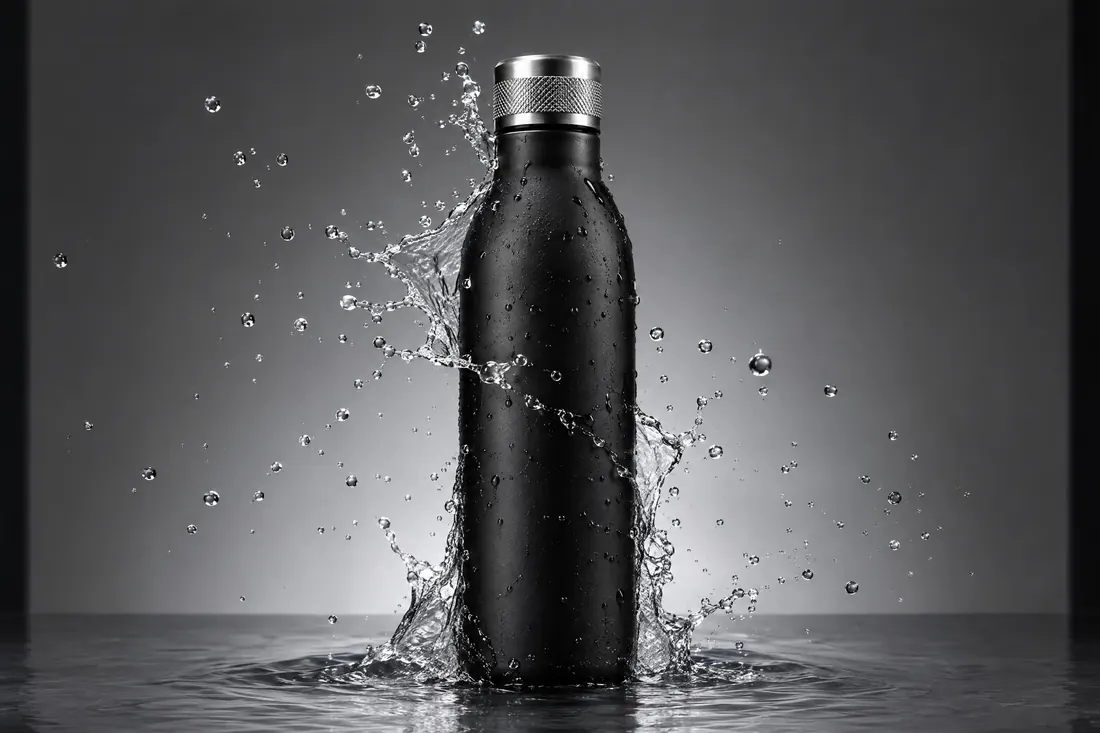
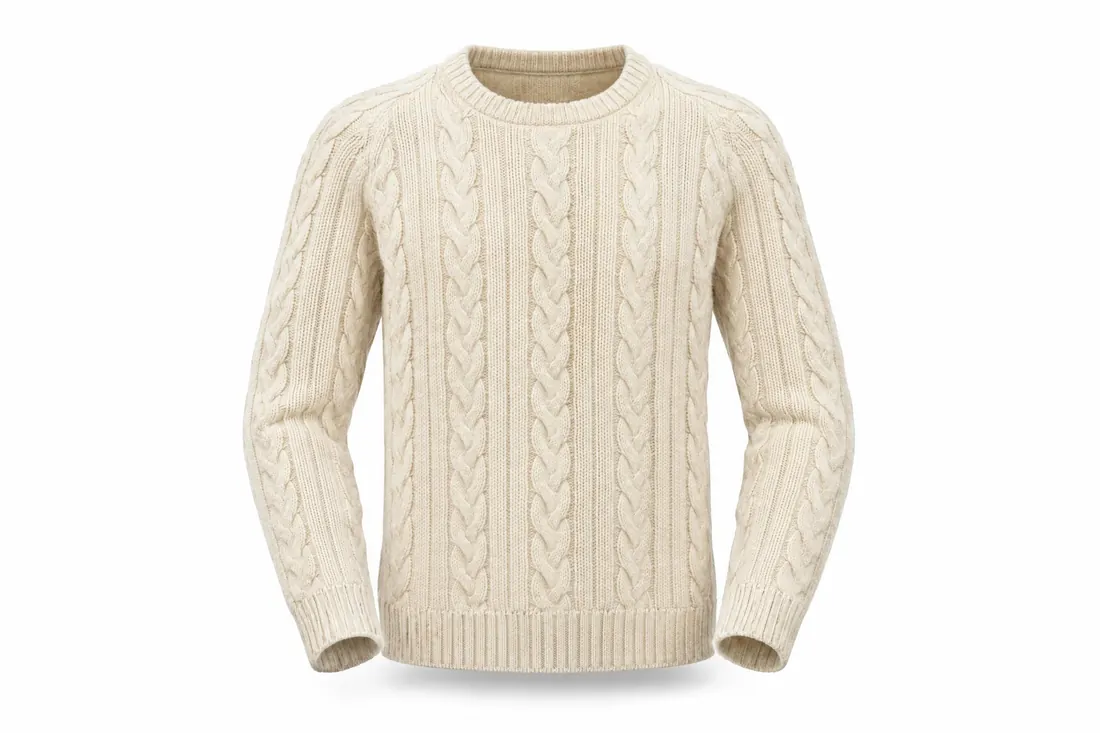
Use it for anything sold on its material: cloth, leather, wood, paper, ceramic, a knife edge, a printed finish, condensation on a cold can.
Leave it alone as a first image. A crop with no scale in it does not tell a shopper what the product is, so it belongs second or third in a gallery.
Told apart from its neighbours
Cinema lists Macro as a lens entry, and there the point is the glass: a lens that focuses at a reproduction ratio near one to one. This entry is the shot: a commercial detail crop of a product, decided by the raking light rather than by the lens.
The photography catalogue also publishes Macro photography as a genre, and that one is about small subjects in their own right, insects, flowers and the working distance they need. Macro texture is a product shot that happens to be close.
Where it is used
Nikon made the first Micro-Nikkor for a 35mm camera in 1956, and the close-focusing lens turned the material crop into ordinary studio work. Clothing sites put a weave crop beside the packshot as a matter of routine, because returns fall when the cloth is visible. Watch brands publish dial macros at every launch, where the raking light shows the sunburst brushing and the applied indices. Drinks advertising has used the condensation crop on a cold can since the 1960s, and the beads are usually glycerine and water rather than real condensation, because real drops run.
- fabric swatch listings
- watch dial close-ups
- coffee bean packaging
The prompt
Replace the blanks with your own subject, keep the rest. Then run it on an image model.
extreme close-up of <material detail on the product>, the detail filling the whole frame, macro texture shot, raking side light from the left at a very low angle so every fibre and ridge casts its own small shadow, no light from the camera position, plain dark background behind, a narrow plane of focus across the middle with the near and far edges soft, the edge of the material running out of frame on both sides
What goes wrong
The surface comes back flat and smooth. The light is coming from the camera. Say raking side light at a very low angle, and say no light from the camera position.
The whole product appears in the frame. Say extreme close-up, say the detail fills the whole frame, and say the material runs out of frame on both sides.
Leave out
flat frontal light, a ring light, the whole product in frame, deep focus across everything, added grain, a visible seam or logo
Watch for
Raking side light makes texture. Light from beside the lens flattens the same surface to nothing.
Questions
Shoot it
Pay for the one run. No subscription, and the price is on the model page before you sign in.