Vintage
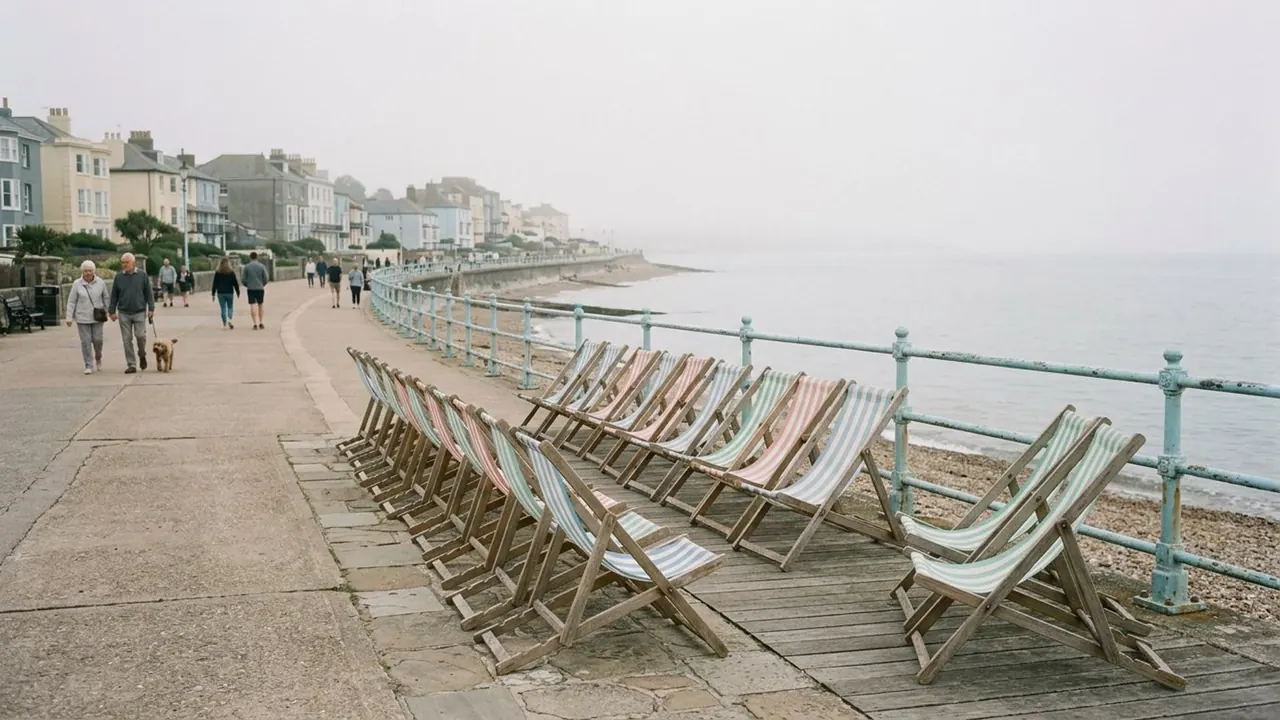
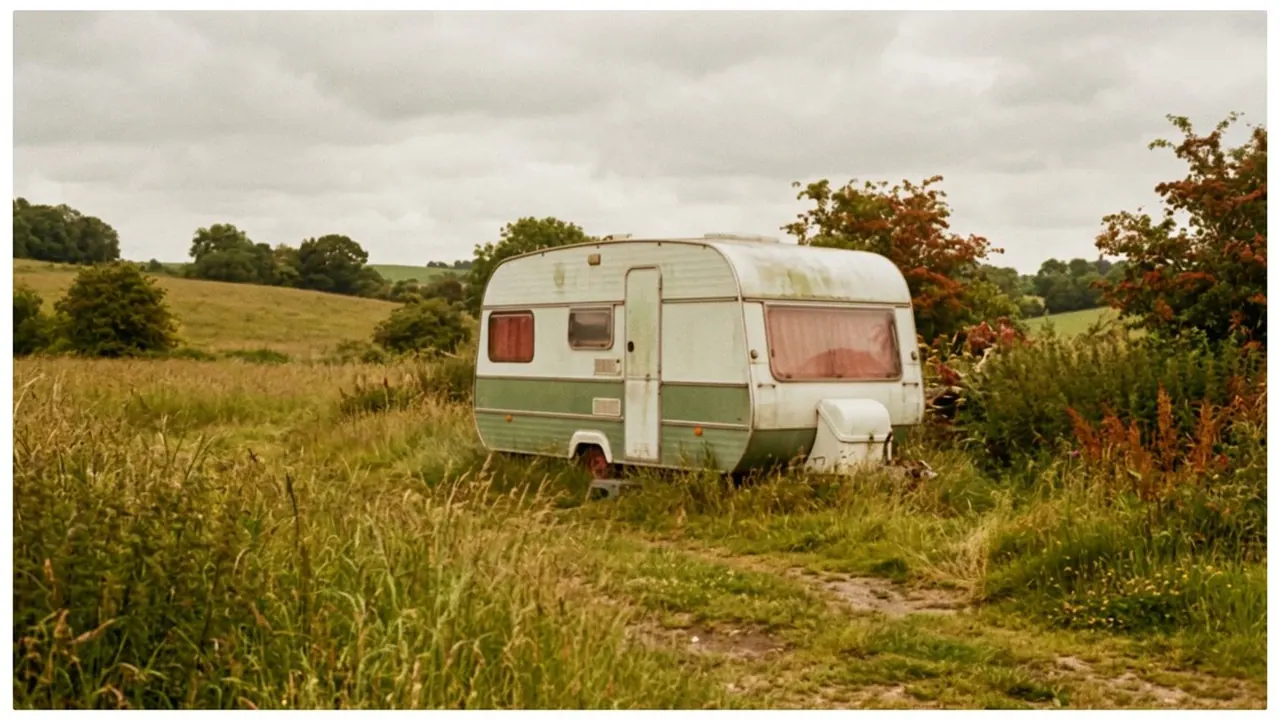
The colour behaves like film stock that has aged on the shelf.
Opens a video model with the prompt in it. The price is on the page before you sign in.
What it is for
Film dyes fade at different rates, so an old stock does not simply lose colour. It shifts, usually toward warm highlights and green or cyan shadows, in a way that reads immediately as a particular era.
Copying the shift gets you a period without a period set. A modern street graded to 1970s stock looks older than the same street graded to 1990s stock, and nothing in the frame has to change.
How it works
Highlights warm and shadows cool, by different amounts depending on which stock you are copying. The midtones usually lose a little saturation, and contrast comes down slightly.
Grain is part of it. Older stocks are coarser, so a clean digital frame with an aged grade still looks modern until some texture is added.
Naming the decade does most of the work. A 1970s look leans warm and soft with heavy grain. An early 1990s look is cleaner and cooler with more contrast. The word vintage on its own picks one at random.
When to use it
Use it on period pieces, on music videos, on flashbacks, and on anything that should feel kept rather than made.
Skip it when the subject is current. Aged colour and new technology in one frame read as a mistake unless the mismatch is the joke.
Told apart from its neighbours
Vintage cine glass is the lens doing the ageing. It lowers contrast, softens the corners and blooms the highlights, all of it in camera.
A vintage grade changes the colour and leaves the optics alone. If the centre of frame is sharp and only the colour looks old, the look is a grade.
The prompt
Replace the blanks, keep the rest. Then run it on a video model.
vintage film colour on <subject>, shifted dyes, warm highlights, slightly green shadows, softened contrast, gentle grain
What goes wrong
A generic warm filter comes back. Say the decade, and name both ends: warm highlights with green or cyan shadows.
The other failure is a frame that is too clean to pass. Ask for grain, and keep the contrast a little lower than a modern digital image.
Leave out
clean digital colour, neutral grade
Watch for
Name the decade. Colour ageing looks very different across eras.
Questions
Shoot it
Pay for the one run. No subscription, and the price is on the model page before you sign in.
Next to it in film and print looks