Teal and Orange
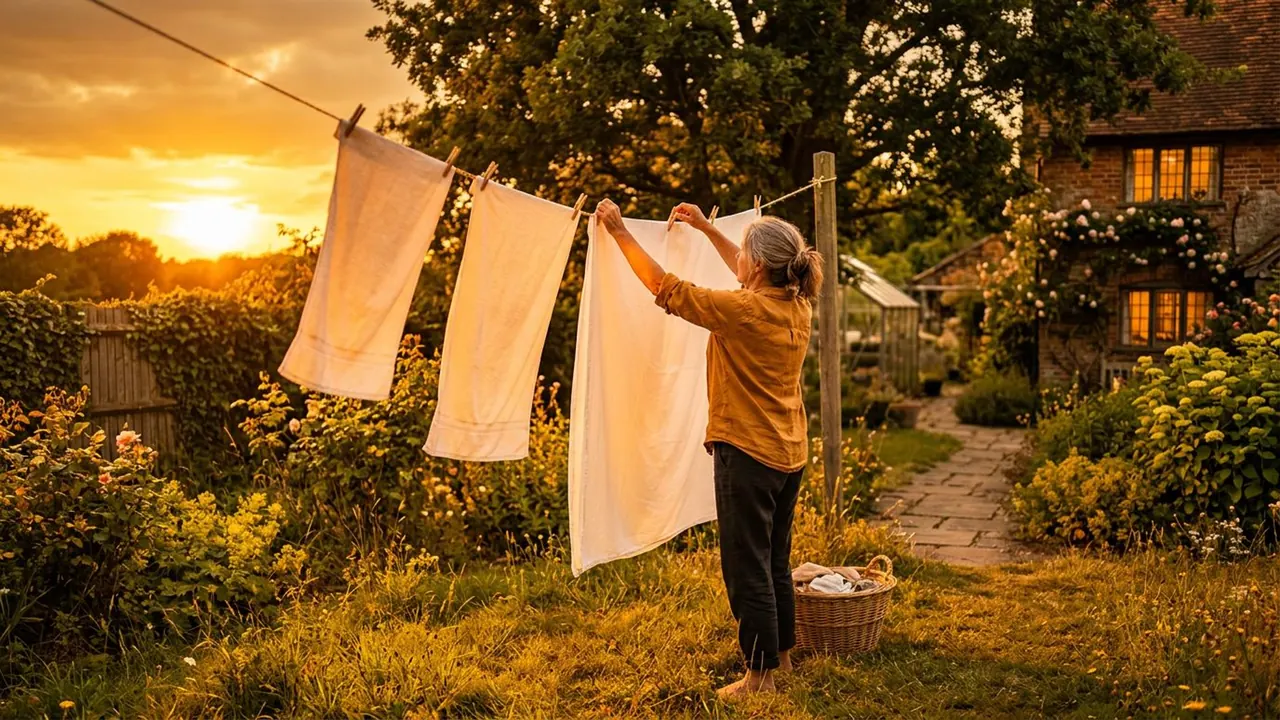
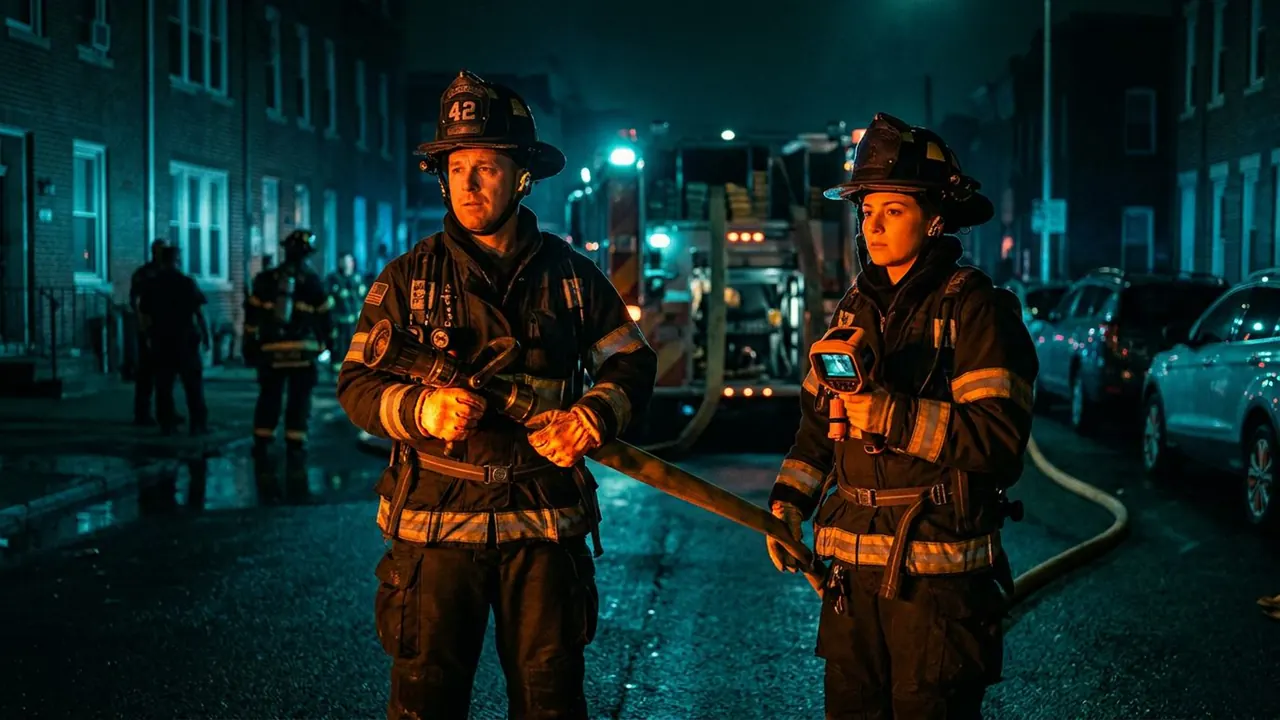
Skin holds warm and the shadows go cold blue-green.
Opens a video model with the prompt in it. The price is on the page before you sign in.
What it is for
Skin sits on the orange side of the colour wheel and teal sits opposite it. Putting the two together gives the strongest separation available between a person and the space behind them, and the eye finds the face at once.
That is how it became the default blockbuster grade. It works on any footage, it needs no cooperation from the lighting, and it makes a face read on a phone.
How it works
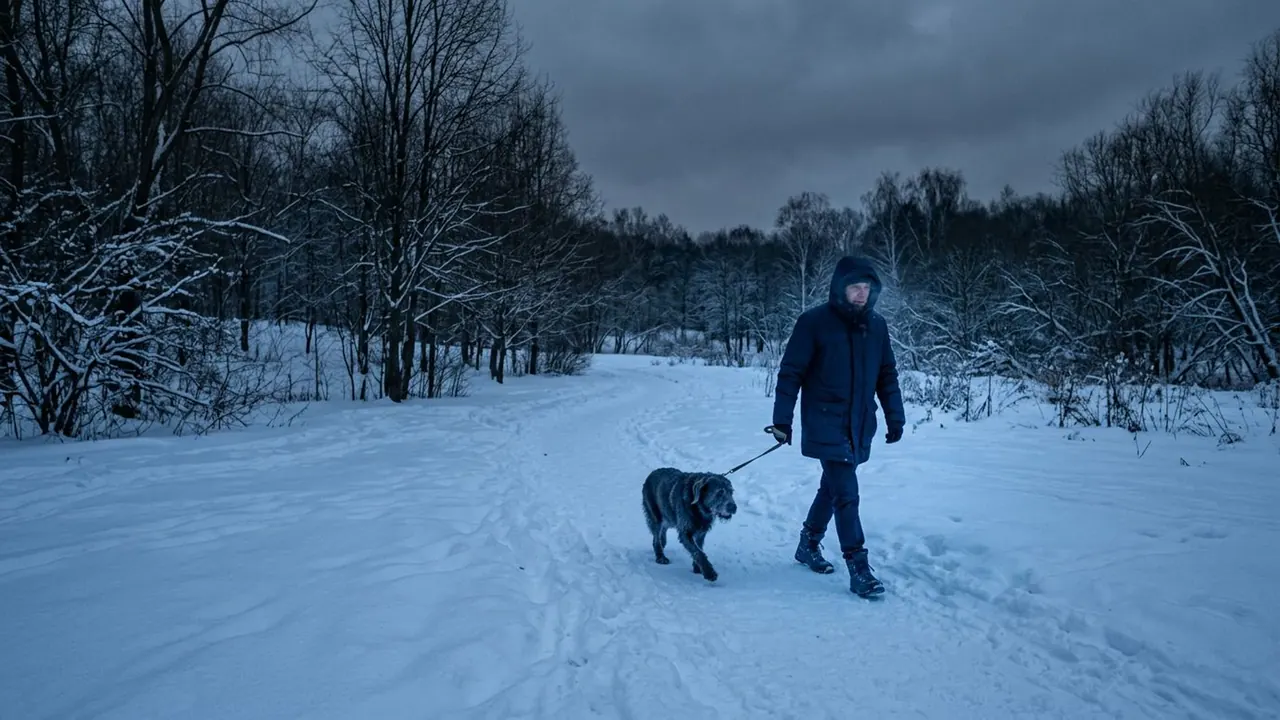
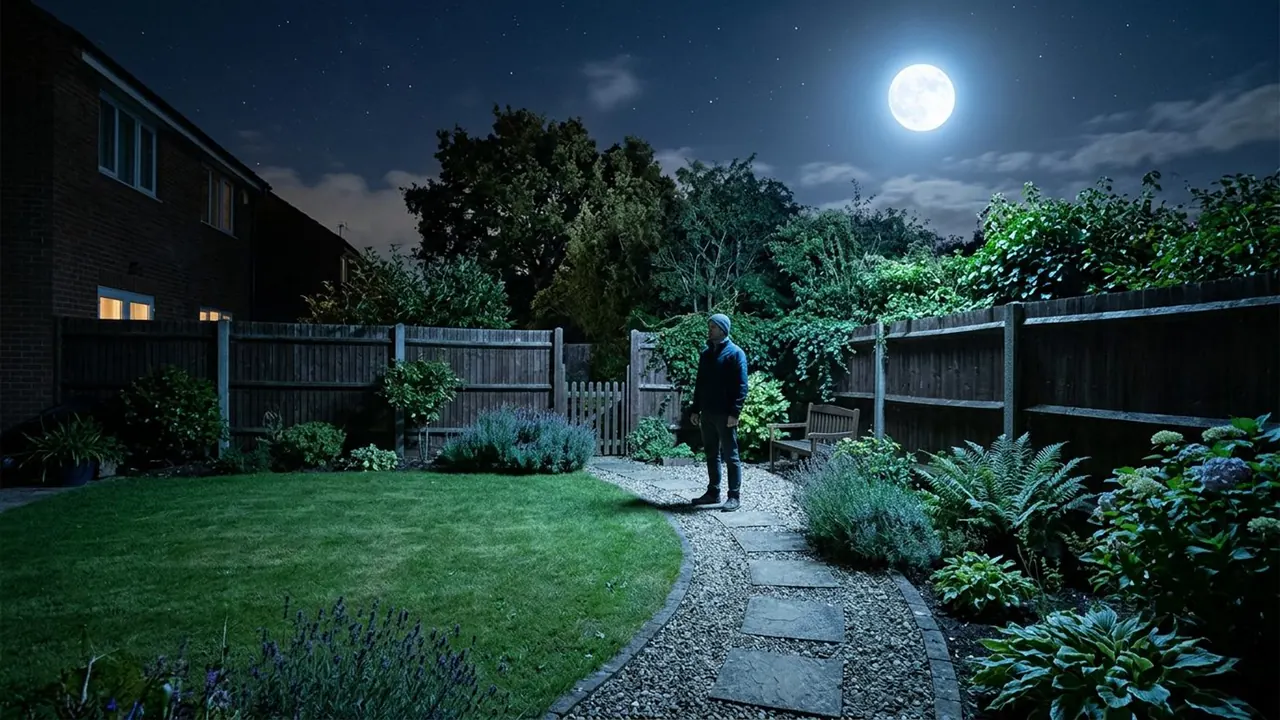
Skin tones are held or pushed warm while everything else moves toward blue-green. The split happens by brightness, with the shadows going cold, and by hue, with anything that is not skin going cold as well.
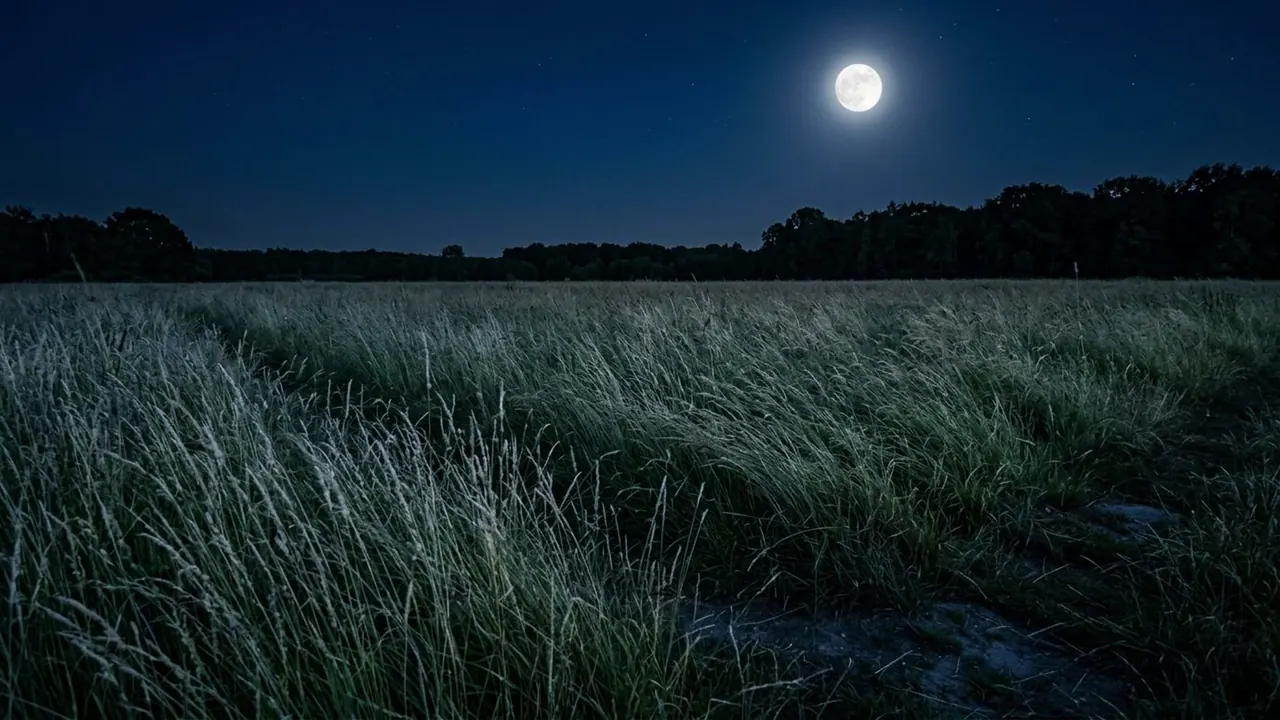
Splitting by shadow alone is the weak version. A daylight exterior has bright backgrounds, so if only the dark areas turn teal the separation vanishes exactly where it was needed. Push the background cold whatever its brightness.
Contrast usually rises with it. The two hues sit further apart once the midtones are pulled apart, which is why the look and a hard contrast curve travel together.
When to use it
Use it on action, on trailers, on anything cut fast where a face has to be found in a hurry, and on footage that was lit without much thought.
Skip it when the palette is the point. It flattens every other colour decision in the frame down to the same two, so a carefully dressed set loses most of what it was dressed for.
Told apart from its neighbours
Bleach bypass drains colour out of everything and raises contrast, so the frame goes grey and hard. Teal and orange adds colour and keeps the saturation high.
Look at the skin. Under a bleach bypass it is pale and close to grey. Under teal and orange it is the warmest thing in the picture.
On film
Mad Max: Fury Road (2015) pushes the desert hard orange through the day sequences and takes the night chase cold blue, so the two halves of the film sit at opposite ends of one axis and every cut between them registers.
- Mad Max: Fury Road (2015)
The prompt
Replace the blanks, keep the rest. Then run it on a video model.
teal and orange grade on <subject>, skin held warm orange, shadows and background pushed teal, strong separation
What goes wrong
Only the shadows come back teal while the daylight background stays neutral, which loses the separation in the brightest part of the frame. Say the background goes cold as well as the shadows.
The other failure is orange skin. A model that pushes the warm side too hard turns faces to tan. Ask for the skin to stay natural and let the background carry the shift.
Leave out
neutral grade, matched tones
Watch for
Separation is the point. Push the background cold, not just the shadows.
Questions
Shoot it
Pay for the one run. No subscription, and the price is on the model page before you sign in.
Next to it in warm or cold