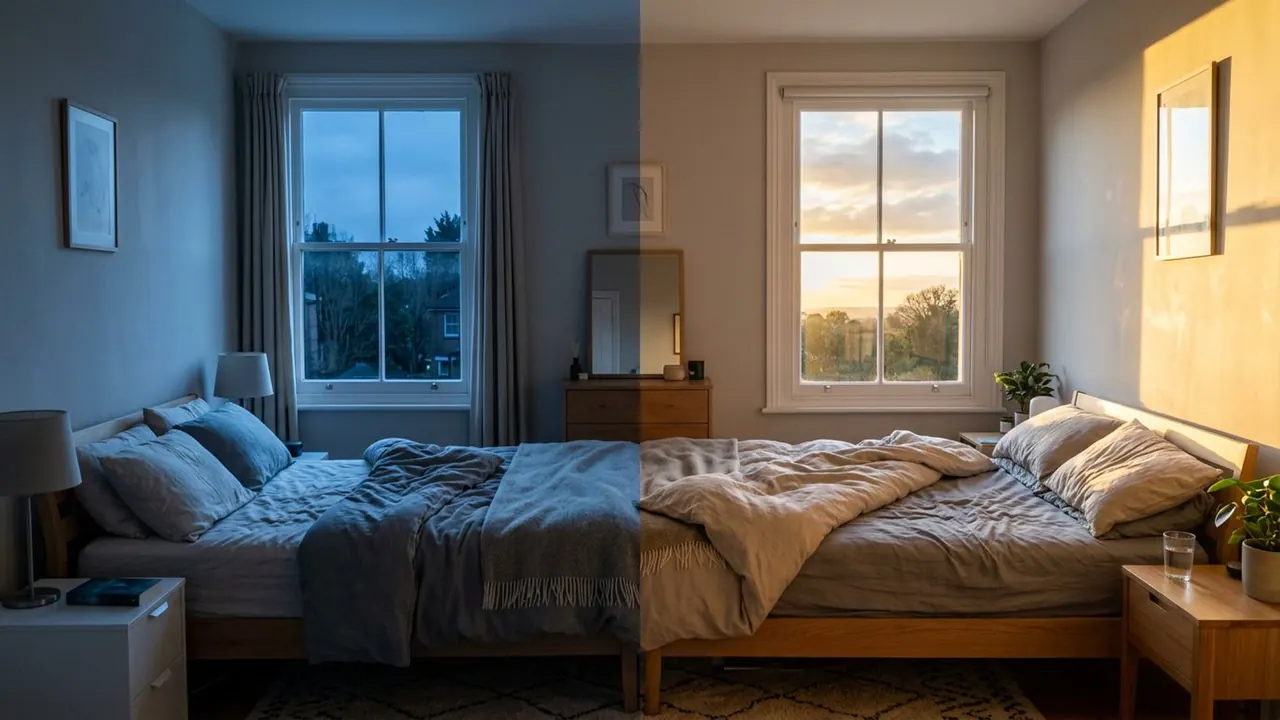
Overexposed
The highlights blow out and detail falls off the top end.
Opens a video model with the prompt in it. The price is on the page before you sign in.
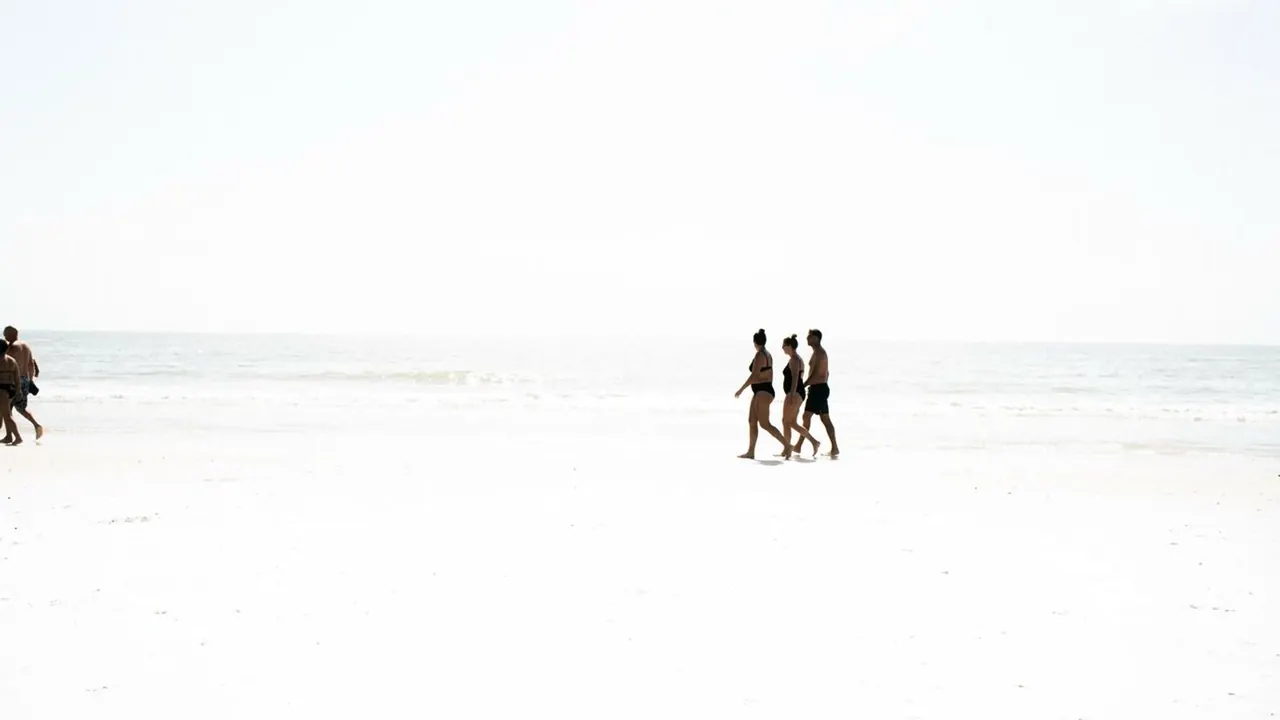
What it is for
Light that goes past what the frame can record stops being information and becomes a presence. A blown window or a blown sky reads as heat, as glare, or as something the eye cannot look at directly.
It also removes the world. Detail falling off the top end takes the background with it, which leaves a subject floating in white with nothing to place them.
How it works
Exposure is pushed until the brightest areas clip to pure white and stop recording. Everything below that point still carries detail, which is what keeps the shot readable.
Glare spreads past the edges of the bright area. Light scatters inside the lens, so a blown window bleeds into the wall beside it, and that bleed is most of what sells the look.
Deciding what survives is the whole job. A face that keeps its modelling in front of a blown background reads as a hot day. A face that blows out as well reads as a mistake.
When to use it
Use it on heat, on memory, on waking up, on anything seen through a window, and on the moment somebody walks out of a dark building into daylight.
Skip it when the background carries information. Whatever blows out is gone, and no grade afterwards will bring it back.
Told apart from its neighbours
High-key lighting keeps everything bright and still holds detail everywhere. The shadows are filled, the contrast is low, and nothing clips.
Overexposure loses the top end. Look for texture in the brightest part of the frame. Detail means high key. Flat white means overexposed.
The prompt
Replace the blanks, keep the rest. Then run it on a video model.
overexposed frame on <subject>, highlights blown to white, detail lost in the bright areas, glare bleeding into the edges
What goes wrong
The whole frame comes back white with nothing in it. Say what survives, such as the face keeping its detail while the window behind it blows.
The second failure is a clean, hard-edged clip. Ask for the glare to bleed into the areas around it, which is how real overexposure behaves through a lens.
Leave out
balanced exposure, deep shadow
Watch for
Say what survives. Total blowout leaves nothing for the eye to hold.
Questions
Shoot it
Pay for the one run. No subscription, and the price is on the model page before you sign in.