Mesh Gradient
- aurora gradient
- blurred gradient
- gradient blob
- soft gradient
Several colour points bleeding into each other across one smooth field, with no edges at all.
Opens an image model with the prompt in it. The price is on the page before you sign in.
What it is for
A field with no edges has nothing to read as an object, so it carries a mood without carrying a subject. That is exactly what a brand background needs, which is why every technology company arrived at the same picture at the same time.
How it works
Several colour points are placed across a field and interpolated smoothly between each other. Nothing has a boundary. Saturation stays high while contrast stays low, and the whole field is slightly soft, as though behind frosted glass.
When to use it
Use it for a background, a hero panel or anything that needs colour without a subject. Avoid it as a foreground, because a picture with no edges cannot hold a shape.
Told apart from its neighbours
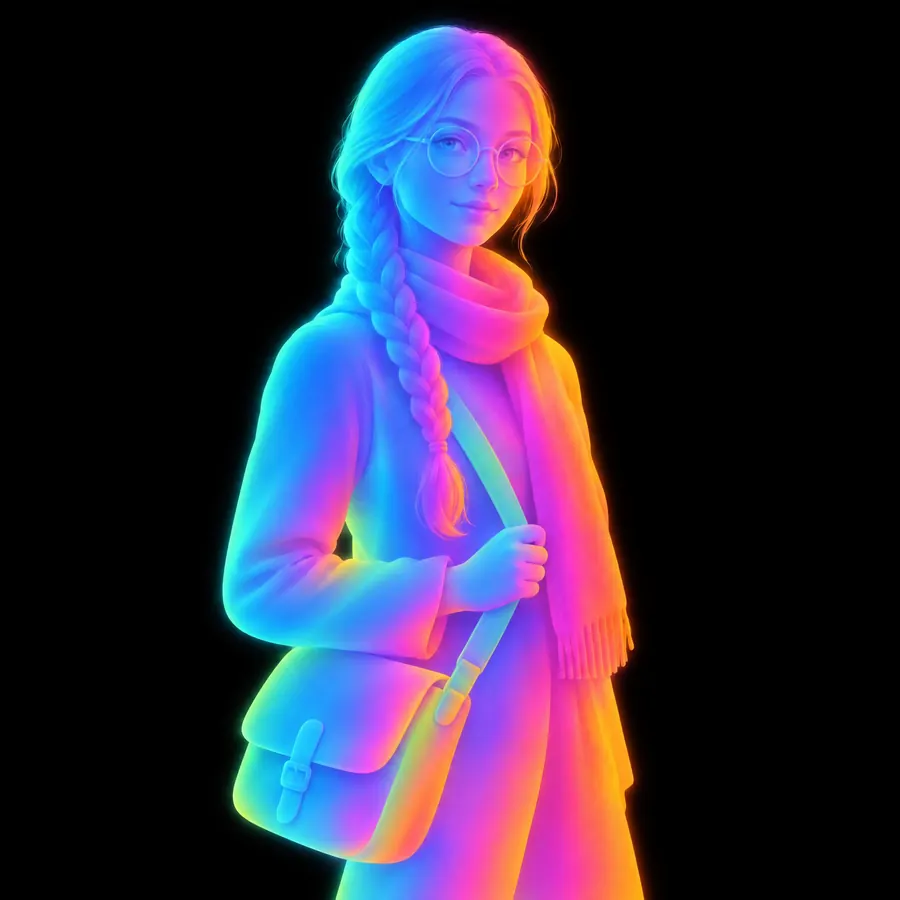
Grainy Gradient is this with heavy noise in the transitions. Iridescent Gradient applies the same colour behaviour to a real form. Subsurface Character glows because light passes through a body rather than because colours are blended.
Where it is used
It carries a landing page background, a deck, an album cover and any surface that needs to feel modern and say nothing.
- Software and finance branding
- App backgrounds, decks and packaging
The prompt
Replace the blanks with your own character, keep the rest. Then run it on an image model.
<character> rendered as a mesh gradient, four or five colour points placed across the frame and blended smoothly into each other with no hard edge anywhere and no visible boundary between any two colours, the colours saturated but soft, the whole field slightly out of focus as though seen through frosted glass, rounded organic shapes suggested only by where one colour gives way to the next, a plain deep background, no line and no outline
What goes wrong
Two coloured shapes with a blur between them come back. Ask for four or five colour points blended with no boundary anywhere between any two.
Leave out
hard edges, an outline, noise, grain, a flat colour area, a sharp shape, a visible gradient stop
Watch for
No edge anywhere. A single hard boundary turns it into two shapes with a blur between them, which is a different and much more ordinary picture.
Questions
Draw it
Pay for the one run. No subscription, and the price is on the model page before you sign in.