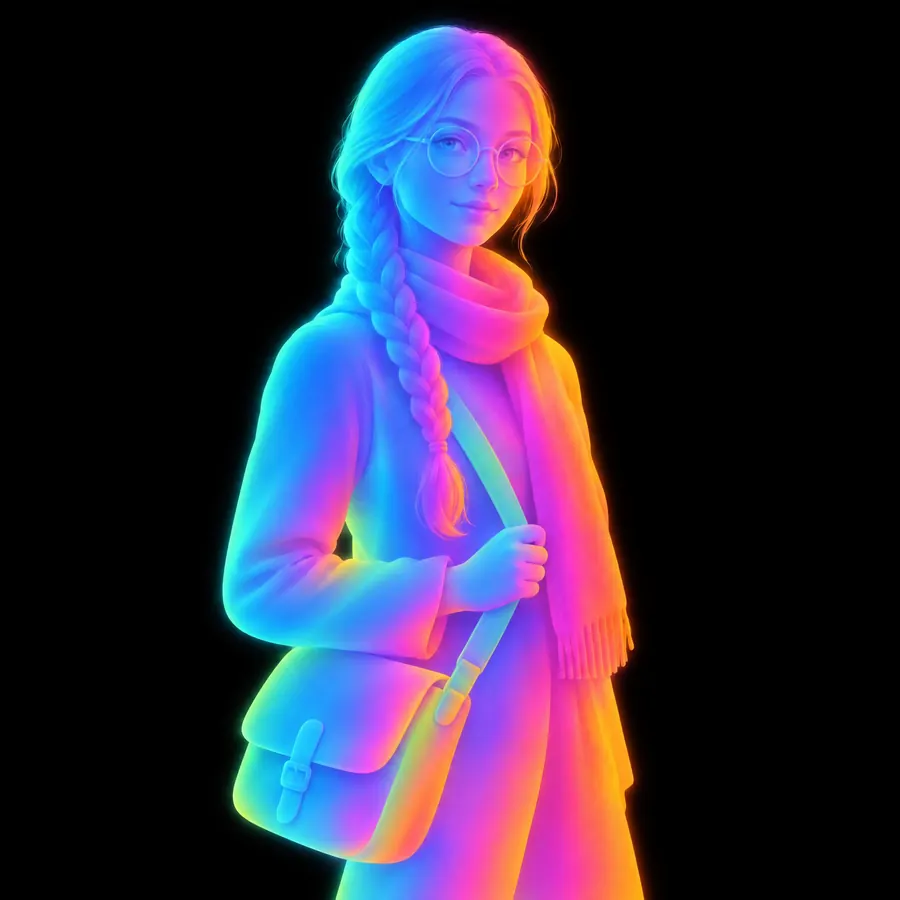
Grainy Gradient
- noise gradient
- grain gradient
- gritty gradient
- textured gradient
A smooth blend broken by heavy noise, densest where the two colours meet.
Opens an image model with the prompt in it. The price is on the page before you sign in.
What it is for
A digital blend is too clean to look like anything, and grain gives it a surface. The noise also solves a real problem: it hides the banding that a smooth gradient shows on a cheap screen, which is how the technique started before it became a style.
How it works
Simple rounded shapes carry a blend between two saturated colours. Fine even grain covers the picture and thickens through the transition, so the two colours appear to dissolve into each other rather than to fade. The shapes stay clean edged and the palette stays small.
When to use it
Use it for editorial, branding and anything that needs to look designed rather than photographed. Avoid it at small sizes, where the grain disappears and only a plain gradient is left.
Told apart from its neighbours
Mesh Gradient is the same blend with no noise at all. Dither uses a regular pattern of dots rather than random grain. Risograph in the print catalogue gets its grain from a real duplicator.
- Mesh Gradient
- Dither
- Risograph
Where it is used
It suits an album cover, a landing page, an editorial illustration and any picture that should feel printed rather than rendered.
- Editorial and brand illustration
- Album art, decks and app onboarding
The prompt
Replace the blanks with your own character, keep the rest. Then run it on an image model.
<character> rendered as a grainy gradient, smooth rounded shapes filled with a blend between two saturated colours, heavy visible grain scattered across the whole picture and densest exactly where one colour passes into the other, the grain fine and even like film emulsion rather than like digital noise, the shapes themselves clean edged and simple with no outline, a deep flat background carrying the same grain, a small number of colours only
What goes wrong
A clean gradient with a noise layer over the top comes back. Ask for the grain to thicken in the transition between the two colours, which is where it does the work.
Leave out
a clean blend, smooth transitions, a visible gradient band, an outline, a photographic subject, a full palette
Watch for
Put the grain in the transition. Noise spread evenly over the whole picture reads as a filter, and noise concentrated where the colours meet reads as the thing itself.
Questions
Draw it
Pay for the one run. No subscription, and the price is on the model page before you sign in.