J-Cut and L-Cut
- Contrapuntal sound
- Ironic music
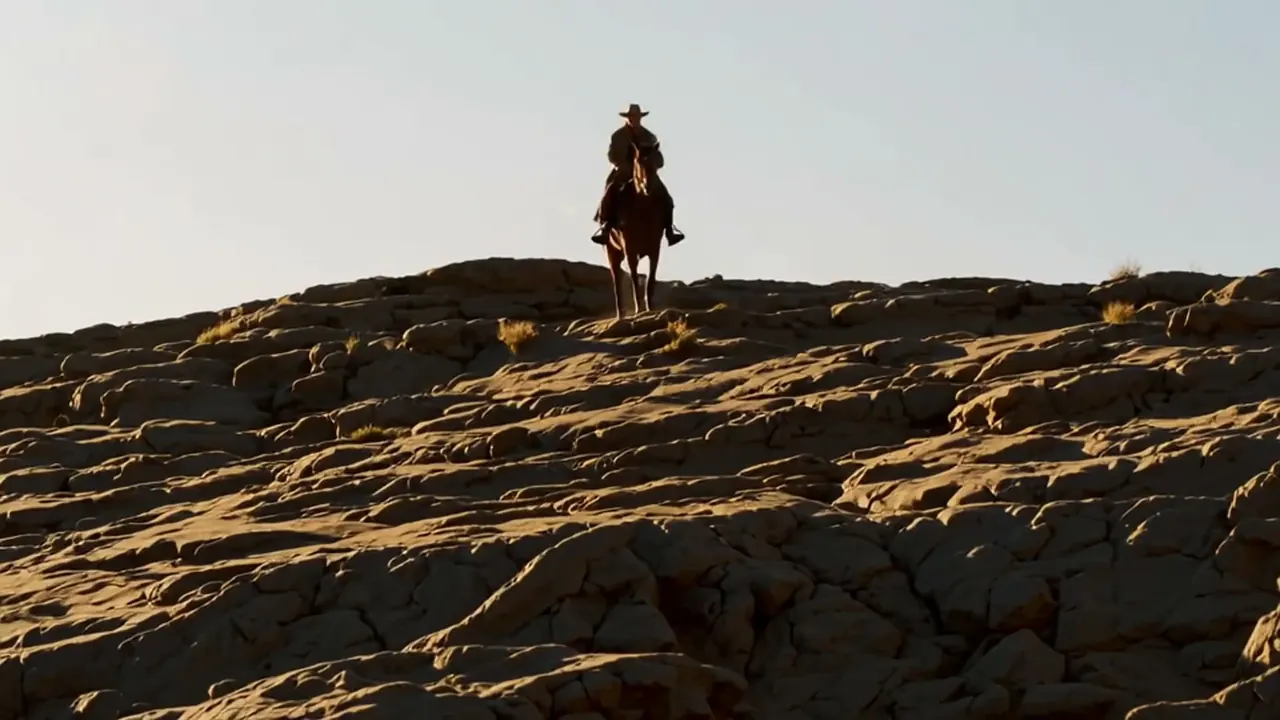
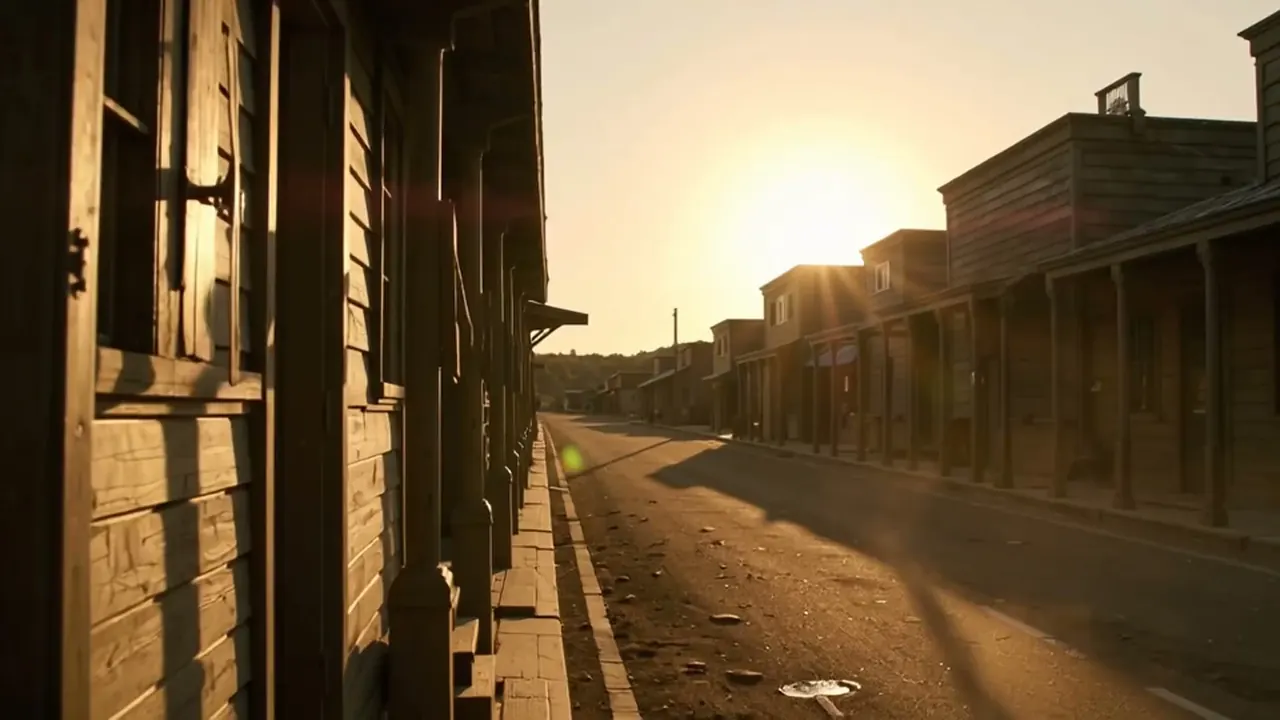
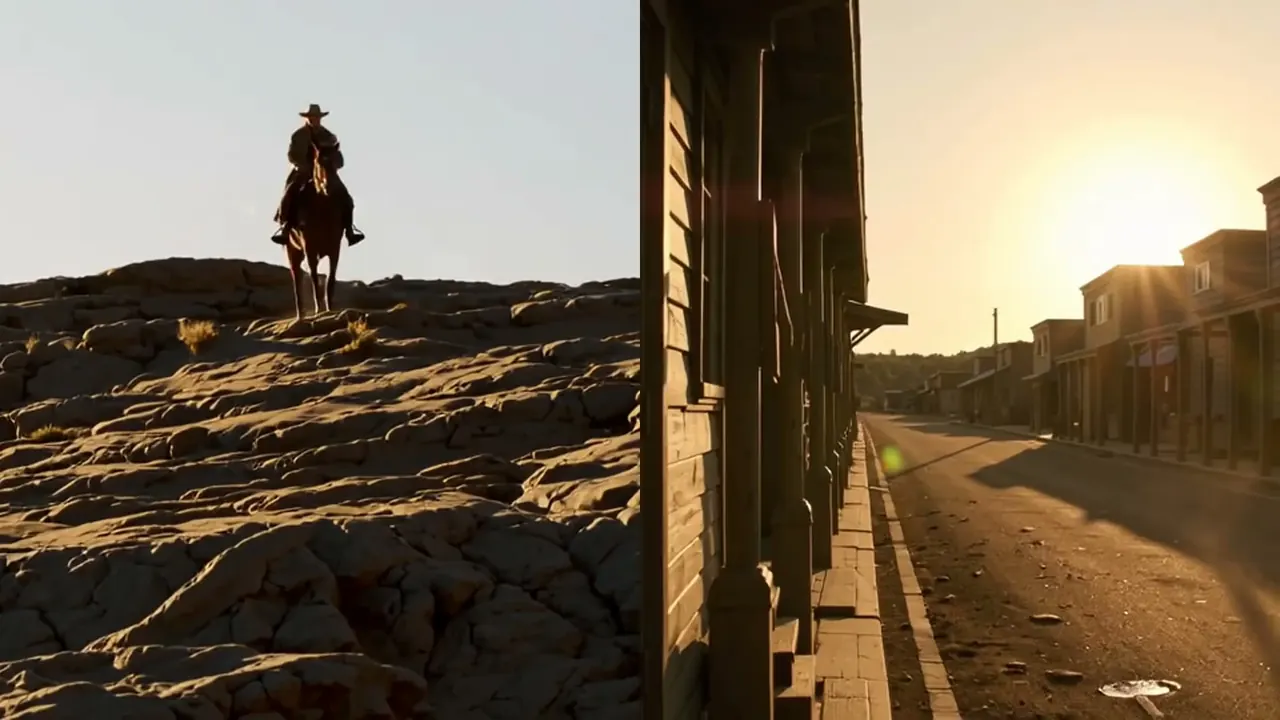
The picture changes before or after the sound does, so the two overlap.
Opens a video model with the prompt in it. The price is on the page before you sign in.
What it is for
The picture and the sound change at different moments, so the two overlap across the join. The audience hears the next scene before they see it, or keeps hearing the last one after it has gone.
This is what makes a conversation feel continuous. Cutting picture and sound together on every line produces a stiff, announced rhythm, and staggering them lets a scene flow.
How it works
A J-cut brings the incoming sound in early, under the outgoing picture. An L-cut holds the outgoing sound over the incoming picture. The letters describe the shape the two tracks make on a timeline.
A few frames is enough for dialogue. Half a second to two seconds is normal for an ambience or a music lead, and a longer overlap starts to read as a deliberate comment rather than as a join.
This is an edit decision with no prompt equivalent. Render both shots with their audio, then slide the audio of one under the picture of the other on a timeline.
When to use it
Use it across almost every dialogue cut, and use it to lead into a new scene with its sound before the image arrives. It is the standard way to make cutting disappear.
Avoid it when the cut should land hard. A smash cut needs picture and sound to arrive together, and an overlap softens exactly what that device depends on.
Told apart from its neighbours
A reaction shot is a picture decision about whose face carries a line. A J-cut or L-cut is a sound decision about when the tracks change. The two often work together and they are not the same choice.
A dissolve overlaps two pictures. A J-cut or L-cut overlaps a picture with a different sound, and the images themselves cut hard.
The prompt
Replace the blanks, keep the rest. Then run it on a video model.
picture cutting to <shot B> while the scene of <shot A> continues underneath, overlapping change
What goes wrong
A single generation locks its audio to its picture, so there is nothing to stagger. Render both shots, separate the audio from each, and offset one track against the other.
The second failure is an overlap that runs too long. Past a couple of seconds the audience starts reading the sound as commentary on the new image, which may be the wrong signal.
Leave out
matched cut, simultaneous change
Watch for
It is an edit decision, not a prompt. Generate both shots and stagger them.
Seen in
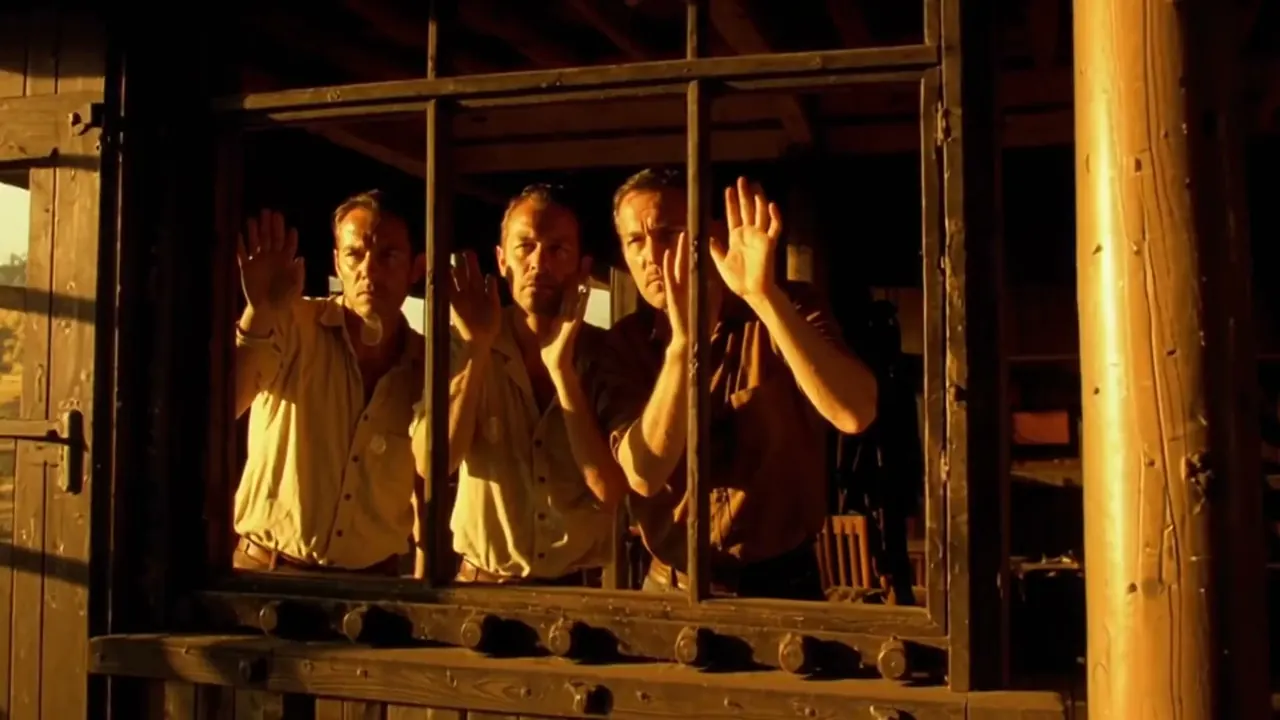
A Clockwork Orange (1971), Reservoir Dogs (1992), Yi Yi (2000)
Questions
Shoot it
Pay for the one run. No subscription, and the price is on the model page before you sign in.