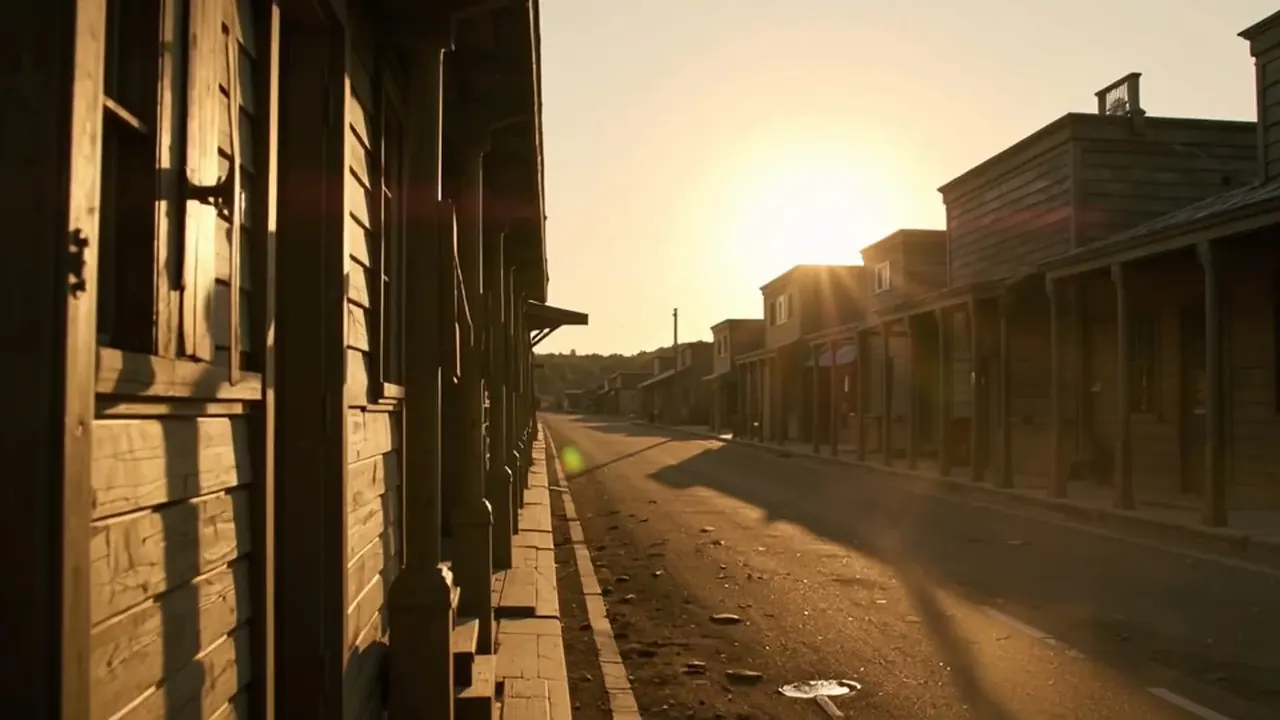
Axial Cut
- Jump along the camera axis
- Cut-in emphasis
The cut jumps straight along the lens axis to a closer or wider version of the same frame.
Opens a video model with the prompt in it. The price is on the page before you sign in.
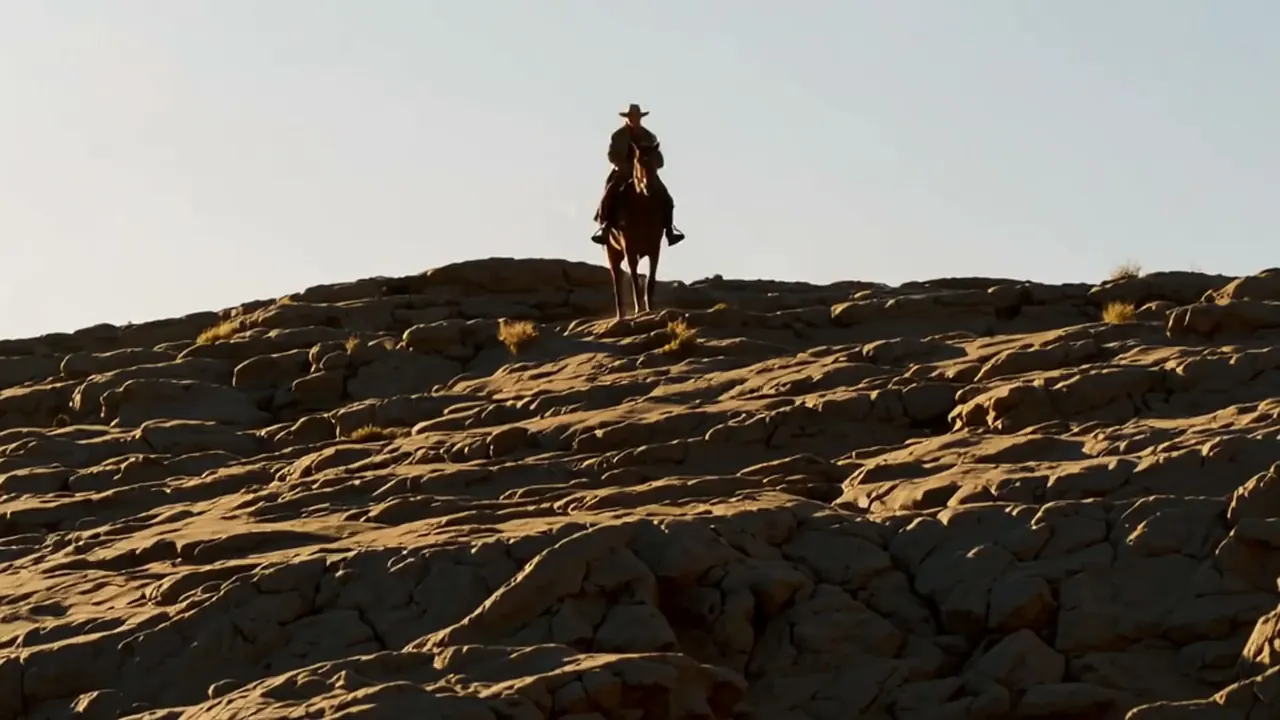
What it is for
The camera jumps straight down its own sightline to a closer or wider version of the same frame. Nothing about the angle changes, so the audience reads the cut as emphasis rather than as a new point of view.
It is the cheapest way to lean on something. A three step run inward, each cut tighter than the last, builds pressure without the film ever leaving the spot it was standing in.
How it works
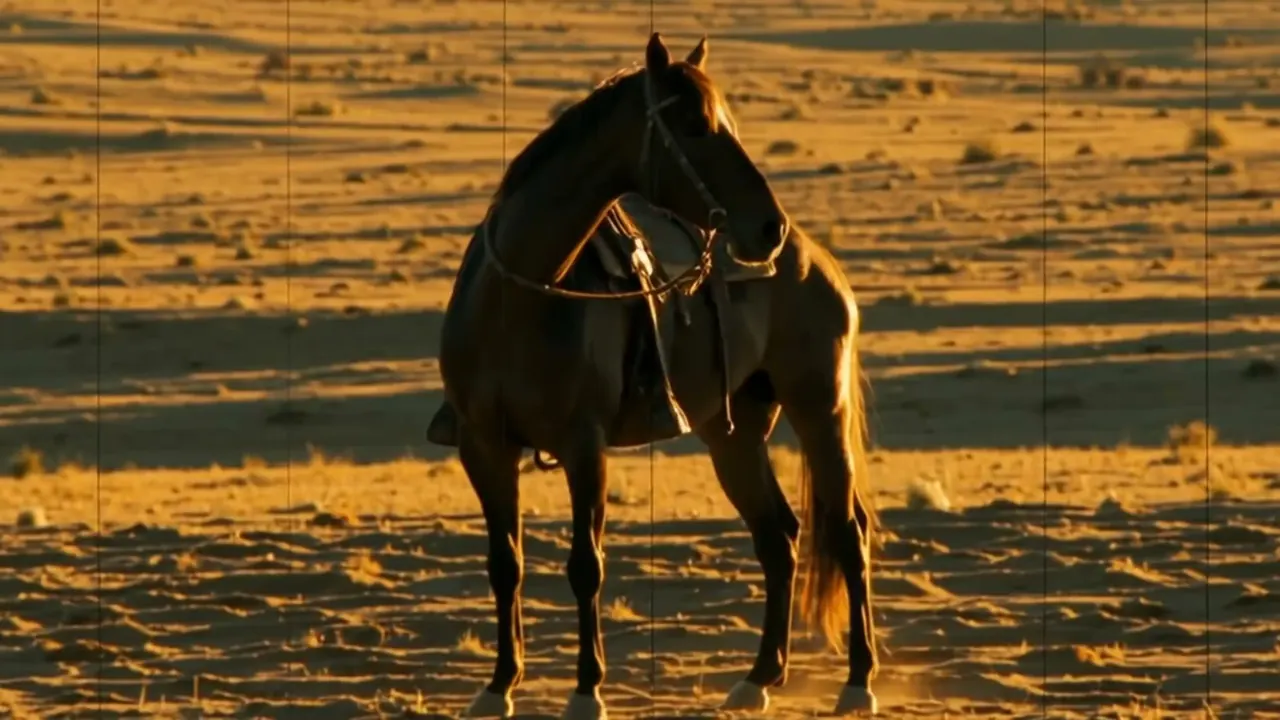
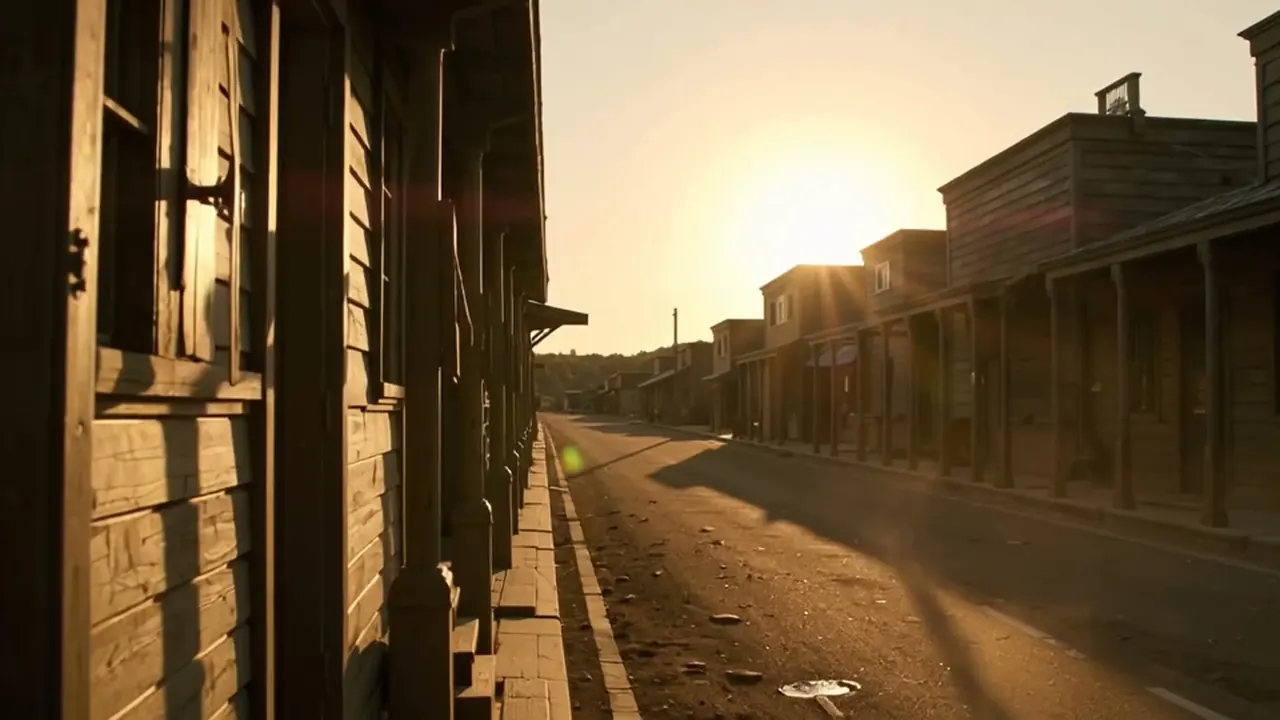
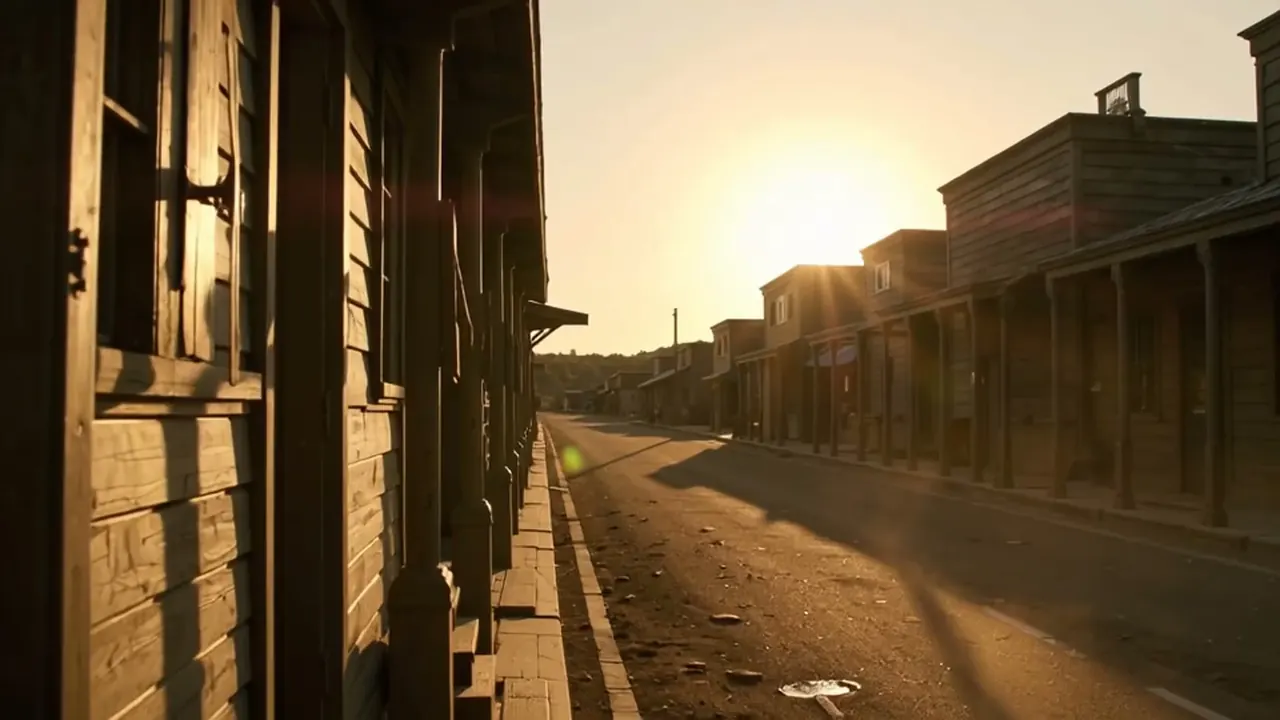
Same angle, same height, same subject, different size. The lens axis runs through the subject and the camera moves along it, or a longer lens does the same work from where it is.
This needs two runs and a join. Write the angle, the height and the subject in the same words for both, and change only the framing size. If either run drifts off the axis, the cut swings and the effect is gone.
Three sizes are the usual pattern: wide, medium, tight, with each cut landing on the same composition at a new scale. Keep the subject in the same part of the frame in all three.
When to use it
Use it on a reveal, on a realisation, and on any moment where the film needs to press in without appearing to move. It suits a still subject, because motion at the join confuses the match.
Skip it when the scene needs a new angle. An axial run tells the audience nothing new about the space, so a scene that has to open out is better served by a cut to a different position.
Told apart from its neighbours
A crash zoom in travels the distance in front of the audience, with the frame rushing through every size on the way. An axial cut skips the journey and lands. If you can see the middle sizes, it is a zoom.
A jump cut also holds the angle, and it removes time rather than distance. Axial cut keeps the moment and changes the scale.
The prompt
Replace the blanks, keep the rest. Then run it on a video model.
same framing on <subject> jumping suddenly closer along the lens axis, identical angle, size stepping in
What goes wrong
The model swings a few degrees between runs, and the cut reads as a clumsy jump. State the camera angle and the camera height in identical words for each run, and name the subject position in frame.
The other failure is a size change too small to register. Step the framing clearly, such as a wide to a medium close-up, or the cut looks like an error rather than a decision.
Leave out
angle change, camera travel
Watch for
The angle must not change. Any shift and it reads as a bad jump cut.
Seen in
The Birds (1963)
Questions
Shoot it
Pay for the one run. No subscription, and the price is on the model page before you sign in.
Next to it in the hard cuts