Match on Action
- Cut on movement
- Raccord mouvement
A movement starts in one shot and finishes in the next.
Opens a video model with the prompt in it. The price is on the page before you sign in.
What it is for
A movement begins in one shot and finishes in the next, so the cut lands while the audience is following the action rather than the frame. The join passes without being noticed.
This is the backbone of continuity editing. Most cuts in most films are made on a movement for exactly this reason, and a scene cut on stillness feels stilted by comparison.
How it works
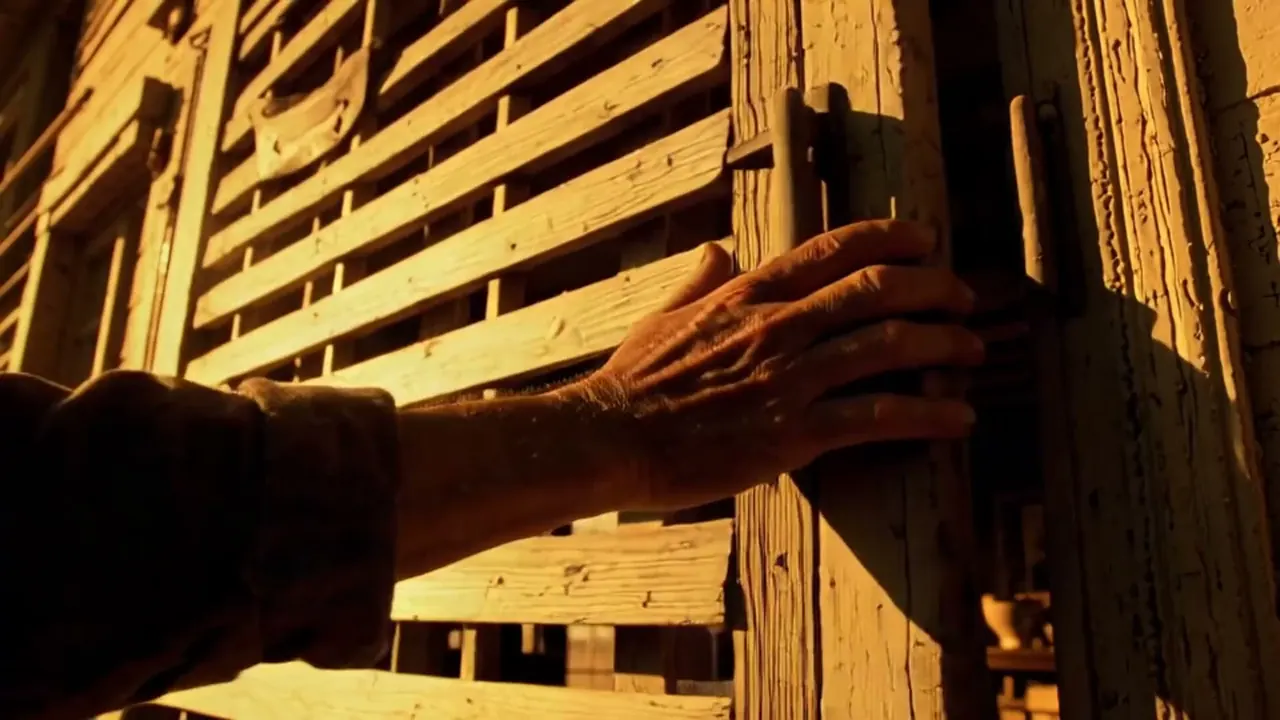
Both shots contain the same movement, and the cut falls partway through it. A hand reaching for a door in the wide, the door opening in the tighter angle, with the reach carrying across.
Overlap matters more than precision. Shoot a few frames of the movement at the end of the first shot and a few at the start of the second, so the edit has material to trim into a clean match.
Two runs and a join. Prompt the same action from two angles, keep the direction of the movement and its speed identical in both, then find the frame where the two positions agree and cut there.
When to use it
Use it as the default join in any scene with physical action. Standing, sitting, turning, opening, reaching. If there is a movement available, cut on it.
Skip it when the film should feel disjointed. A match on action is a smoothing device, so a scene meant to unsettle is better served by a cut that shows itself.
Told apart from its neighbours
A match cut links two shots by a similarity of shape or idea, often across a change of place or time. A match on action links them by one continuous movement inside the same event.
A match motion carries a movement from one shot into a different movement elsewhere. Match on action keeps the same action, the same subject and the same moment.
The prompt
Replace the blanks, keep the rest. Then run it on a video model.
<subject> beginning <action> in <shot A> and completing the same action in <shot B>, movement continuing across the join
What goes wrong
The two runs disagree on speed, and the join stutters or skips. State the speed of the movement in both prompts, using the same words, and say which direction it travels across frame.
The second failure is a missing overlap. If the first clip stops before the movement completes and the second starts after it, there is no frame where the two line up. Ask for the full action in both runs and trim afterwards.
Leave out
different action, pause
Watch for
Overlap a few frames of the movement in both shots so the join has something to match.
Seen in
Neighbors (1920), The Matrix (1999)
Questions
Shoot it
Pay for the one run. No subscription, and the price is on the model page before you sign in.
Next to it in cuts that hide the join