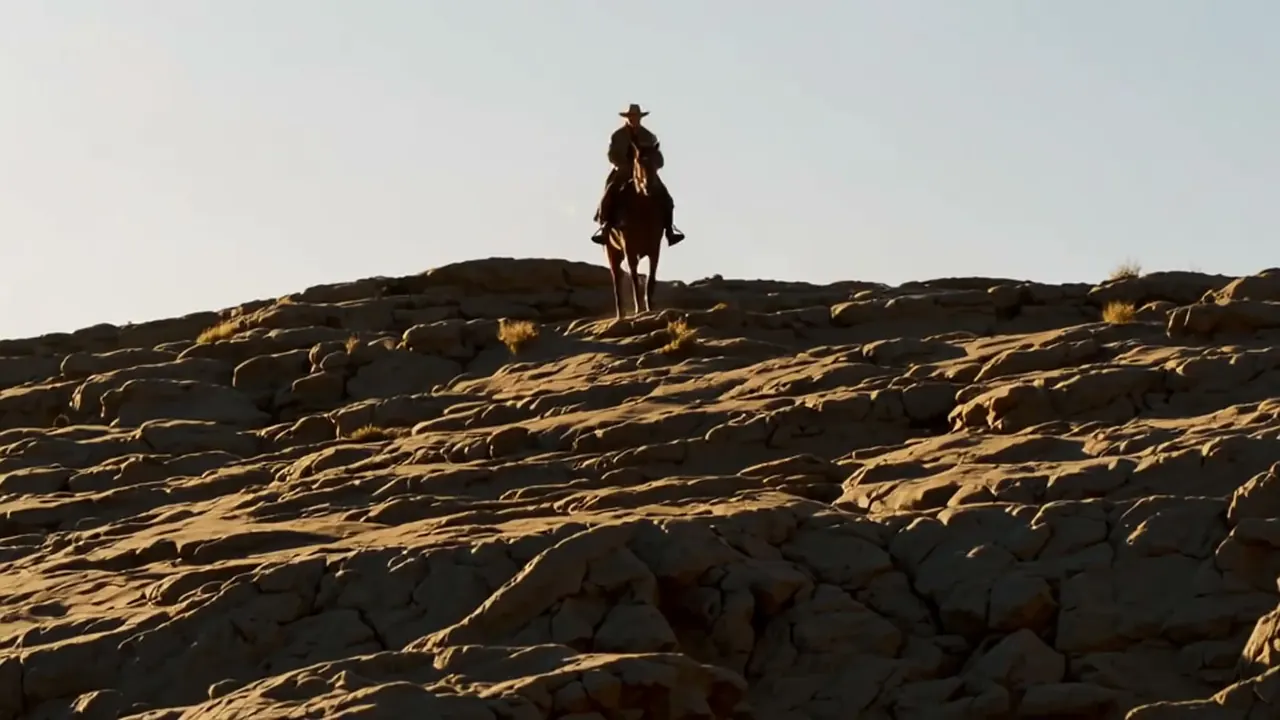
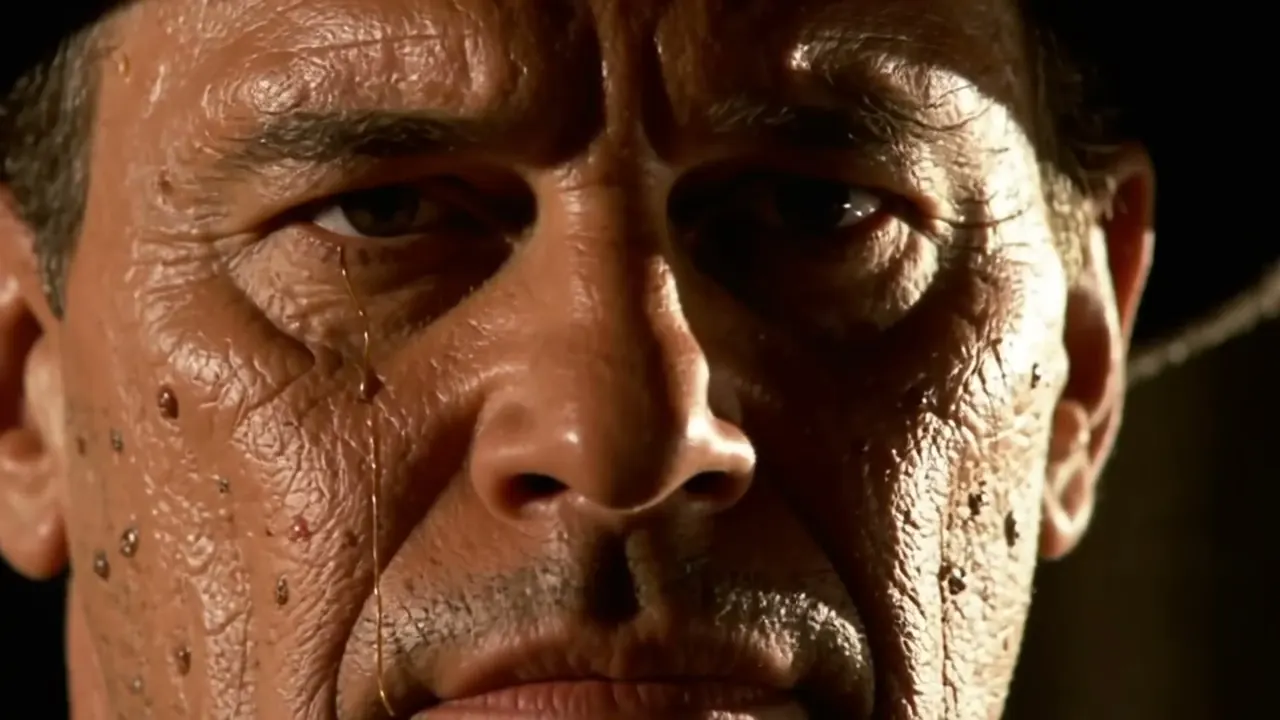
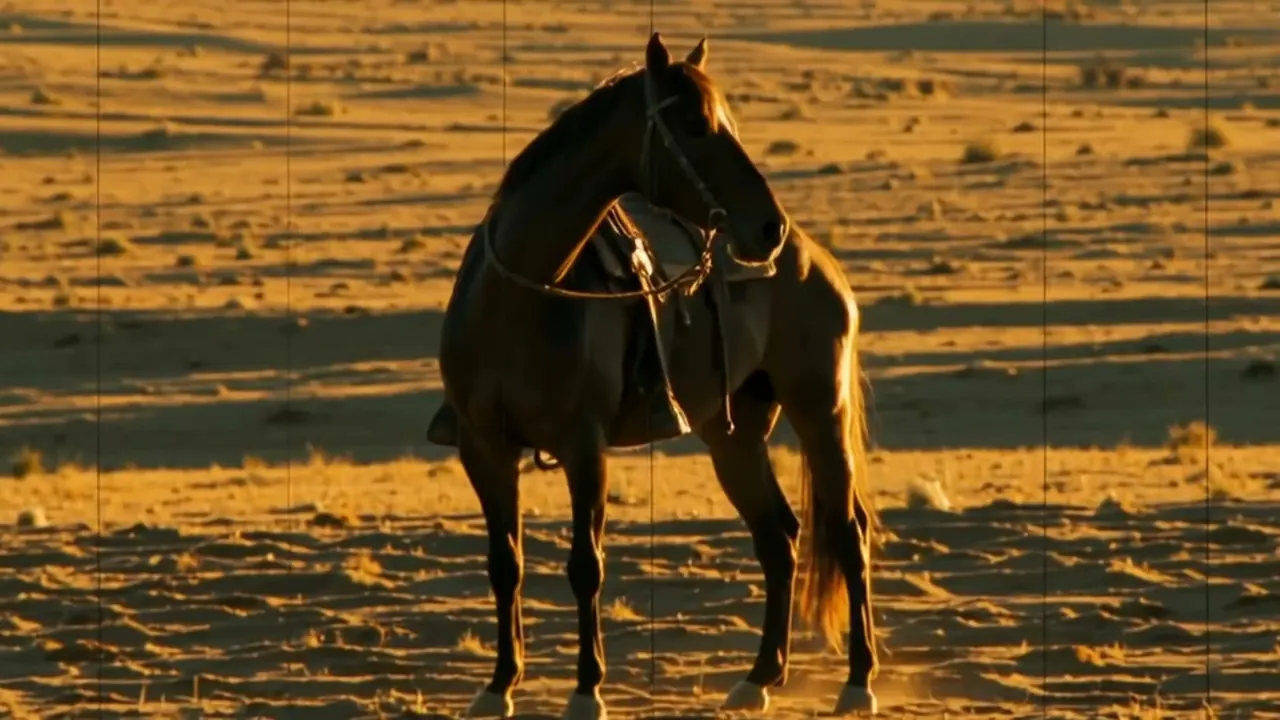
Wipe
- horizontal wipe
- vertical wipe
- diagonal wipe
- clock wipe
A hard edge travels across the frame and replaces one image with the next.
Opens a video model with the prompt in it. The price is on the page before you sign in.
What it is for
A hard edge travels across the frame and pushes one image off while bringing the next on. The transition is visible, mechanical and confident, and it never pretends to be anything else.
It moves a film along briskly. A wipe says the next thing is happening now and somewhere else, with no suggestion of time passing or of two ideas merging.
How it works
Direction is the main choice. Left to right is the default and reads as forward. Right to left reads as going back. Vertical and diagonal wipes are more emphatic, and a clock wipe sweeps around from the centre.
Edge treatment sets the era. A hard line with no softening reads as the nineteen thirties through the fifties. A soft or feathered edge is gentler and less period specific.
It is a compositing step. Render both shots, stack them, and animate a hard edged mask across the top one. A model will not produce a travelling edge on request.
When to use it
Use it in an adventure film, a serial or anything with a deliberately classical feel, and use it to move between simultaneous strands quickly.
Skip it in drama that wants to disappear. A wipe draws attention to the film as a made thing, which fights any scene built on immersion.
Told apart from its neighbours
An iris is a circle closing in or opening out from a point. A wipe is a straight edge crossing the frame. Both are drawn shapes, and they point at different things.
A dissolve blends two images so both are transparent. A wipe keeps both fully solid and divides the frame between them.
On film
Akira Kurosawa uses wipes throughout Seven Samurai (1954) to move between scenes at speed. George Lucas took the device directly into Star Wars (1977), where it became the film's main transition and part of its serial adventure register.
- Star Wars (1977)
- Seven Samurai (1954)
The prompt
Replace the blanks, keep the rest. Then run it on a video model.
<shot B> wiping across <shot A> behind a hard travelling edge, clean line crossing the frame
What goes wrong
The model returns a camera pan, because it reads the travelling edge as a movement inside the shot. Render both shots and animate the mask in a compositing step.
The second failure is a wipe with no direction. Name it: a hard vertical edge travelling left to right across the frame. Left unsaid, the choice lands at random.
Leave out
dissolve, fade
Watch for
Name the direction of travel. A wipe with no direction lands at random.
Questions
Shoot it
Pay for the one run. No subscription, and the price is on the model page before you sign in.
Next to it in transitions with a shape