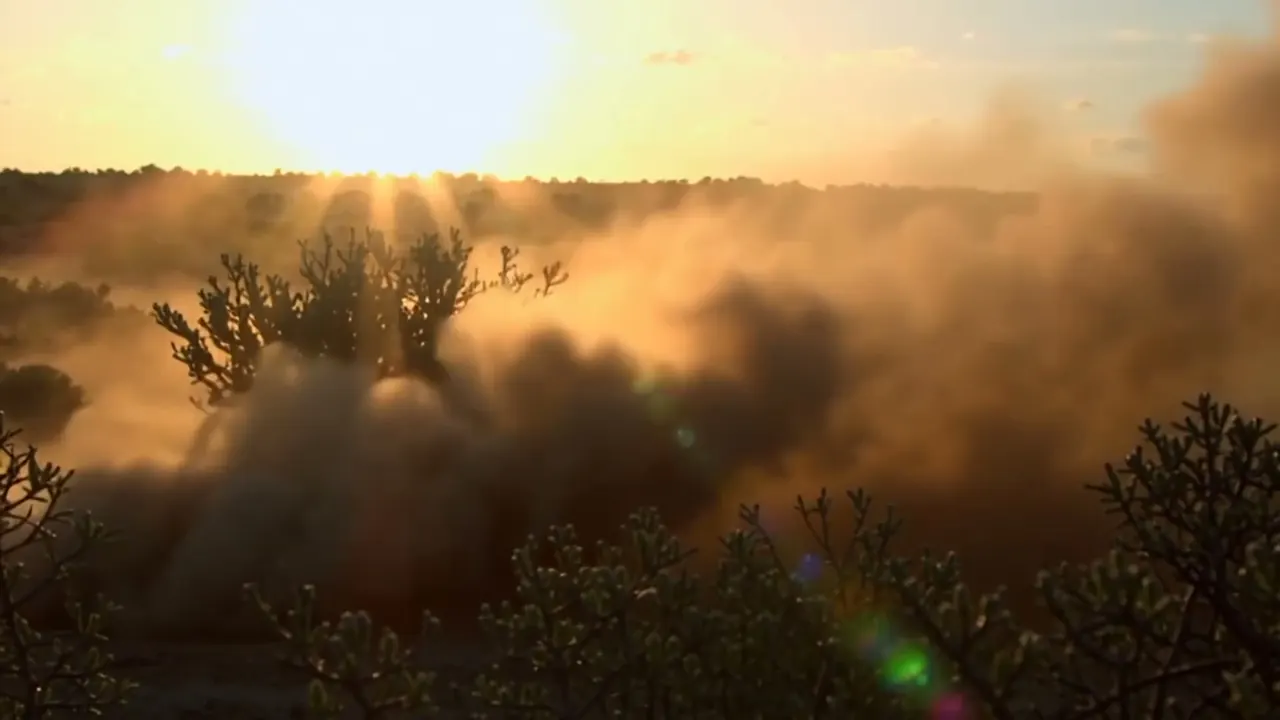
Motion Blur
Moving things blur along their path, the way a real shutter renders them.
Opens a video model with the prompt in it. The price is on the page before you sign in.
What it is for
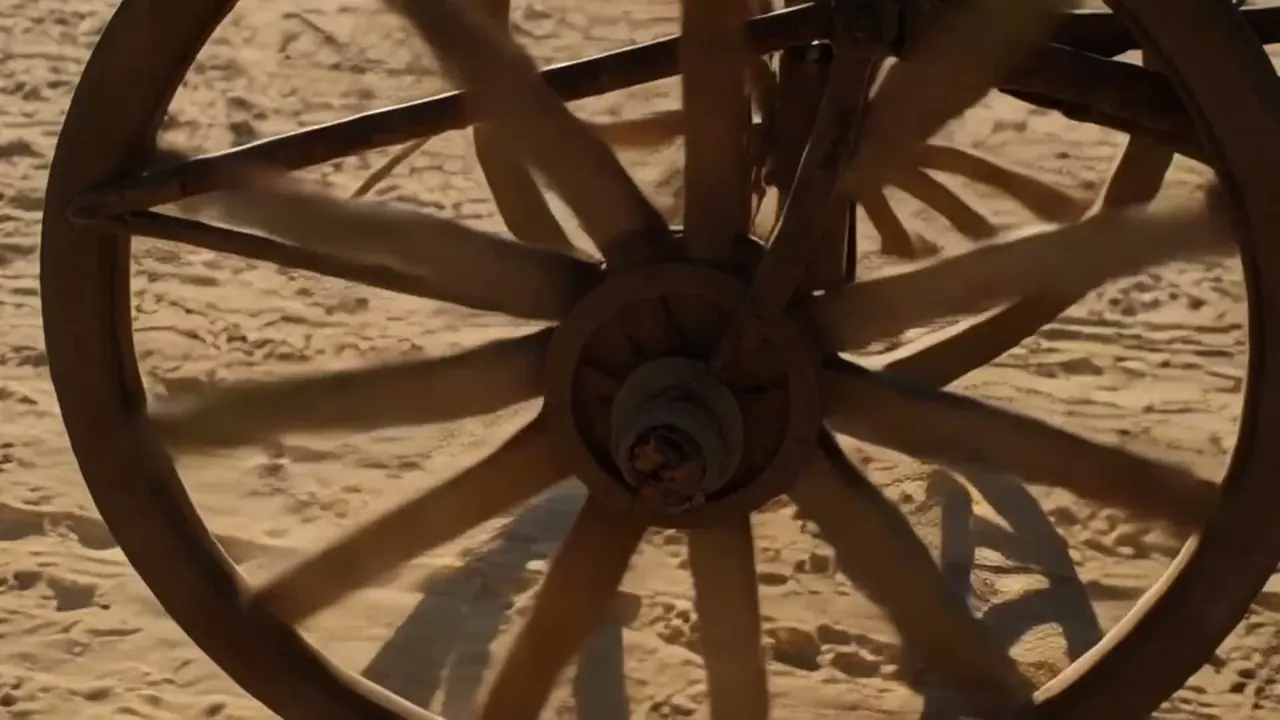
Moving things smear along their path, the way a real shutter renders them. It is the texture that tells the eye something is moving rather than jumping between positions.
Its absence is loud. Footage with every frame crisp reads as a slideshow or a video game, because nothing in the physical world is recorded that cleanly at normal speed.
How it works
Each frame is an exposure with a length, and anything that moves during that exposure paints a streak. The film convention is a 180 degree shutter, which at 24 frames per second means each frame is exposed for one forty-eighth of a second.
That ratio is why the look is consistent. Halve the shutter angle to 90 degrees and the exposure halves with it, so the blur shortens and the motion turns staccato. Open it toward 360 degrees and the blur lengthens into a drag.
Static parts of the frame stay sharp throughout, which is what gives the blur something to read against.
When to use it
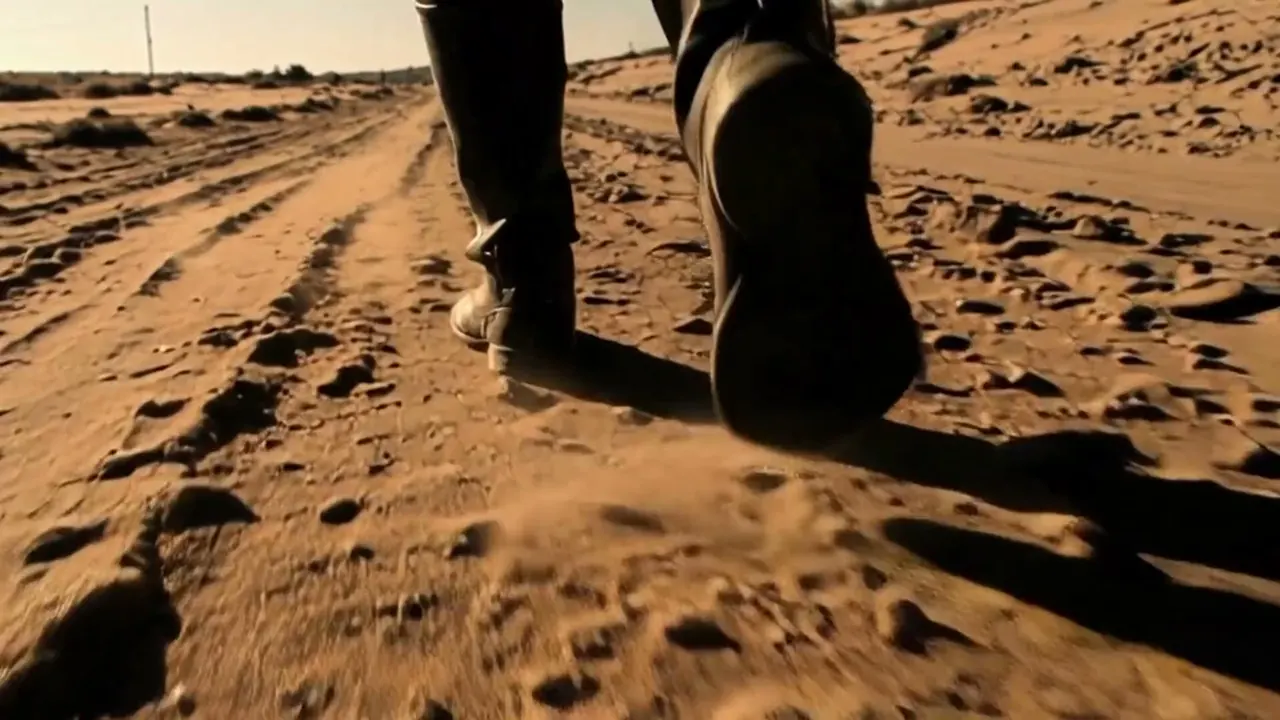
Ask for it by default on anything with movement in it, and especially on hands, wheels, water and fabric.
Leave it out when the point is the opposite: stop motion needs its absence, and a narrow shutter is a deliberate choice for footage that should feel jagged.
Told apart from its neighbours
A low shutter is motion blur pushed far past the natural amount, until the moving parts smear into long trails. Natural motion blur is a short streak that reads as speed. A low shutter is a long one that reads as an effect.
The test is whether you notice it. If the blur is the subject of the shot, you have left natural motion blur behind.
The prompt
Replace the blanks, keep the rest. Then run it on a video model.
natural motion blur on <subject>, moving parts blurring along their path, static parts sharp
What goes wrong
Models often render every frame crisp, so a walk becomes a sequence of poses and a wheel appears to stand still. Ask for natural motion blur on the moving parts and say the static parts stay sharp.
The second failure is strobing, where the movement steps between positions with gaps between them. Name the frame rate feel you want, such as a 180 degree shutter at 24 frames per second.
Leave out
frozen crisp motion, strobing
Watch for
Models often render every frame crisp. Ask for blur or the motion looks like a slideshow.
Questions
Shoot it
Pay for the one run. No subscription, and the price is on the model page before you sign in.
Next to it in faster or slower