10 Best 3D Model Generator Online Tools for 2026
November 9, 2026 · 14 min read

A 3D model generator online can turn a photo or prompt into a model without a desktop modeling setup, but a convincing preview isn't the same as a production-ready asset. That gap matters in a market where 3D models and assets already represented more than 37.4% of the estimated global 3D creator economy in 2024, making them its largest cited content category, according to Market.biz's creator economy estimate.
Browser tools make it easier to create a starting mesh, but they don't automatically solve topology, UVs, scale, materials, animation, or printability. Expect to inspect the output in the software or service that will use it, and budget time for repair when the asset needs to meet a specific pipeline standard.
The tools below are compared by what you can feed them, what you can export, and where hands-on work remains. Some suit fast concepts from a single image. Others offer editing or production services that fit a more involved workflow.
Table of Contents
- 1. TRELLIS 2 by Microsoft
- Where the cleanup remains
- 2. Meshy
- Good for iterative asset work
- 3. Tripo Studio
- Match the output to the brief
- 4. Hyper3D Rodin
- More export choices, more decisions
- 5. Sloyd
- 6. 3D AI Studio
- Convenient access with variable credit use
- 7. Hi3D, formerly Hitem3D
- 8. Masterpiece X – Generate
- 9. Autodesk Flow Studio, Wonder 3D
- 10. Kaedim
- Comparison of the 10 online 3D model generators
- Picking a Generator That Fits Your Pipeline
1. TRELLIS 2 by Microsoft
Best for turning a single reference image into a textured starting asset. TRELLIS 2 generates a 3D model from one image entirely in the browser, which makes it a fast way to test a visual direction before committing to manual modeling. You get back a GLB containing a mesh, UVs, textures and PBR materials, a file that opens in most web viewers and imports directly into a 3D application.
GLB is a sensible export choice for web delivery. Khronos describes glTF as a royalty-free format for efficient transmission and loading of 3D scenes and models, and GLB packages that scene data into one binary file, so geometry, materials and textures travel together instead of as loose assets. Materials can still render differently across viewers, so confirm the PBR maps in your destination application rather than assuming they transferred cleanly.
Where the cleanup remains
A single image never shows the back of an object. TRELLIS 2 has to invent the occluded geometry, and a model that looks sharp from the reference angle can hide melted details, stretched textures or broken symmetry on the far side. Orbit it through several views before committing it to a product viewer, game scene or print job.
Practical rule: Treat the first GLB as a draft. Check the silhouette and texture from every angle, then repair or simplify for the destination.
Visual Sandbox displays the price before each generation, so you can see the cost of a run before spending credits inside its shared, pay-per-use workspace. That billing suits occasional asset work better than a subscription when you only need a model now and then. For a second image-to-3D option in the same workspace, compare the output with Hunyuan 3D 3.1 on Visual Sandbox.
2. Meshy
Meshy is a broad browser-based workspace for creators who want generation and follow-up tools in one place. You can start from text or an image, then use its texturing, editing, rigging, or animation features to develop the asset without immediately switching applications. Its free plan includes 100 credits per month, and the Meshy comparison page can help you weigh it against another workflow.
Good for iterative asset work
The main advantage is breadth. A prompt-generated prop can move into texturing or editing in the same environment, which is useful when the first result is close but not ready to use. The free entry tier also gives new users a way to test prompt behavior before choosing a paid plan.
Credits can disappear quickly if you make repeated attempts or use several processing tools. Free-plan outputs have lower queue priority and specific licensing terms, so check the applicable terms before using an asset commercially. And even after refining it in Meshy, inspect the mesh in your destination software. A polished render doesn't guarantee clean topology or animation-ready structure.
3. Tripo Studio
Tripo Studio takes more than one kind of input. You can generate from text, a single image, or multiple views, then use mesh editing and retopology tools to work on the result. Batch generation and export options are available on eligible plans, and a separate API supports programmatic workflows.
Multiple reference views can give the generator more information about an object than a single photo. That helps when the silhouette or back side matters, but it doesn't remove the need to check the generated geometry. The free tier is useful for testing, though its models have restrictions, including non-commercial use.
Match the output to the brief
Text-to-3D tools tend to handle a single object more reliably than a prompt that describes a busy scene or several objects. The T3Bench evaluation found that performance drops as prompts add surroundings or multiple objects, so verify object count and spatial relationships rather than judging the thumbnail alone.
Tripo's mesh tools help keep early repair work in the same workspace. They don't guarantee that an asset will meet a game, animation, or manufacturing pipeline's requirements. Check the geometry and materials in the software where you plan to use the model.
4. Hyper3D Rodin
Hyper3D Rodin accepts text prompts and image references, with multi-image generation available on paid plans. Its broader workspace offers options for texture, topology, and polygon count, alongside file conversion and exports that include GLB, FBX, OBJ, STL, and USDZ. That range makes it worth considering when a project needs more than a single web-ready format.
More export choices, more decisions
The ability to set topology or polygon options is useful when a model has a defined destination. A light asset for a real-time scene has different needs from a detailed object intended for a still render. Rodin gives you settings to explore, but you still need to confirm the export works as expected in the receiving application.
The trade-off is a pricing structure built around subscriptions and credits, which can be harder to estimate than a clearly displayed per-generation fee. Some results may still need retopology, rigging, scale correction, or material work. API access and commercial licensing also depend on plan terms, so review those details before building an automated or commercial workflow around it.
5. Sloyd
Sloyd combines AI generation with editable templates and a scene editor. That makes it a useful option for stylized or game-oriented objects when you want more direct control than a prompt-only workflow offers. It supports text-to-3D and image-to-3D, with GLB, OBJ, and FBX exports, plus plugins for tools such as Unity, Unreal, and Blender.
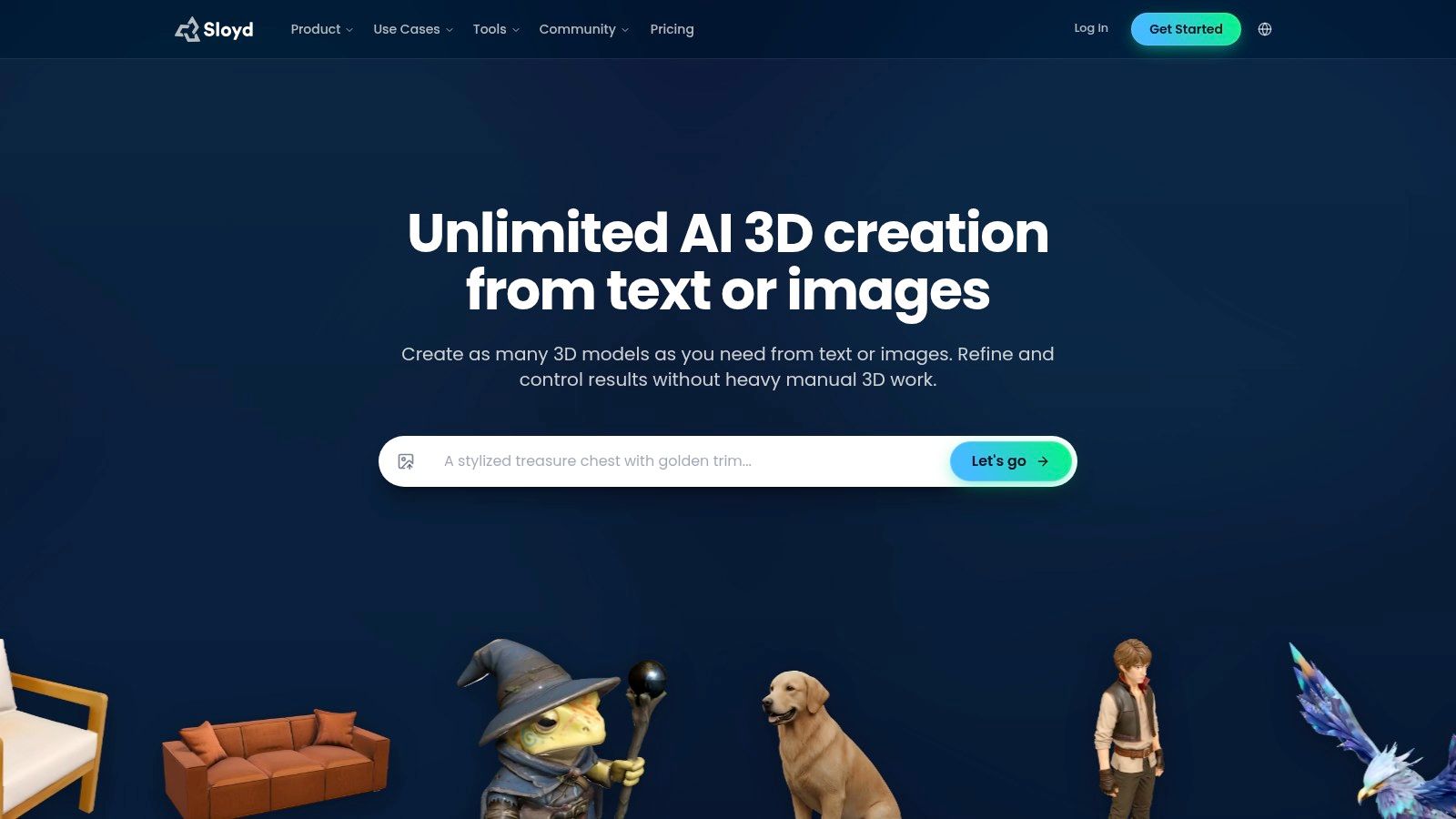
Template editing changes the job from asking for an object to adjusting a model within a structured workflow. That can be more predictable for repeatable props or stylized assets. Paid tiers add features such as AI rigging, animation, and retexturing, while the free guest tier lets you try the workflow.
There are limits to that access. Free use restricts AI generation and doesn't include general downloads of generated assets. Paid plans describe unlimited generation subject to fair-use and queue limits, and API access is billed separately from web-app plans. Check the plan details against your expected usage before relying on it for a production schedule.
6. 3D AI Studio
3D AI Studio is a hosted workspace for generating and processing assets in a browser. It combines text-to-3D and image-to-3D with AI texturing, mesh tools, and file conversion. Exports include GLB, OBJ, FBX, STL, and USDZ, and the service also offers starting credits and a REST API.
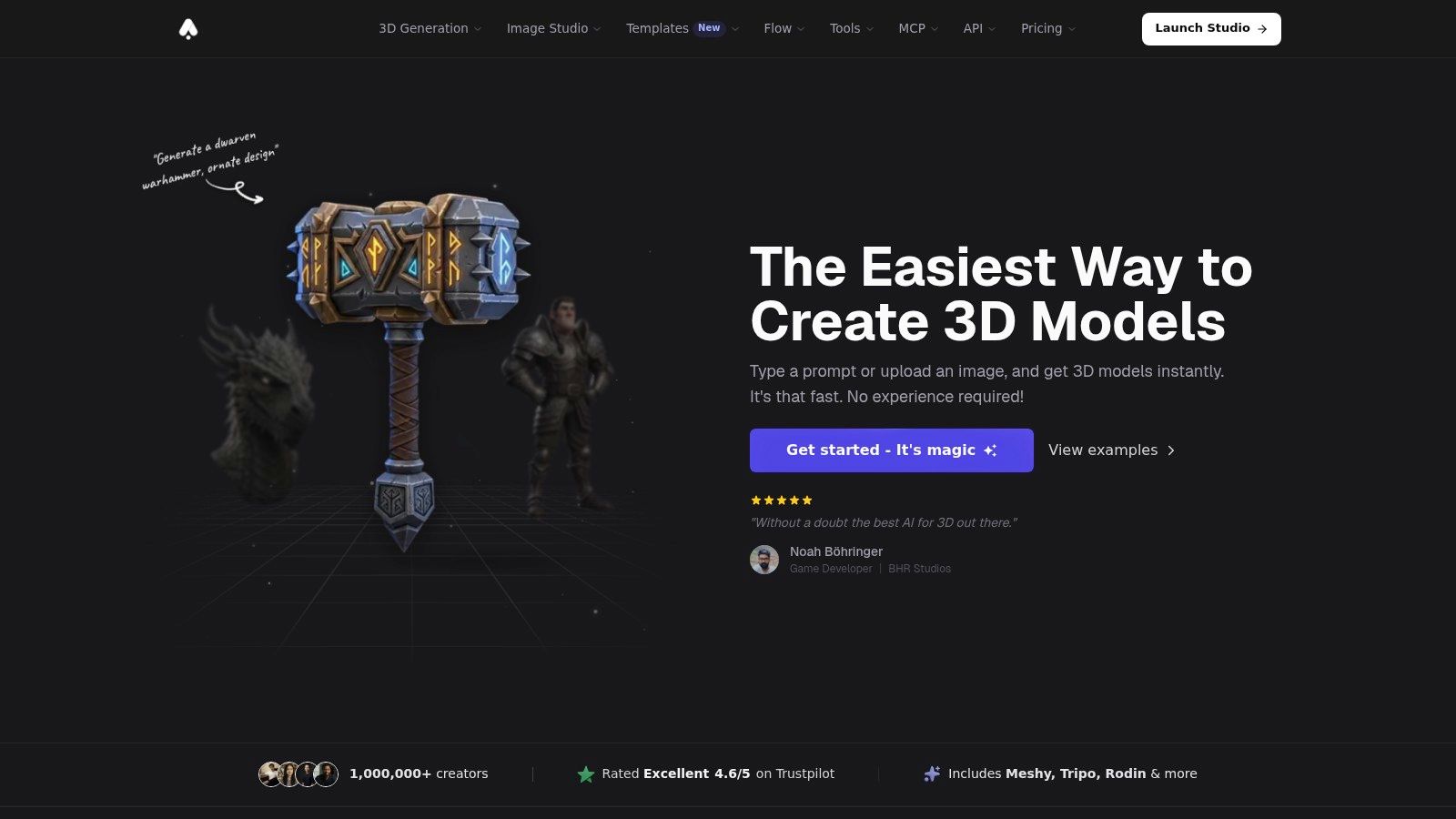
Convenient access with variable credit use
The hosted setup means you can start without installing a local model or configuring a GPU. Subscription plans and one-time credit packs give you different ways to pay, which is helpful if your workload varies. The 3D AI Studio comparison page offers another point of reference when comparing its workflow with other options.
Credit costs vary by model and tool. Advanced processing can use credits faster, so track the cost of the entire sequence, not just the initial generation. A model that looks good in the browser may still need additional work for a specialized pipeline, such as optimization for real-time use or repair for 3D printing.
7. Hi3D, formerly Hitem3D
Hi3D is geared toward image-led asset creation. It supports single-image and multi-view workflows, with textured and geometry-focused output modes and PBR-material options. That makes it a candidate for product photos, concept art, and early prototyping when the reference image is the main source material.
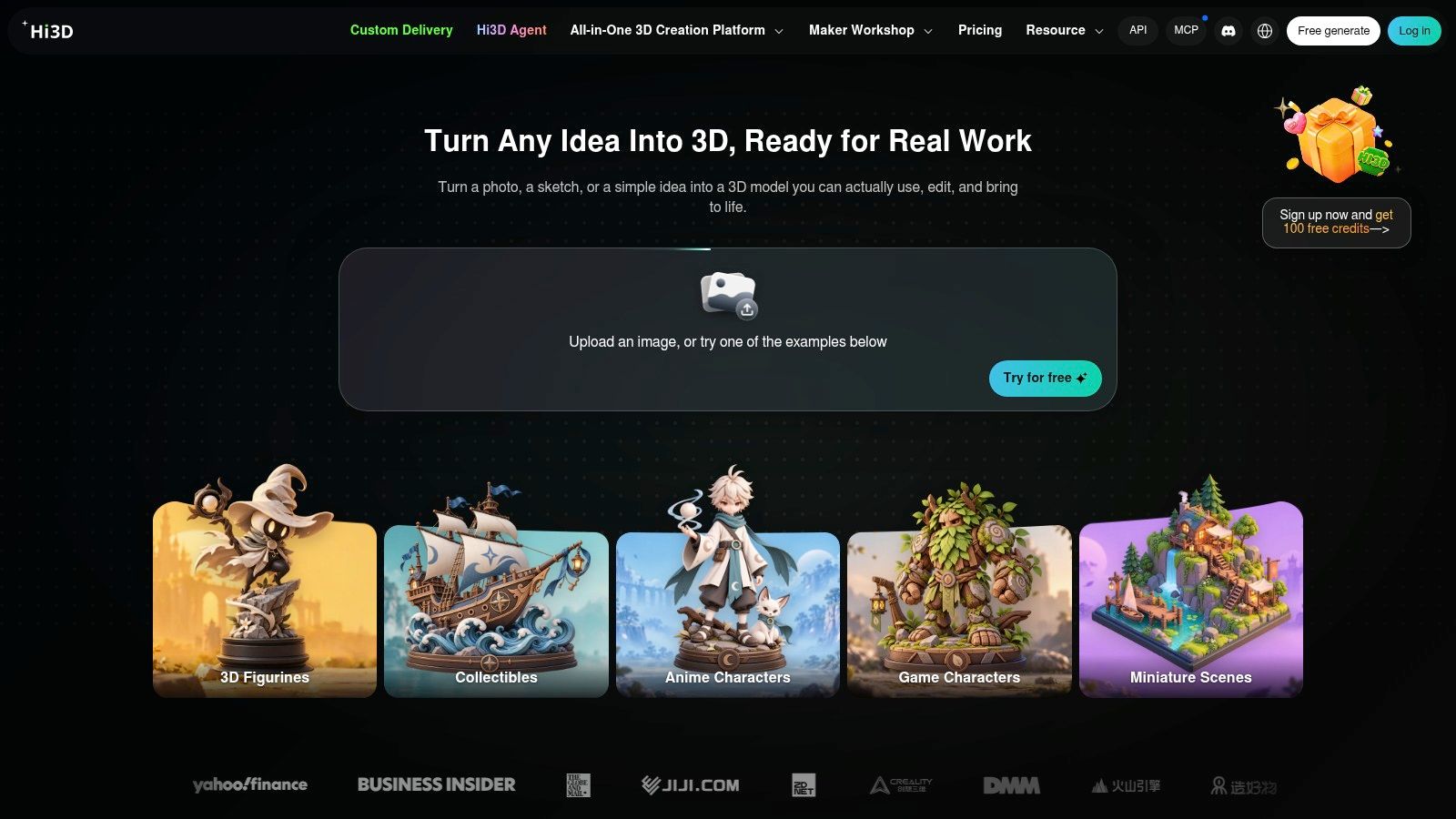
The choice between a textured result and a geometry-focused result matters. A textured model may be more useful for a quick visual preview, while a geometry-focused output may better suit a project where shape is the priority. Neither mode makes the model automatically ready for a slicer, game engine, or product configurator.
Hi3D offers browser access and a separate API, with different plans for occasional and heavier use. Its free tier is a limited trial and may restrict downloads or commercial use. Credit allowances and generation costs vary by model and quality setting, so check the current plan before starting a batch. Repair or optimize the exported asset in the tool that will use it.
8. Masterpiece X – Generate
Masterpiece X – Generate is a browser-based text-to-3D tool for characters, animals, and objects. It is aimed at fast visual exploration and prototypes, with GLB export for bringing a result into creative applications. Free sign-up credits let you test the workflow, while further generation requires credits.
This is a straightforward route from a written concept to a model you can inspect. It can help when you need a quick shape for a pitch, blockout, or visual experiment, and don't want to install desktop software first. Keep the scope realistic: it isn't positioned as a replacement for hands-on modeling tools.
The current web export is GLB, so some pipelines may require conversion or additional preparation. Check how the file's materials and geometry behave in the software you intend to use. Free credits are useful for assessing fit, but complete model generation uses credits, so treat them as a trial rather than an ongoing production allowance.
9. Autodesk Flow Studio, Wonder 3D
Autodesk Flow Studio connects Wonder 3D generation to a broader cloud-based creative platform. Its tools generate models from text or images, while other features support scene building, animation, and VFX workflows. That makes it more relevant to creators developing a cinematic or animated scene than to someone who only wants a standalone mesh.
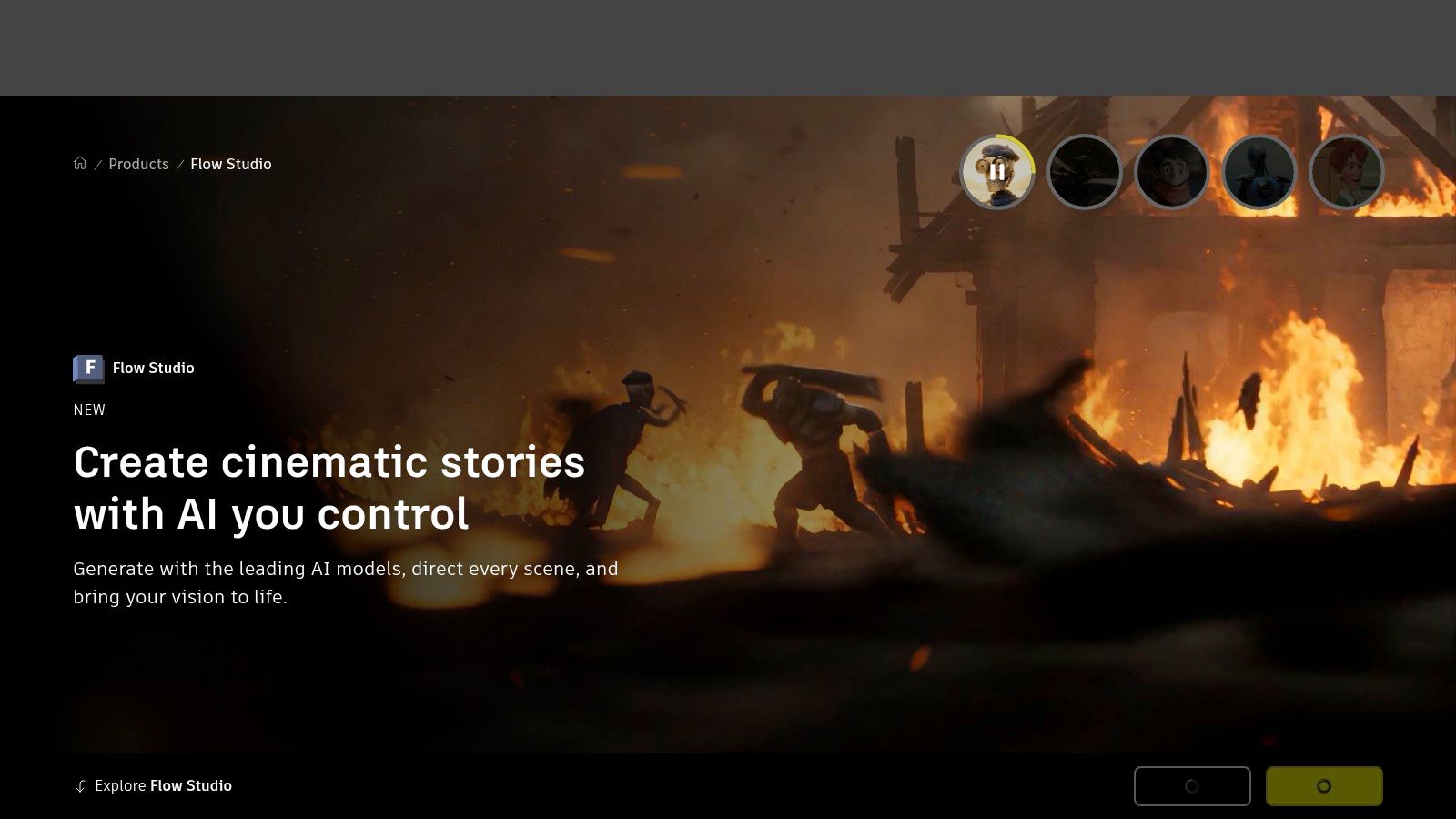
The broader feature set is the draw, but it can also be a distraction if your only requirement is to generate and export an object. Wonder 3D access and export features vary by subscription tier. The free plan includes monthly credits, but exports are limited and watermarked, and credits are shared across platform activities and reset monthly.
For creators already building scenes or animation, having generation and related tools in one cloud workflow can be convenient. For a simple asset handoff, first confirm that the plan gives you the export you need. Don't pay for a larger creative environment if your actual task is just a one-off model.
10. Kaedim
Kaedim is aimed more at teams and studios than casual experimentation. You can submit images, sketches, reference packs, or briefs, and the service emphasizes production steps such as retopology, UVs, and textures. Higher tiers include more of this preparation, with dedicated support and enterprise options available.
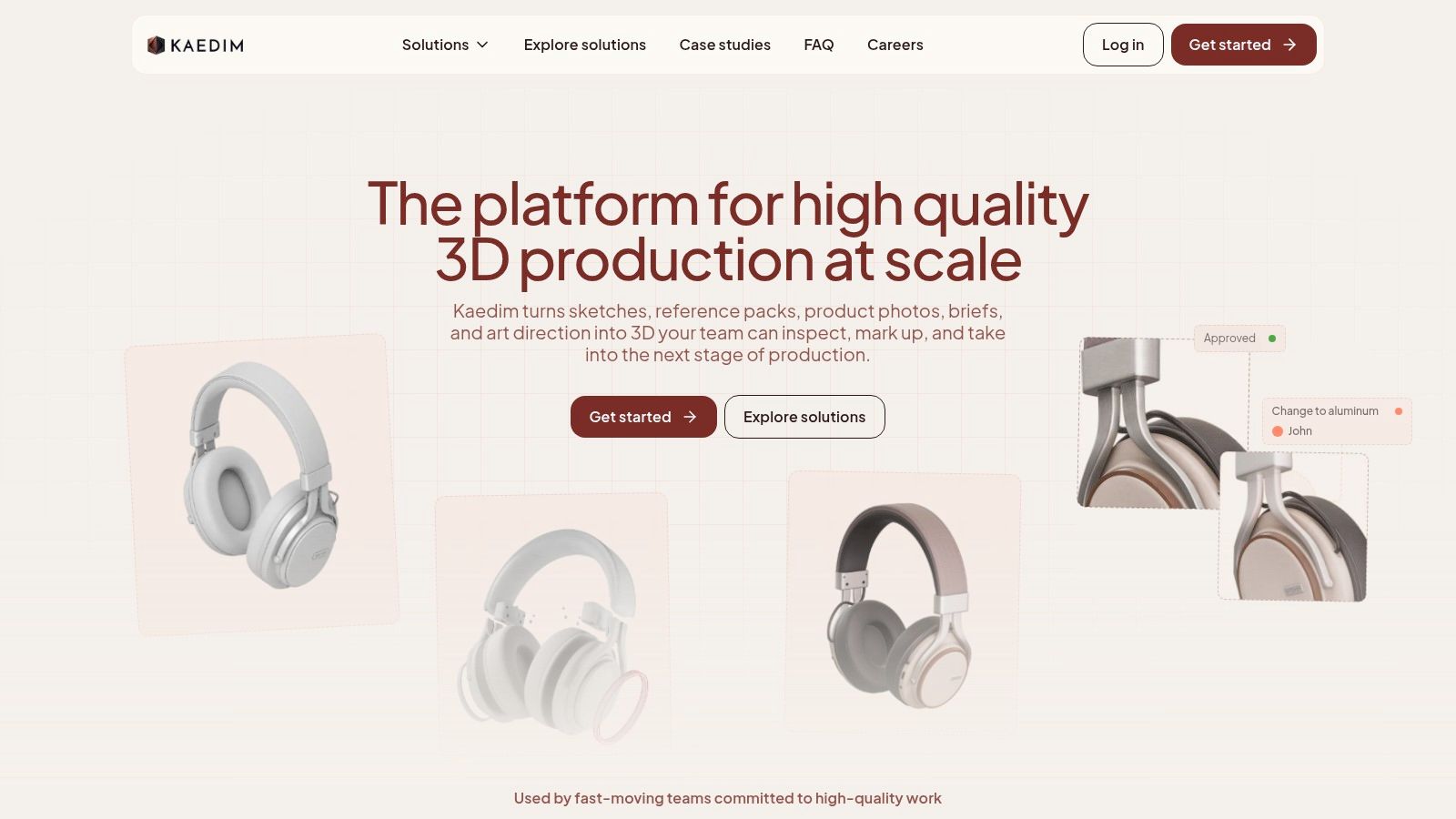
This is a different proposition from generating a mesh yourself and doing all the cleanup in another application. A service that includes asset preparation can suit a recurring production pipeline, especially when a team has a clear brief and needs more than a raw preview. Plans are measured in credits and geometries or assets, and a trial option lets you assess the fit.
The trade-off is cost and commitment. Kaedim is substantially more expensive than most self-service tools, and its plans are oriented toward ongoing production rather than occasional use. Confirm what the relevant plan includes for your specific brief, including how the requested asset will be delivered and what preparation is included.
Comparison of the 10 online 3D model generators
Read the columns as a pipeline filter: input decides whether your existing photo, sketch, or prompt can drive the result, export decides how much conversion work lands on you, and the free tier decides whether you can judge mesh quality before paying. “Best for” is the tie-breaker once two tools accept the same input and deliver a usable file.
| Tool | Input type | Export formats | Free tier | Best for |
|---|---|---|---|---|
| TRELLIS 2 by Microsoft | Single image | GLB | No stated free tier; pay per use | Textured 3D assets from images |
| Meshy | Text prompts, images | GLB, FBX, OBJ, STL, USDZ | 100 credits per month | General-purpose generation and asset refinement |
| Tripo Studio | Text, images, multiple views | GLB, FBX, OBJ, STL, USDZ | Free tier with limited monthly credits | Multi-input generation with mesh editing |
| Hyper3D Rodin | Text prompts, images | GLB, FBX, OBJ, STL, USDZ | Credit-based paid plans | Flexible input and export options |
| Sloyd | Text, images | GLB, OBJ, FBX | Guest tier with limited generation and downloads | Editable, stylized and game-oriented assets |
| 3D AI Studio | Text, images | GLB, OBJ, FBX, STL, USDZ | Free starting credits | Browser-based generation and asset processing |
| Hi3D (formerly Hitem3D) | Single or multiple images | GLB, OBJ, FBX | Limited trial | Image-led asset creation and prototyping |
| Masterpiece X – Generate | Text | GLB | Free sign-up credits | Quick concept exploration and prototypes |
| Autodesk Flow Studio (Wonder 3D) | Text, images | FBX, OBJ, GLB | Monthly credits; limited, watermarked exports | 3D assets for VFX and animation workflows |
| Kaedim | Images, sketches, reference packs, briefs | FBX, OBJ, GLB | Trial option | Production-ready assets for teams and studios |
The practical divide is not feature count. Self-service rows give you a file and leave retopology, UV checks, scale, and material cleanup in your hands. Kaedim sits closer to an outsourced asset step, which can remove cleanup labor while raising cost and reducing direct control.
Picking a Generator That Fits Your Pipeline
Start with the input you have. If you have a product photo, prioritize image-to-3D tools and use clear references that show the shape without hiding important features. If you have only a text description, keep the prompt focused on one object before asking for a full scene. Text-to-3D systems can struggle with multiple objects and spatial relationships, so check the output against the brief rather than trusting a single preview.
Then match the export to the destination. GLB is a practical choice for web delivery and can package scene information in one file, but the format alone doesn't guarantee a clean mesh or correct materials in every application. If the asset is for a game engine, check polygon density, UVs, scale, and material behavior. If it's for printing, inspect whether the mesh is watertight and manifold, whether walls are thick enough, and whether unsupported parts need redesign. A downloadable file is not proof that the model is ready to print or sell.
Attractive from the front doesn't mean correct from every angle.
Build time for cleanup into your decision. Research benchmarks assess multi-view quality and text-to-3D alignment separately, which reflects a useful practical distinction: a model may look appealing but still fail to represent the requested object. The T3Bench evaluation supports checking multiple rendered views for prompt alignment, visible geometry, texture continuity, and consistency. The ICCV 2025 text-to-3D evaluation likewise tested prompts for single objects, objects with surroundings, and multiple objects, reinforcing the need to judge results against the requested complexity.
Test a free tier or trial with a real project brief before committing to a subscription. Use the same prompt or reference image across candidate tools, then inspect the exports in your actual destination software. Note how much repair the asset needs, whether the file keeps its materials, and whether licensing terms permit your intended use. Research on 3D model modification and production readiness also highlights the difficulty of turning generated meshes into reliable deliverables, so separate visual generation from validation and review the practical challenges of modifying AI-generated models.
For occasional projects, Visual Sandbox offers a pay-per-use workspace with TRELLIS 2, Meshy 7.1, Tripo P2, Hunyuan 3D 3.1, Rodin Gen-2.5, and SAM 3D Objects on a shared credit balance, with prices shown before each generation. That lets you compare model outputs without keeping a subscription active between projects.
Before choosing any new generator, check your actual brief against this short list:
- Input fit: Can it use your prompt, photo, or reference views?
- Export fit: Does it produce a format your target application can use?
- Geometry and materials: Do the mesh, UVs, textures, and scale survive inspection?
- Production work: What repair, retopology, or optimization will you need?
- Usage terms and spend: Do the license and payment structure suit the project?
Visual Sandbox brings multiple third-party 3D generation models into one pay-per-use workspace, so you can compare image- and prompt-based workflows without switching between separate model accounts. Try a real project brief, check the displayed generation cost, and explore the available tools at Visual Sandbox.