AI Voice Generator Text to Speech: A Practical Guide
November 6, 2026 · 13 min read
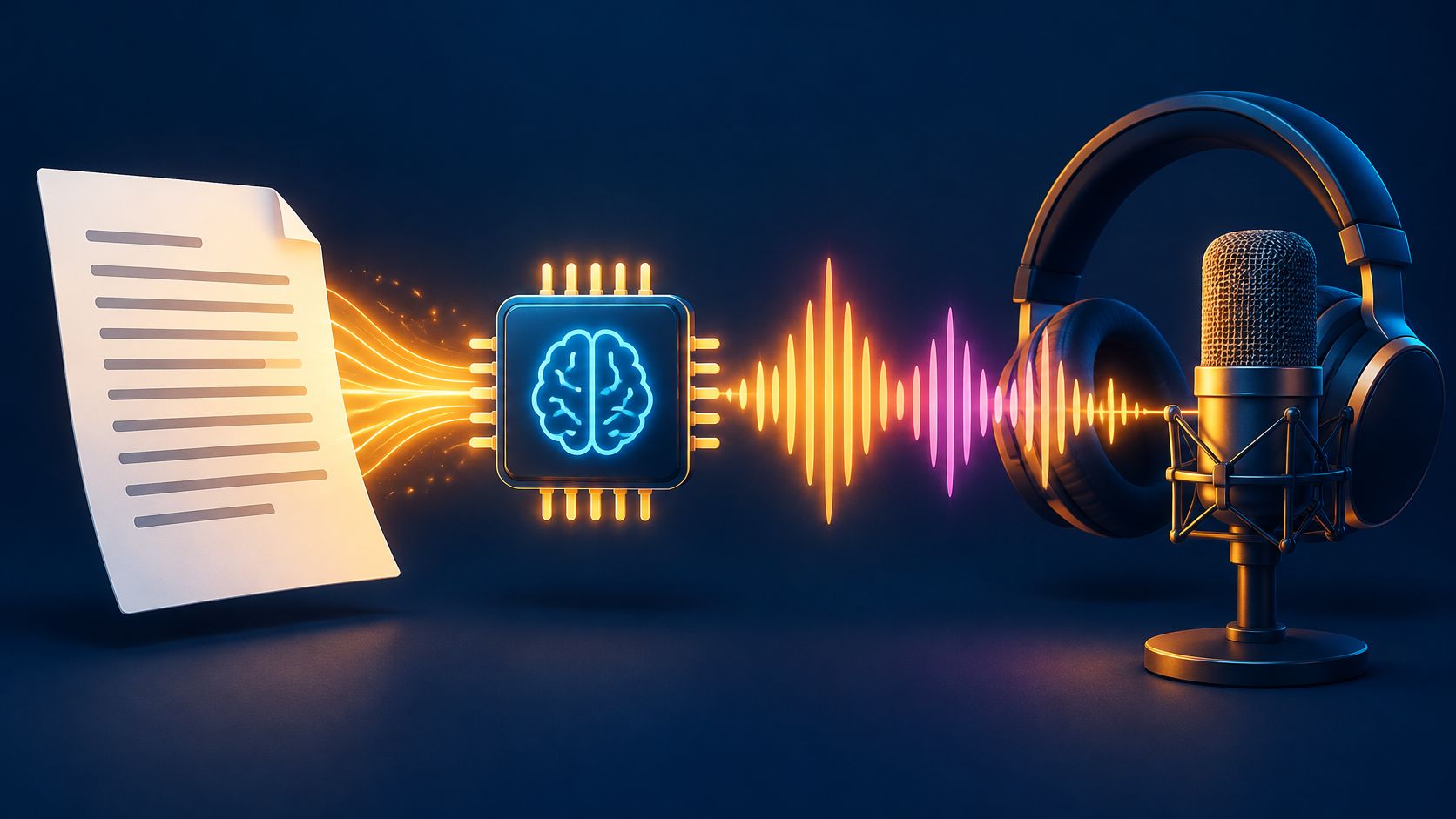
You've got a video edited and ready. The captions are done. The product shots look clean. Then you hit record on your phone and the voiceover sounds echoey, rushed, and nothing like you planned. You don't have a studio. You don't want to hire an actor for a 90-second clip. That's the gap an AI voice tool fills, and the part that decides whether it works isn't the voice you pick. It's the script you feed it.
Table of Contents
- What an AI Voice Generator Does for Your Script
- How Text Becomes Spoken Audio Step by Step
- Stage 1 Text Normalization
- Stage 2 The Acoustic Model
- Stage 3 The Vocoder
- Choosing a Voice, Model and Speed for Your Use Case
- Voice, Language, and Style
- Speed and Latency
- How to Turn a Script Into Finished Audio
- How to Test Voice Quality Before You Publish
- Fix Robotic, Flat or Wrong-Sounding Audio
- Delivery Problems
- Accuracy and Consistency Problems
- Consent, Disclosure and Fraud Risks to Plan For
- Generate Your First Voiceover Today
What an AI Voice Generator Does for Your Script
Say a shop owner pastes a 90-second product script into a tool. She picks a warm voice, presses generate, and gets a usable voiceover in under a minute. No studio booking. No voice actor. No retakes because a truck drove past.
An AI voice generator text to speech tool turns written text into spoken audio. It uses a model trained on many hours of human speech. Think of a GPS voice. It can read a street name it has never seen. It didn't store every road. It learned how sounds fit together, so it can build new words from familiar parts.
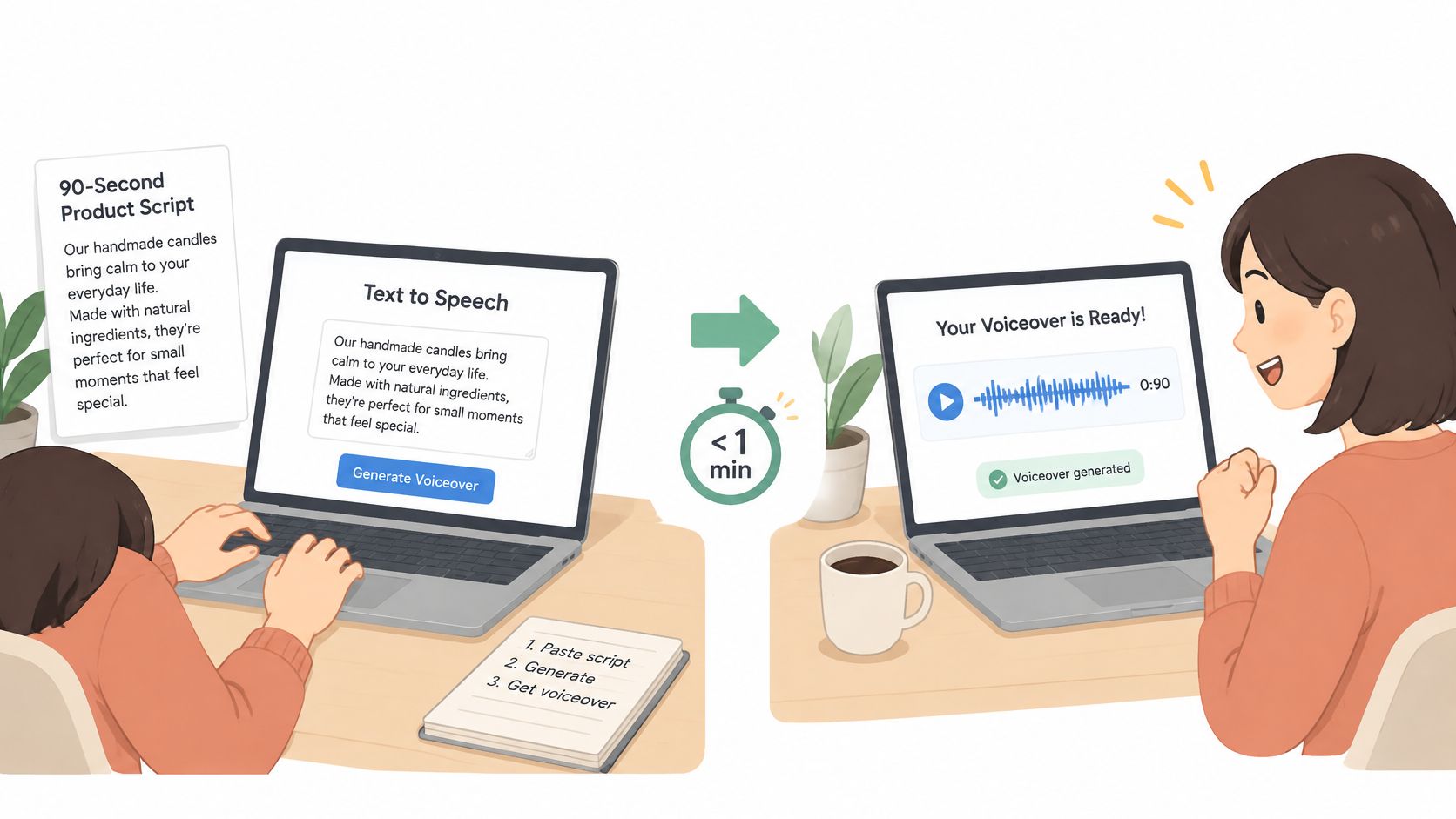
You handle three parts:
- The script: That's your input, and it carries more weight than many expect.
- The voice and settings: That's your control over pace, tone, and language.
- The audio file: That's your output, usually WAV or MP3.
Two confusions come up often. First, stock voices are generated, not copied from a real person sitting in a booth. Second, a cloned voice is different. It copies a specific person, and it needs that person's written permission.
This isn't fringe technology. The MarketsandMarkets text to speech market report placed the worldwide market at approximately USD 4.0 billion in 2024. People use it for explainer videos, e-learning, podcasts, product demos, accessibility tools, and phone systems. Pair the audio with a face and you get formats like a talking avatar for product and training videos.
The tool is a converter. It doesn't fix a messy script. It reads what you give it, the way you give it.
How Text Becomes Spoken Audio Step by Step
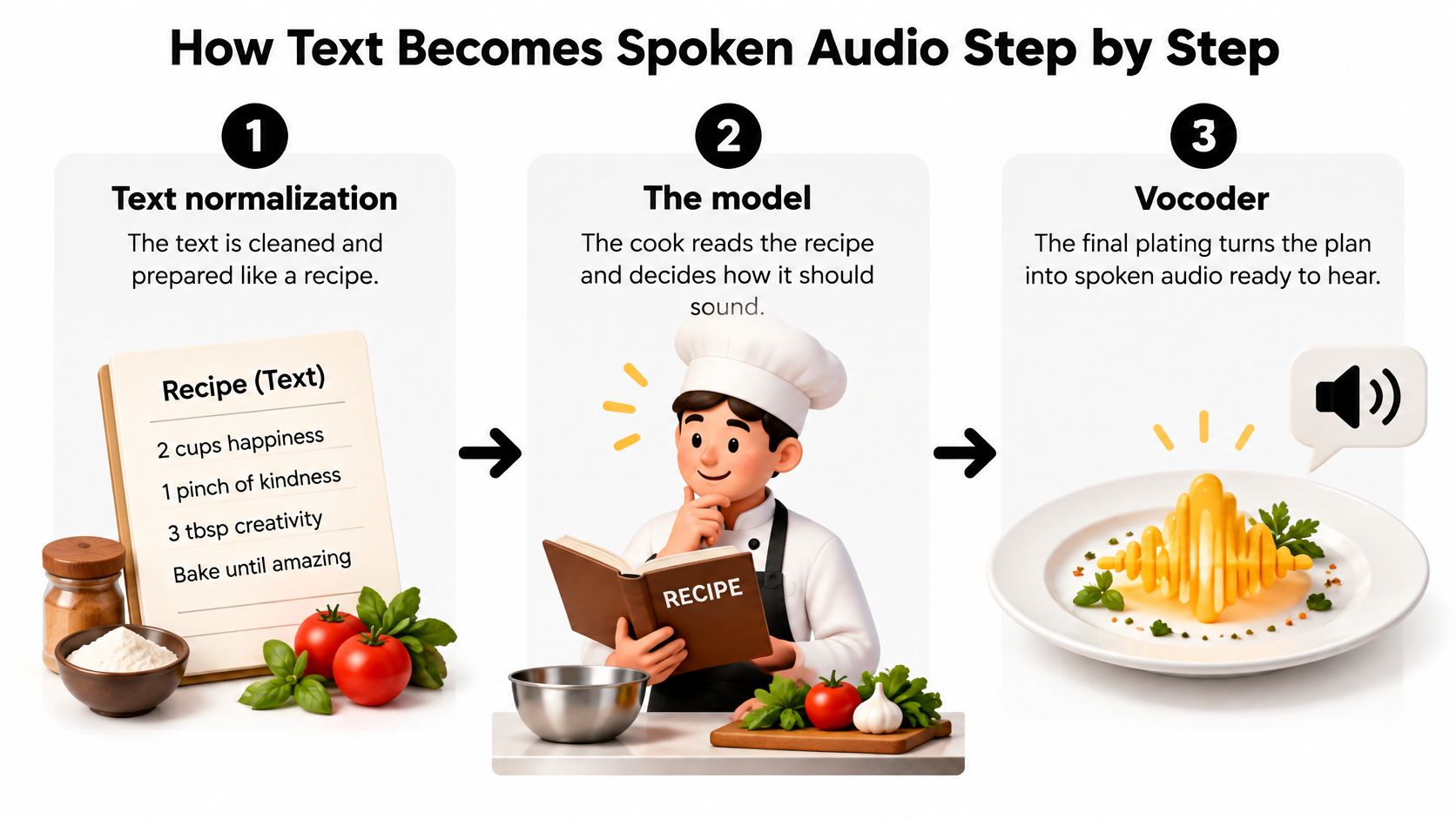
A kitchen analogy helps here. Your text is the recipe. The model is the cook. The vocoder is the final plating that makes the dish ready to eat. If the recipe is vague, even a good cook guesses.
Stage 1 Text Normalization
First, the system cleans your text. It expands numbers, dates, currency, and abbreviations. So 14/03 becomes the fourteenth of March. It reads Dr. as Doctor or Drive depending on context. This stage is where silent mistakes start. If you leave a date compressed, the system makes its best guess, and its guess may not match yours.
Stage 2 The Acoustic Model
Next, the model predicts a mel-spectrogram. That's a map of pitch and tone over time. It decides rhythm, stress, and emphasis. This is why the same sentence can sound flat in one tool and lively in another. The words are identical. The prosody, the rise and fall of the voice, is not. Punctuation feeds this stage directly. A comma tells the model to breathe. A period tells it to land.
Stage 3 The Vocoder
Last, the vocoder turns that map into the waveform you hear. It's the final sound, not the plan. Small differences here change how human the result feels.
The controlled VocBench evaluation on arXiv trained six vocoders the same way so the comparison stayed fair. On LibriTTS, Parallel WaveGAN reached a Fréchet Audio Distance of 1.41. On VCTK, WaveNet reached a mean opinion score of 3.95 ± 0.032.
Two terms, in plain words. MOS means human listeners rated the quality. FAD measures how close generated speech sits to real speech statistically, and lower is better. One score can't tell you everything. A vocoder that wins on one set of voices may lose on another.
So when you press generate, this happens in order. Your text gets expanded. The model plans how it should sound. The vocoder builds the sound. If the output feels wrong, ask which stage went wrong first. Most of the time, it's stage one, and that's the stage you control.
Choosing a Voice, Model and Speed for Your Use Case
Start from the job, not the voice list. This table maps common uses to a starting point.
| Use case | Latency need | Voice style to start with | Model priority |
|---|---|---|---|
| Product demo video | Batch, not time sensitive | Warm, clear, medium pace | Expressive neural model, rendered offline |
| Explainer or e-learning narration | Batch, quality first | Warm, steady, same narrator across chapters | Expressive model with a consistent voice across chapters |
| Phone menu or support bot | Under 1 second per reply | Short, calm and clear | Feed-forward or streaming model with stable P90 |
| Live assistant replies | Under 1 second, stable tail latency | Friendly and brief | Low-latency model, monitored by P90 |
| Audiobook or long narration | Batch, long passages | Calm, moderate pitch range | Model tested on long text for consistency |
Voice, Language, and Style
Pick a voice that matches the listener. Clarity beats age and gender. If listeners strain to follow words, the voice is wrong, however pleasant it sounds. Choose a voice native to the target language and region. A voice built for one accent reading another language usually sounds off in rhythm, not just pronunciation.
Style follows purpose. Use calm and warm for explainers. Use energetic for ads. Use neutral for documentation. If no stock voice fits, tools like ElevenLabs Voice Design for building a voice from a description let you shape one instead of scrolling forever.
Speed and Latency
For most narration, about 130 to 160 words per minute works well. Go faster for short ads. Go slower for learning material, where listeners need time to absorb steps.
Latency is a separate question. It's the wait before audio starts. The 2025 MLPerf-style TTS benchmark in Computers evaluated 13 open-source systems using median and 90th-percentile (P90) latency. Feed-forward and flow-based architectures consistently delivered sub-second responsiveness. Autoregressive systems showed larger tail-latency spikes.
That distinction matters. An average can look fine while one reply in ten stalls. Listeners remember the stall. So measure median and P90, not only the average.
Practical rule: Choose the model by use case, not by which one is newest.
Before you generate, answer three questions. Who listens? Where does it play? How long a wait will the listener accept? Those answers pick the row in the table for you.
How to Turn a Script Into Finished Audio
Most of your quality comes from these steps. Follow them in order. Don't begin by auditioning voices.
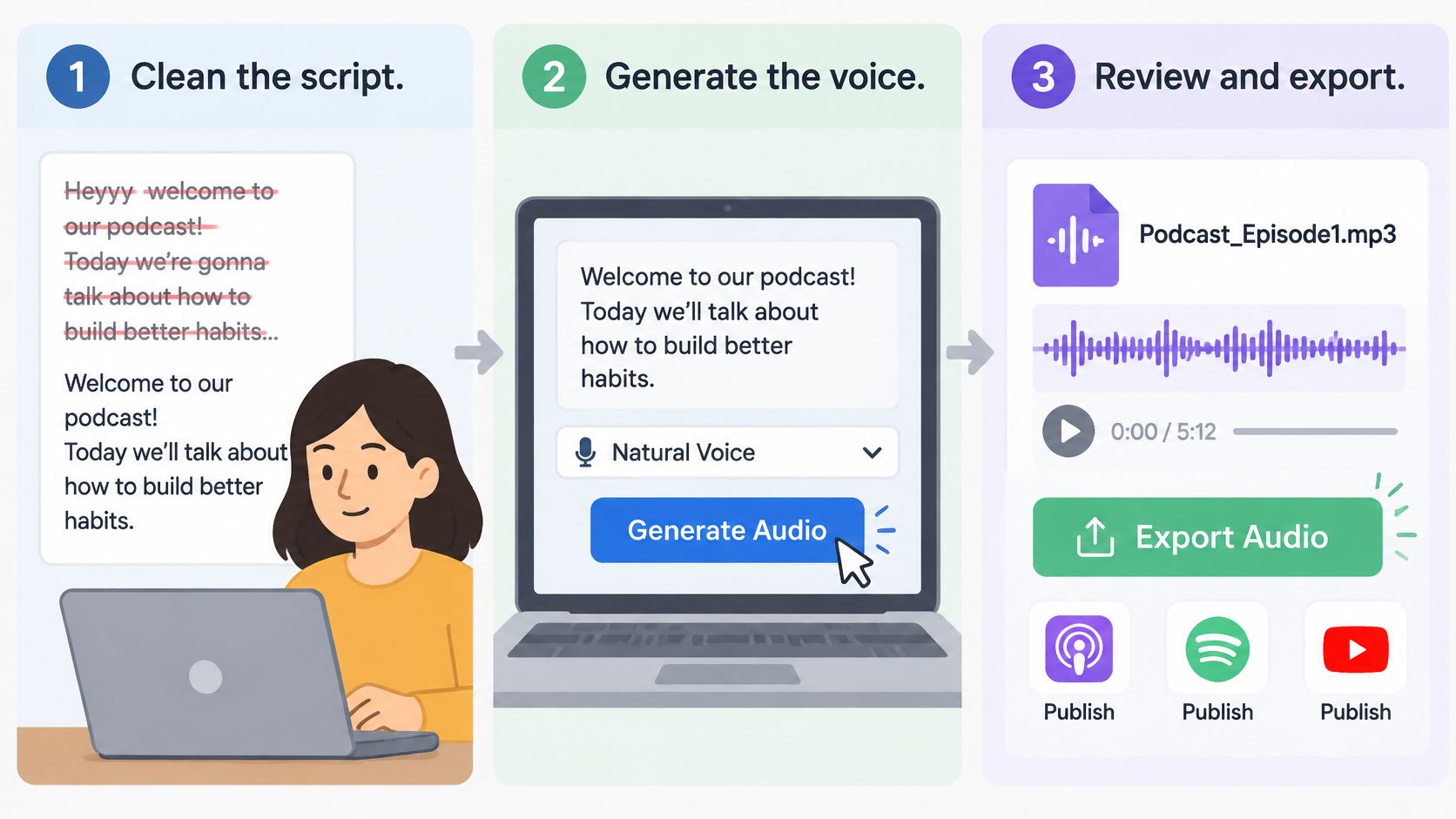
- Clean the script. Remove stage directions, speaker notes, and anything you don't want spoken. Write numbers, dates, and abbreviations the way they should sound, because the voice reads what it sees. Common slip: leaving 14/03 unexpanded and hoping for the best.
- Split it into chunks. Use one to three sentences per chunk. Pacing stays even, and later edits stay cheap. If one line changes, you regenerate one chunk, not the whole file.
- Add pauses with SSML. Speech Synthesis Markup Language is the XML standard for controlling synthetic speech. The Microsoft Azure text to speech documentation describes SSML as a way to set voice, language, speaking rate, pitch, volume, pauses, emphasis, and pronunciation. Try a break of about 250 milliseconds between list items. Try about 3 seconds before a key line. Common slip: trusting automatic punctuation alone, which often sounds uneven.
- Fix names and terms. Use phonetic spelling or a custom lexicon for brands, people, and technical words. Common slip: a brand name read letter by letter because the model treated it as an acronym.
- Choose voice and settings. Take them from your use case, not from a demo you liked. This is also where a voiceover workflow built for scripted audio keeps those choices in one place.
- Generate a short test first. Make a 20-second clip from the hardest paragraph. Pick the part with names, numbers, and a question. If that part works, the rest probably will.
- Listen on headphones. Check stress, breath points, and sentence endings. Common slip: questions that end flat, so they sound like statements.
- Generate the full script. Go chunk by chunk with identical settings. That keeps the voice consistent from start to finish.
- Export and finish. Export WAV for editing or MP3 for the web. Match loudness across chunks so volume doesn't jump. Then add music and sound effects in your editor, under the voice, not over it.
Notice what came before step five. Four steps, all about the text. That's the work, and it's why two people using the same voice get very different results.
How to Test Voice Quality Before You Publish
A polished demo can mislead you. Most published samples use short English promotional lines. They're chosen because they sound good. Your script won't be that forgiving.
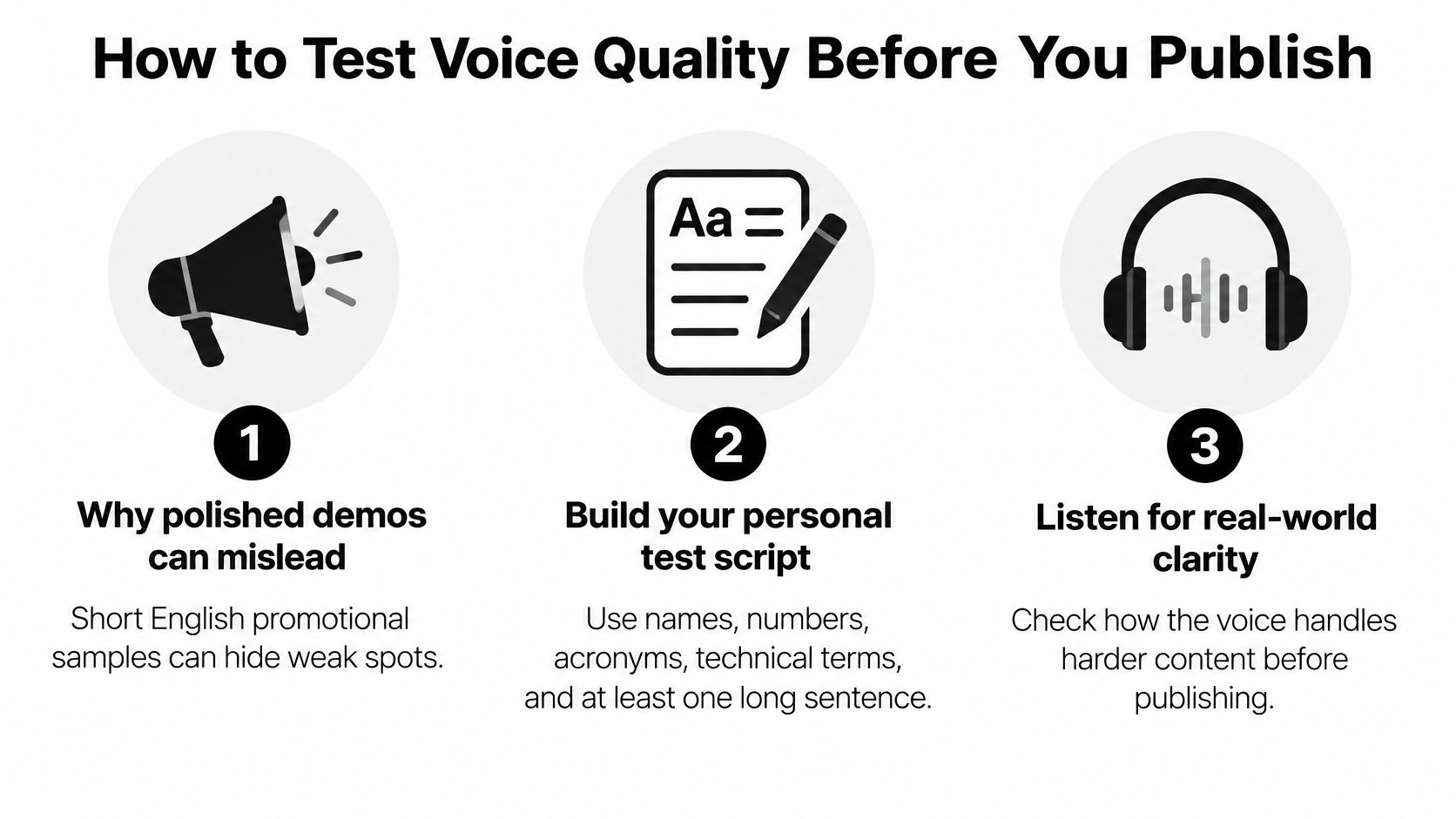
Build your own test script instead. Include names, numbers, acronyms, and technical terms from your real work. Add at least one long paragraph. Then run this checklist:
- Count mispronounced words: Write each one down. A vague feeling that it sounds off won't help you fix it.
- Check stress and rhythm: Listen closely in lists, questions, and compound words. Wrong stress is the fastest way to sound robotic.
- Listen to a long passage: Play about 5 minutes without stopping. Tone and pace drift only shows up over time, never in a ten-second sample.
- Use a native speaker: For each target language, ask a native speaker to rate the output on a 1 to 5 scale.
That last step matters more than any language list. The 2025 speech synthesis overview in the ISCA archive notes that TTS systems historically support only a few dozen languages and that most of the world's languages still lack accessible, high-quality TTS. Recent research reaches far more languages, but language count does not equal usable coverage. Output can be intelligible and still fail on local accents, names, and rhythm.
Watch for three warning signs. Flat tone across a whole paragraph. Wrong stress in compound words. An accent that shifts mid-sentence.
Use a clear decision rule. If native listeners reject a language's output, don't publish it anyway. Record a human voice for that language, or request custom adaptation. A weak voiceover in someone's own language does more damage than no voiceover at all.
Fix Robotic, Flat or Wrong-Sounding Audio
Most problems repeat. Match the symptom to one fix, apply it, then regenerate only the affected chunk.
Delivery Problems
Robotic or monotone delivery. Switch to a voice with a more expressive style. Then add a short break before the key phrase. The pause gives the model room to lift its pitch, and the line lands better.
Rushed delivery. Lower the speaking rate. Split long sentences into shorter chunks. Long sentences are the usual cause, because the model tries to fit them into one breath.
Flat question endings. Rewrite the line as a direct question. Keep it short. Then regenerate that chunk and listen to the last two words.
Accuracy and Consistency Problems
Wrong word stress. Respell the word phonetically, or add a custom lexicon entry. Regenerate only that chunk. Don't redo the whole script for one word.
Voice drift across chunks. Regenerate every chunk with the same voice ID and identical settings. Even a small change in rate or style can make one narrator sound like two.
Latency spikes in a live bot. Move to a feed-forward or streaming model. Shorten the replies. Long replies hide delays, and callers notice.
Record time to first audio, total synthesis time, median latency, and P90 latency as separate numbers. Streaming can feel fast while full generation stays slow.
Keep a short log of each fix. Note the symptom, the change, and the result. On your next script, you'll solve the same problem in a minute instead of an afternoon.
Consent, Disclosure and Fraud Risks to Plan For
A more realistic voice is not always a safer voice. Realism builds trust with listeners, and it also makes impersonation harder to spot. The better your output sounds, the more care you owe the people hearing it.
The stakes are concrete. The Pindrop 2025 Voice Intelligence and Security Report analysed more than 1.2 billion customer calls and found deepfake-fraud attempts increased by over 1,300% in 2024, from roughly one per month to seven per day. Synthetic-voice attacks rose 149% in banking and 475% in insurance.
Separate two cases in your own work:
- Ordinary narration with a stock voice: Disclosure is prudent when listeners could assume a human is speaking. That includes ads, support lines, and virtual hosts. Disclosure can live in the script itself: one short line stating the voice is generated costs a second of audio and settles the question up front.
- Cloning a real person's voice: This needs explicit written permission and prominent disclosure. Verbal agreement isn't enough.
Then put controls in place before you publish at scale:
- Approved voice library: Only listed voices can be used, so nobody improvises with an unapproved clone.
- Provenance log: Record the script, voice ID, date, and approver for every file.
- Human review: A person listens before anything goes live.
- Call-back verification: In phone workflows, confirm identity through a separate channel.
- Hard limits: Don't let a synthetic voice handle payment or account-recovery conversations.
Rules on synthetic voice differ by country and state. Expect transparency duties for AI-generated audio in the EU, labeling requirements in China, and state-level voice publicity laws in the US. Check the rules where your listeners live, not only where you work.
On the platform side, Visual Sandbox does not train AI models on users' prompts or outputs and does not sell users' Content. You keep ownership of the prompts you submit and the media you generate, to the extent the law lets you own AI-generated output. Keep your own records anyway. If someone challenges a voiceover later, your log is your answer.
Generate Your First Voiceover Today
Don't start with a big project. Produce one 30-second voiceover this week. Small enough to finish. Long enough to teach you something.
Pick a script you already have. Rewrite it for the ear, not the eye. Choose the voice from your use case. Add pauses and pronunciation fixes. Generate a test clip from the hardest paragraph. Run the quality checklist. Then render the full file, chunk by chunk, with settings locked.
Visual Sandbox keeps that work in one workspace. Audio tools on Visual Sandbox include ElevenLabs Text to Speech, ElevenLabs Voice Changer, and Eleven Music, alongside sound effects, a voice isolator, images, and video. They all draw on one credit balance. One credit equals one US cent, credits don't expire, and no subscription is required. You pay for what you generate and nothing while you're idle.
If picking a model feels like the hard part, use the agent. You describe the result in plain words, and the agent picks the model and writes the prompt for it. Each job opens with the brief filled in, and you can change any word before running it. That edit step is not a formality. It's where you add the pauses, the phonetic spellings, and the delivery notes that separate a flat read from a good one.
Finish with three things saved, not one:
- The finished file: WAV if you'll edit it again, MP3 if you're publishing.
- A settings note: Voice ID, rate, style, and language.
- A test log: What you fixed and how.
Those two small notes turn next week's voiceover into a repeat of a process, not a fresh experiment. That's how the script-first habit pays off.
Open Visual Sandbox, paste in a script you already own, and run it through ElevenLabs Text to Speech with your pauses and pronunciation fixes in place. You'll hear within one test clip whether your formatting is doing the work, and you can adjust the brief before spending anything on the full render.