Pixel Art
- 8-bit
- 16-bit
- sprite art
Every pixel placed on purpose, on a small grid, with a palette of sixteen colours.
Opens an image model with the prompt in it. The price is on the page before you sign in.
What it is for
Pixel art is the most legible style in this catalogue at small sizes, because every mark was designed to survive being small.
It also carries an immediate association with games, so an audience knows what kind of event it is before reading a word.
How it works
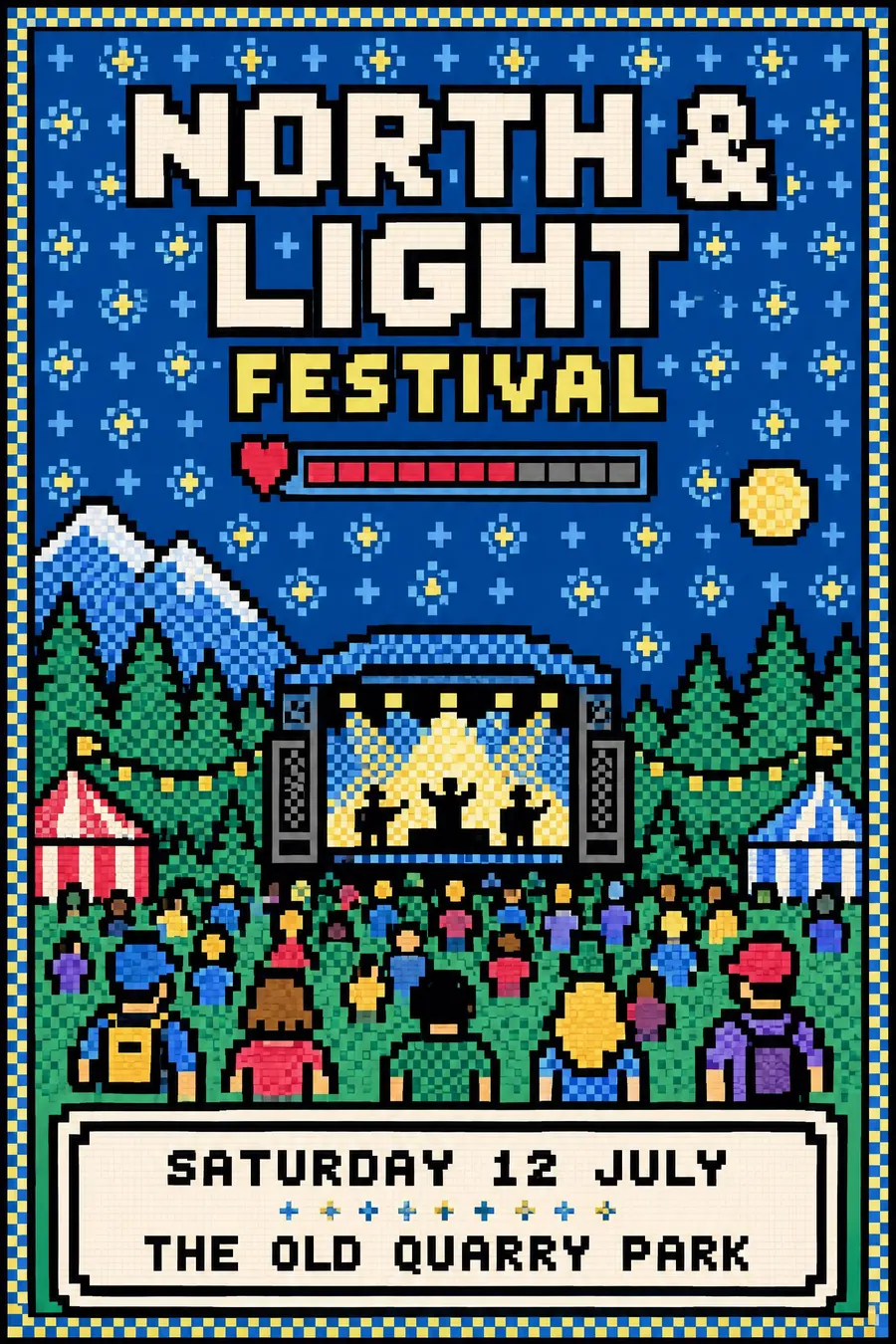
Work on a visible coarse grid with hard square pixels and no anti-aliasing. Diagonal lines are stepped, not smoothed.
Limit the palette to sixteen colours, and use dithered checkerboard patterns for every gradient rather than blending.
Outline each sprite in black, tile the background with a repeating pattern, and set the type in a chunky pixel face on a five by seven grid. A health bar or interface strip completes it.
When to use it
Use it for a games night, a retro arcade, a coding club, a school computing event, a comic fair, a student night.
Leave it alone when the event is formal. It reads as a game whatever the subject.
Told apart from its neighbours
Low poly is built from triangles in three dimensions. Pixel art is built from squares in two.
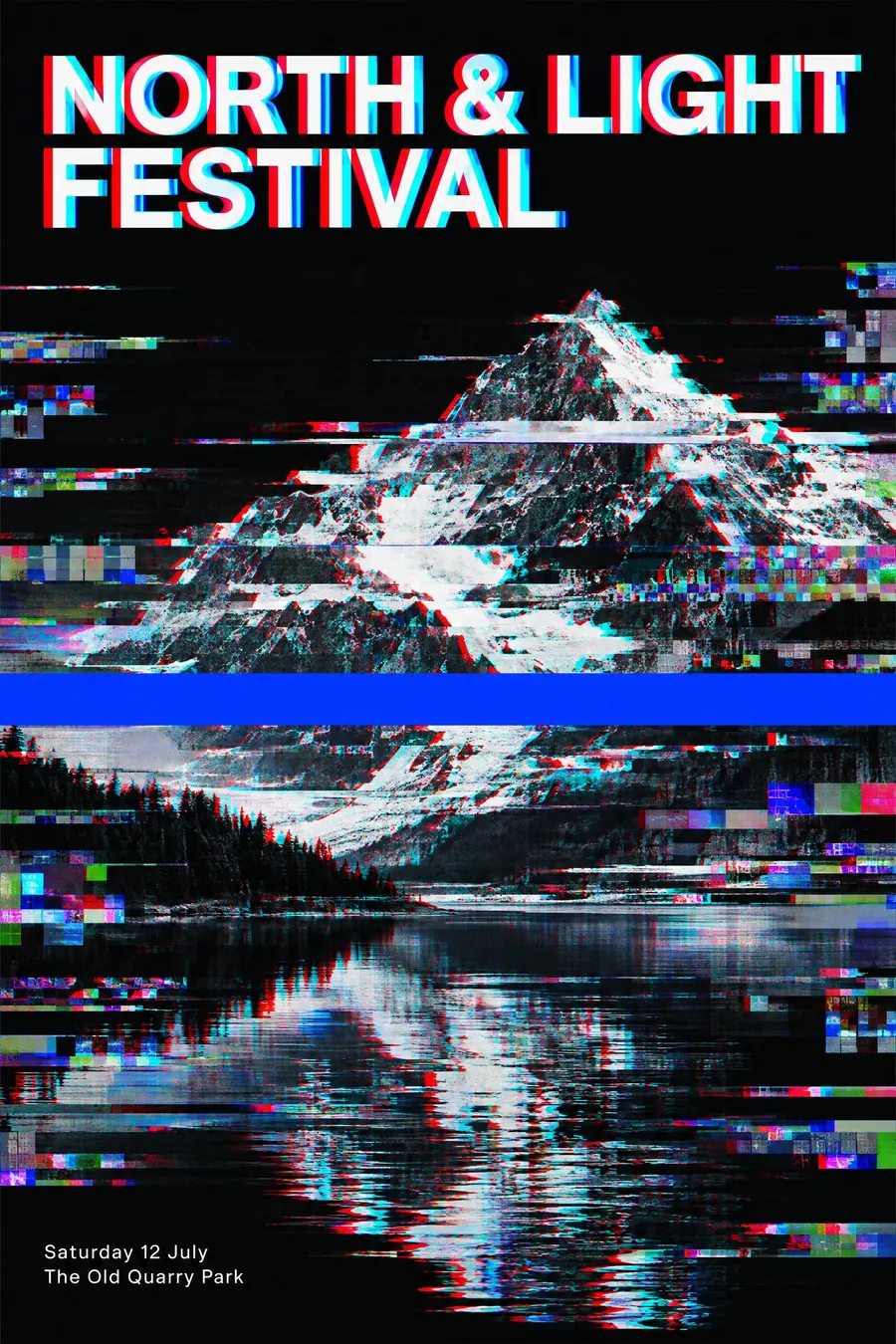
Glitch art breaks a normal image. Pixel art constructs one from scratch.
A modern icon system is smooth vector at any size. Pixel art is bound to its grid.
- Low Poly
- Glitch Art
- Modern Icon System
Where it was used
The NES and SNES palettes are the reference everyone has in their head. The modern revival runs from Cave Story in 2004 through Shovel Knight in 2014, and Pico-8 enforces a sixteen colour palette as a design constraint.
- NES and SNES sprites
- Shovel Knight
- Pico-8
The prompt
Replace the blanks with your own event, keep the rest. Then run it on an image model.
poster for <event>, pixel art, the whole image built on a visible coarse pixel grid with hard square pixels and no anti-aliasing, a strictly limited palette of sixteen colours, dithered checkerboard patterns used for every gradient, a chunky pixel typeface with letters on a five by seven grid, a black outline around each sprite, a tiled repeating background pattern, a small health bar or interface strip, <date, time and place> in pixel type inside a bordered dialog box
What goes wrong
The model returns a smooth illustration with a pixel filter. Ask for hard square pixels on a visible grid with no anti-aliasing and stepped diagonals.
The second failure is a smooth gradient. Say every gradient is a dithered checkerboard pattern.
Leave out
anti-aliasing, gradients, soft shadows, curves, more than sixteen colours
Watch for
No anti-aliasing anywhere. One soft edge and the whole illusion collapses.
Questions
Print it
Pay for the one run. No subscription, and the price is on the model page before you sign in.
Next to it in made of pixels and polygons