Atmospheric Haze
- haze
- fog
- smoke
- dust
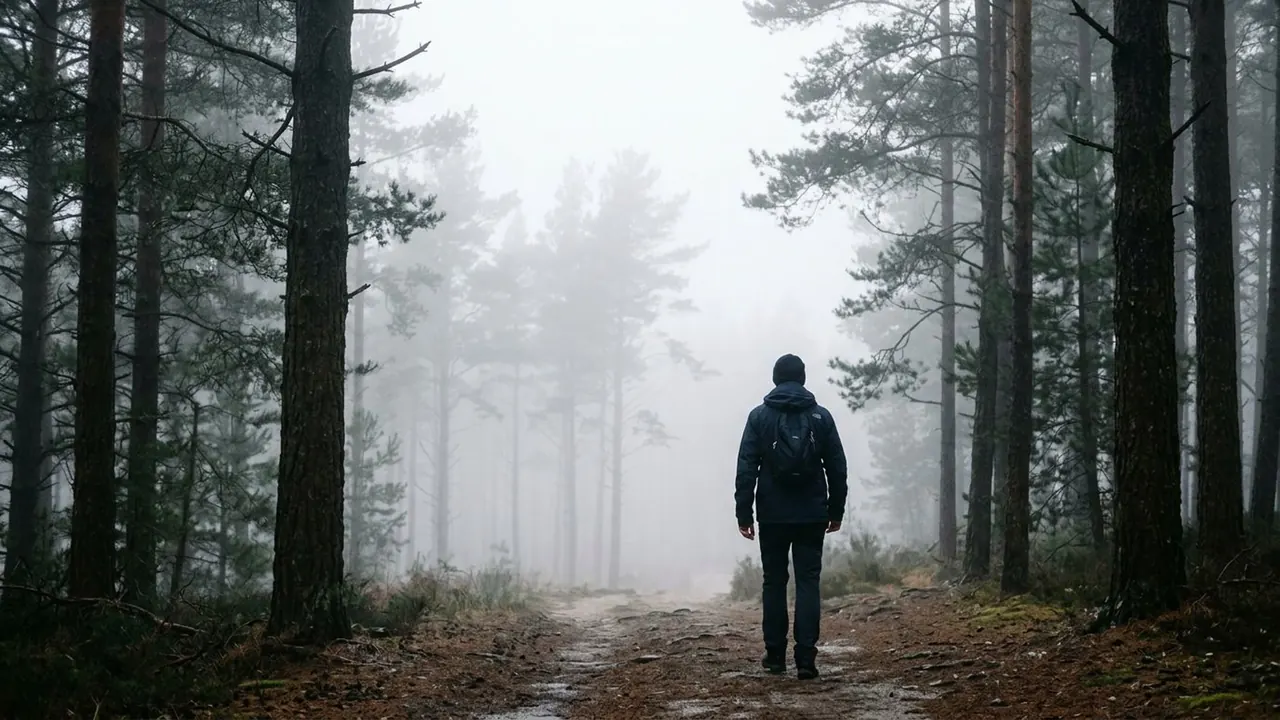
A thin veil in the air softens the far planes and lifts the shadows.
Opens a video model with the prompt in it. The price is on the page before you sign in.

What it is for
Haze is how a flat frame gains distance. Each plane further from the lens picks up a little more veil, so the eye can rank them, and a landscape that was a flat picture becomes a series of steps going back.
It is also the quiet reason a lot of footage looks expensive. Clear air gives every plane the same contrast, which reads as a photograph of a set. Haze lets the near plane keep its full black while the far ones wash out.
How it works
The effect is contrast that falls with distance. The nearest object holds its darkest shadow. The ridge behind it sits a few steps lighter. The one behind that is lighter again, until eventually it meets the sky.
Long lenses show it most, because they stack the planes on top of each other and the difference in tone is the only thing separating them. On a set it comes from a hazer, which puts a fine even particle load through the air rather than a rolling cloud.
Scale is the whole control. Thin haze across a mountain range and thin haze down a corridor are the same effect at different distances.
When to use it
Use it on any wide frame with layers in it, and whenever a beam of light has to be visible without smoke rolling through the shot.
Leave it out when the subject needs maximum contrast against the background, or when the scene is meant to feel cold and clinical.
Told apart from its neighbours
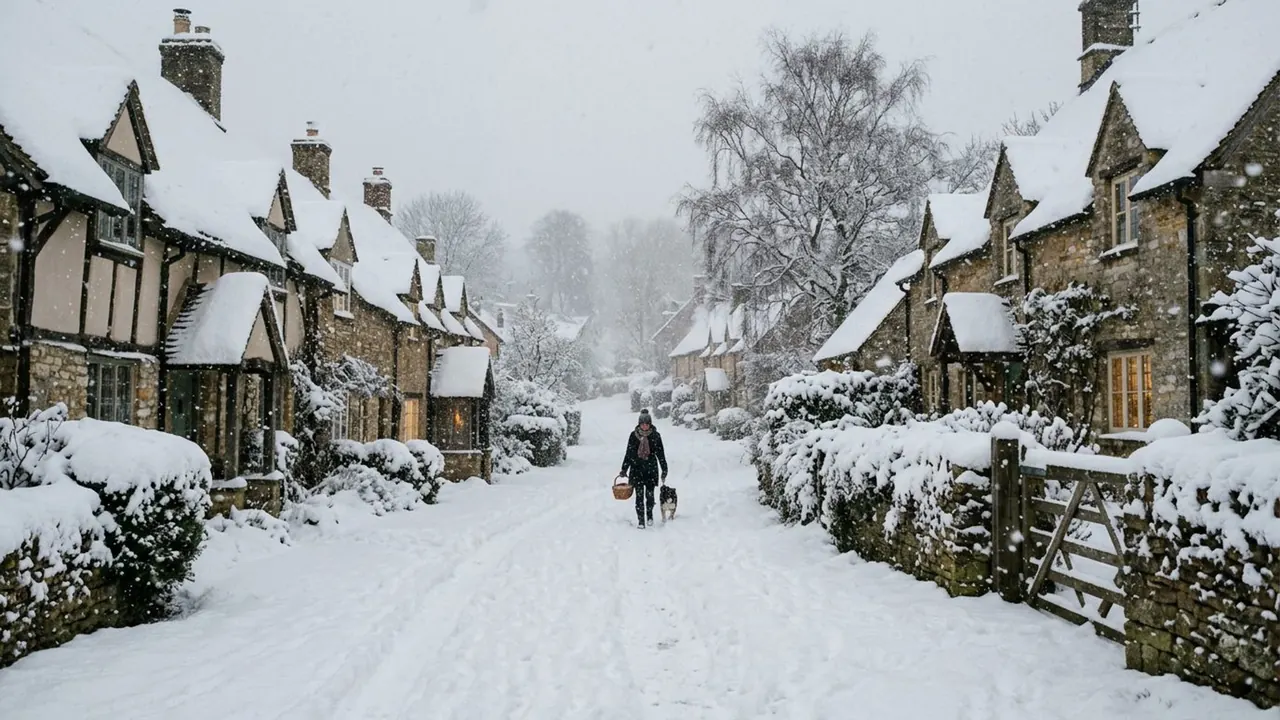
Fog cuts visibility to a few metres and kills the far planes. Haze leaves them visible and only lightens them. The test is whether you can still see the distance, because haze lets you.
Mist is a low band near the ground with clear air above it. Haze is even through the whole depth of the frame.
The prompt
Replace the blanks, keep the rest. Then run it on a video model.
atmospheric haze behind <subject>, far planes softened and lightened, shadows lifted, layered depth
What goes wrong
The request returns fog. Say thin, and add that the far planes stay visible and only lift in tone.
The second failure is an even grey wash over the whole picture, which flattens the frame instead of building it. Ask for the near plane to keep its full black.
Leave out
clear air, heavy fog
Watch for
Haze builds depth. Fog removes it. Say thin, or the model gives you fog.
Questions
Shoot it
Pay for the one run. No subscription, and the price is on the model page before you sign in.