How to keep an AI character consistent across a shoot
July 17, 2026 · 3 min read
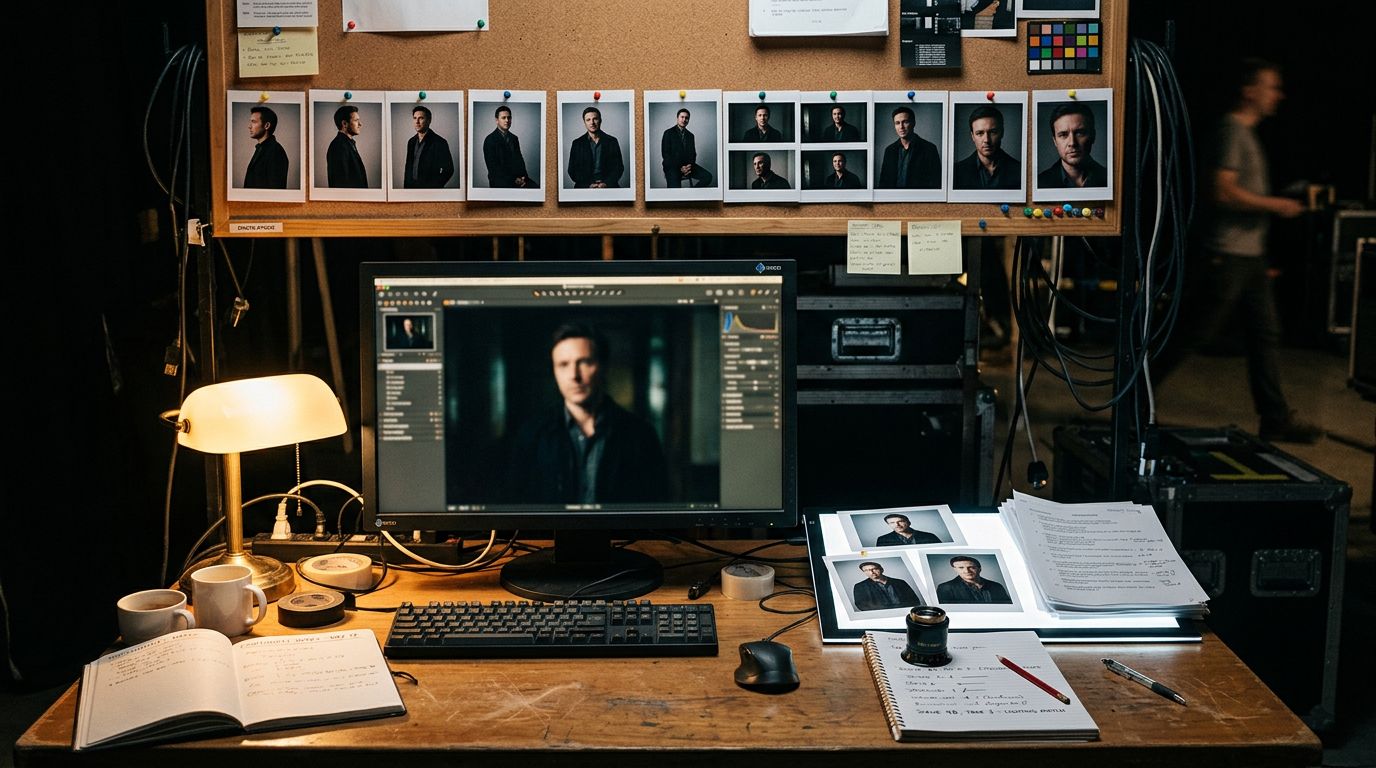
A face that looks right in one AI image often looks wrong in the next one. The fix isn't a longer prompt. It's a reference photo.
Why re-prompting keeps breaking the face
Every fresh text prompt is a new roll of the dice. The model has no memory of "your character" from the last image unless you hand it one. Change one word in the prompt, like the outfit or the lighting. The face can shift with it: a different jawline, different eyes, a stranger wearing the same jacket.
This trips up anyone building a series. A mascot across ten ad variations. A comic across twenty panels. A product model shot in five settings. Text alone can't hold an identity steady. A photo can.
Anchor on one photo, not a paragraph
The working method is simple. Generate or pick one strong shot of the character first. Call it the anchor. Then attach that same photo to every new prompt and describe only what should change: the outfit, the pose, the background, the lighting.
Nano Banana 2 is built for exactly this. Attach up to five reference photos of the people you want to keep stable. It holds the same faces, bodies, and styling across new scenes, outfits, and poses. Storyboards, comic panels, and campaign shots all use the same trick: one anchor image, reused on purpose.
Write the instruction like an edit, not a new scene. "Same woman from the reference, now standing in a kitchen, soft morning light" keeps the identity locked. A prompt that re-describes her hair, face, and build from scratch invites the model to redraw a new person instead.
Pick the anchor before you run the batch, not during it. Generate three or four candidates, choose the one where the lighting and angle are clean, and lock that in. Every later shot in the series inherits whatever flaws or strengths are in that first photo, so it's worth a few extra tries upfront.
How many faces you can hold at once
The ceiling depends on the model. Google says its Nano Banana Pro model can take up to 14 reference images in a single request. It can hold the likeness of up to 5 people at once. Useful for a group shot, or a cast of recurring characters in one scene. Simpler jobs, like one mascot across a single campaign, need only the one anchor photo.
More references also mean more control over parts a single photo can't show. A second angle of the face. A close-up of a logo on a jacket. A specific prop. Each reference does one job. Don't stack five photos of the same angle and expect better results than one good one.
When the model still drifts, fix the spot
No reference workflow holds identity perfectly across dozens of images. Expect a handful in any batch to need a touch-up: an eye color that slipped, a logo that warped, a hand that came out wrong.
The fix is targeted, not a full regeneration. Mask just the part that's off and regenerate only that region, describing what should appear there. Everything outside the mask stays untouched, including the face you already got right. Re-running the whole prompt from scratch risks losing the parts that already worked.
Build the workflow around one anchor photo. Describe changes as edits, not new scenes. Fix drift with a masked touch-up instead of a fresh roll of the dice. That's the whole method, and it scales from one mascot to a hundred campaign shots.