Turn any product photo into a talking spokesperson
July 11, 2026 · 3 min read
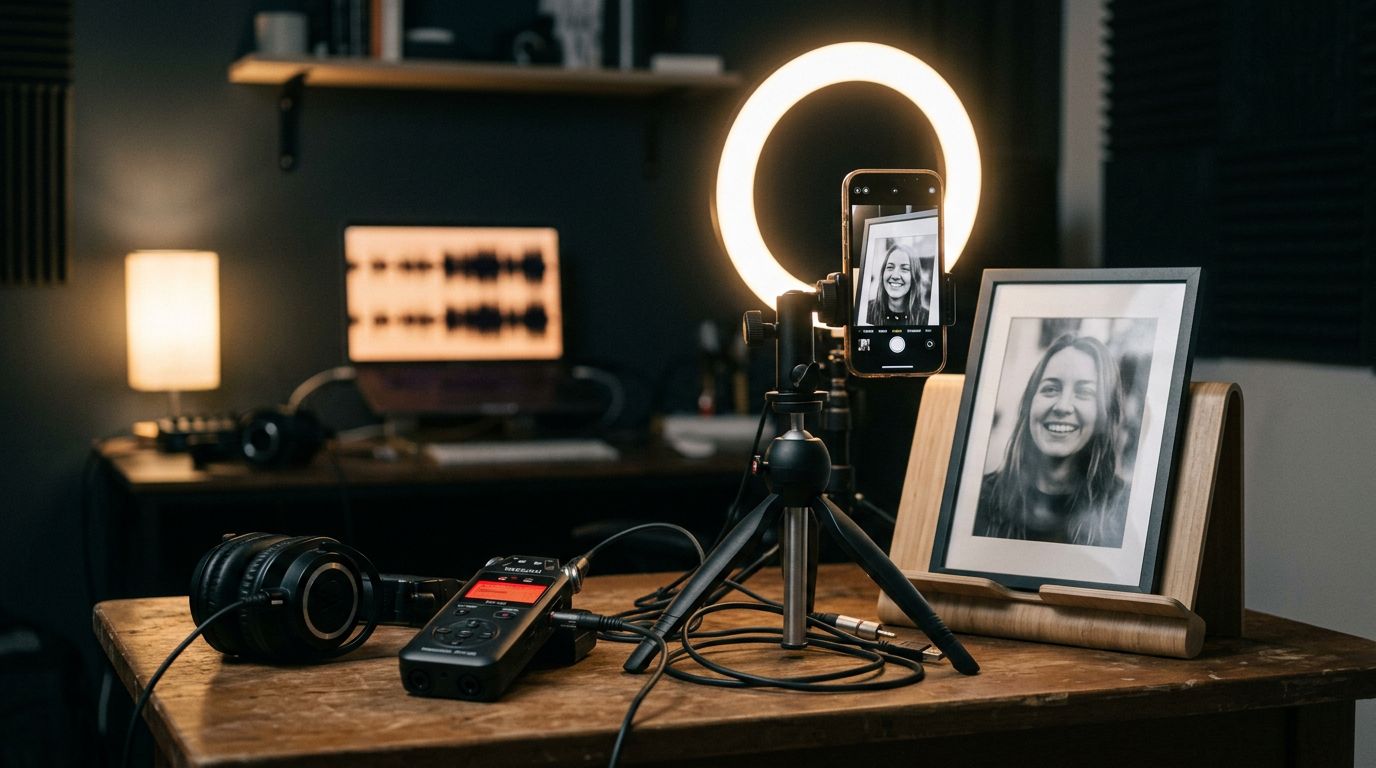
One photo and one audio clip is all it takes to make a still image talk. No camera, no actor, no studio day.
That's the whole input list for an AI talking-head avatar: a portrait and a voice track. The model matches lip shapes, expressions, and timing to the audio, and the picture starts performing your script.
The workflow in two files
Upload a clear portrait: a face, a mascot, an illustration, a product character. Then attach an audio clip: a voiceover, a recorded line, or a track from a text-to-speech tool. That's the entire input.
The image supplies the look. The audio supplies the voice, the pacing, and the words. An optional text prompt can nudge the performance: a warm smile, a slow push-in, a look off to the side mid-sentence. Skip the prompt and you get a neutral, straight read of the line.
On Kling Avatar 2.0, the portrait needs to be a JPG or PNG under 10 MB with the face clearly visible. The audio needs to be MP3, WAV, M4A, or AAC, under 5 MB, and the output length matches whatever you feed in. Trim the clip to the exact line you want performed. A tight 8-second read renders cleaner than a rambling 40-second one, and you can always stitch several clips together afterward.
Why marketers reach for this over booking a creator
Hiring a UGC creator through a freelance marketplace commonly runs $150 to $300 a video. Add scheduling, a shoot day, and a round of revisions if the read doesn't land. An avatar render skips all of that. Swap the script, generate again, and you have a new take in minutes instead of a new booking.
It's not a replacement for every kind of UGC. The model performs a script; it doesn't improvise, react to a product in hand, or generate its own opinions. Use it where the job is a spokesperson reading a line, not a genuine unboxing or a live reaction.
What actually breaks the lip-sync
Two things ruin an otherwise good render: noisy audio and a portrait that doesn't show the face plainly. Clean, single-speaker audio with no background music produces the sharpest match between mouth shape and sound. A voiceover recorded in a quiet room beats a phone-mic clip with room echo every time.
Music with vocals can work for a singing avatar. The lips follow the vocal line, not the backing instruments, so expect some drift on the beat. For dialogue, stick to a clean spoken track.
The portrait matters just as much. A face turned three-quarters away or partly covered by hair gives the model less to anchor the performance to. A straight-on or slight-angle shot with good lighting holds up best across a full line of dialogue.
Iterate cheap, deliver sharp
Kling Avatar 2.0 ships in two tiers on the same engine. Standard is for drafting, at $0.07 a second. Pro is for the final render, at $0.14 a second, with sharper facial detail up to 1080p and 48 fps. Run your first few takes on Standard, lock the script and the framing, then re-render the winner on Pro without touching anything else. A 10-second final take costs $1.40.
This only covers talking, not full generated motion. A character walking through a scene needs a model that generates motion from text, like Veo 3.1. Lip-sync from audio is a different job entirely.
The takeaway
A still photo, a clean audio clip, and one tier switch from draft to final is the whole production. No shoot day, no wardrobe, no waiting on a creator's calendar. Write the script, record the line, and let the photo say it.