How AI motion transfer turns a photo into a dancer
July 16, 2026 · 3 min read
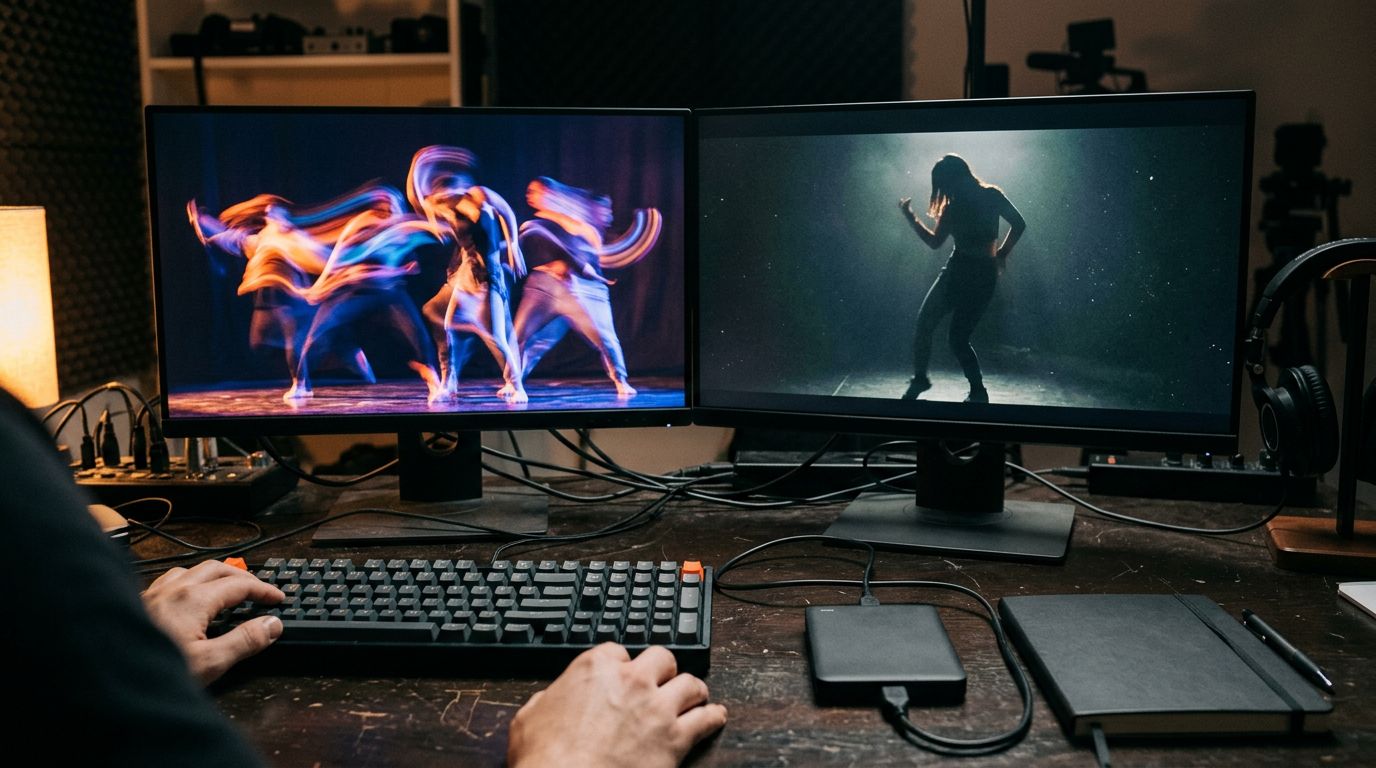
One character photo and one video clip is all it takes to put that character in a dance it never learned. No choreography lessons, no motion capture suit, no camera crew.
Motion transfer, not motion invented
Most AI video tools build movement from a text prompt: describe the action and the model imagines it. Motion transfer works differently. You supply the exact movement as a video, and the model copies it onto a still image frame by frame. The timing, the beats, the camera relationship all come from footage that already exists.
That distinction matters for dance. A prompt can say "the character dances energetically," but it can't specify a spin on beat four or a hip drop into the chorus. A driving video carries all of that automatically. The model's job shrinks to one thing: make the character in the still image perform exactly what the video shows.
The workflow in two files
Upload a character image: a photo, an illustration, a mascot, an AI-generated portrait. Then attach a driving video with the motion you want, a clip of someone dancing or moving through a routine. Kling 3.0 Motion Control reads the two together and renders the character performing the driving clip's motion.
Two orientation settings decide how far the character can move. Match image keeps the character facing the same way as the original photo, capped at 10 seconds. Match video lets the character rotate and reframe to mirror the driving clip, capped at 30 seconds. Portrait-style moves stay on Match image; full-body routines with camera movement need Match video.
Both inputs should show the subject clearly and steadily, with nothing blocking the frame. Clean footage in both files is what keeps the output clean.
Why this trend keeps coming back
Dance trends on TikTok used to require a phone, a mirror, and some nerve. In January, a wave of "sway dance" clips spread across the platform. Babies, pets, and cartoon characters all swayed to the same few bars. People noticed the pattern fast enough to push back. Some recreated the moves themselves, by hand, just to prove a real dancer still reads better than a rendered one. That whole wave runs on the same category of technique: one driving clip of a simple move, mapped onto thousands of different photos.
A category of single-purpose apps exists just to run that one trick: upload a photo, pick a preset dance, get a clip back. They work, but they lock you into whatever presets the app shipped that week, usually behind a monthly subscription whether you use it or not. Running the same workflow through a general video model changes two things. You pick your own driving clip instead of someone else's preset list, and you pay only for the seconds you render.
What actually breaks the render
Occlusion is a common failure. If a hand, a prop, or another person crosses in front of the dancer in the driving video, the model has to guess what's underneath. That guess usually shows. Pick driving footage where the subject stays fully visible start to finish.
Mismatched framing is another common problem. A character photo cropped at the shoulders gives the model very little to work with once the driving video calls for a full-body move. Match the framing of your character photo to the framing of the motion you're borrowing.
Lighting and background don't need to match between the two inputs. The model keeps the character's look and swaps in the reference's movement, not its scene.
Iterate on Standard, lock in Pro
Kling 3.0 Motion Control ships in two tiers on the same engine. Standard renders at 720p for $0.09 a second, built for testing whether a driving clip actually fits your character. Pro renders at 1080p for $0.15 a second, the tier for the version you post. A 10-second Match image render costs $0.90 on Standard or $1.50 on Pro.
Run the first pass on Standard with a rough driving clip. Once the framing and motion actually match, swap in your final driving footage and render the finished clip on Pro without changing anything else.
The trick behind every viral dance filter is one driving clip and one still image. Bring your own clip, and any character can learn any dance in one render.