Text to SVG: three AI vector models and what they cost
July 14, 2026 · 3 min read
Three AI models turn a prompt or a photo into an SVG file on Visual Sandbox, and the price per file swings from two cents to forty-four cents. That's not a rounding difference. Pick the wrong one and you either overpay for a simple job or hit a wall the cheap option can't clear.
What the three models actually do
Only one of them takes a text prompt. Recraft Vectorize is a pure image-to-SVG converter: no prompt box, just drop in a file and get vector paths back. Quiver Arrow 1.1 and Gemini 3.1 Pro do both. Type a description and get a finished SVG, or attach an image and get a vectorized version of it.
That split decides which model you need before price even matters. Already have a logo PNG, an AI-generated illustration, or a hand-drawn sketch that needs to become clean paths? That's vectorize territory. Starting from nothing but an idea for an icon or a logo? You need a generator, not a converter.
What an SVG costs, model by model
| Model | Price | Input | Best for |
|---|---|---|---|
| Recraft Vectorize | $0.02 / svg | image only | cleaning up logos, AI art, and sketches into editable paths |
| Quiver Arrow 1.1 | $0.25 / svg | text or image | logos, icon sets, and illustrations built from a prompt |
| Gemini 3.1 Pro | $0.44 / svg | text or image | diagrams, infographics, layout-heavy work |
Prices are live rates at publish time. Check each model's page for the current number before you generate.
Gemini's number moves. Visual Sandbox bills the exact underlying cost per generation, so a simple icon runs cheaper than $0.44 and a dense infographic can run more. It's the outlier for a reason: it isn't a purpose-built vector model. It's a general reasoning model that writes SVG markup as its output instead of painting pixels.
Why the cheap option isn't always the answer
Twelve and a half times the price of Recraft Vectorize sounds steep for Quiver Arrow 1.1, until you remember Recraft Vectorize can't start from a blank page. If the job is "make me a logo" and there's no source image yet, the two-cent model isn't on the table. You need a prompt-driven generator, which puts you at Arrow or Gemini.
Inside that pair, the choice comes down to what you're building. Arrow is built for the visual side: logos, icon sets, merch graphics, brand illustrations that need to look considered. Gemini reasons about structure first, which shows up in diagrams, flowcharts, and infographics where the layout logic matters as much as the art.
Where these files actually go
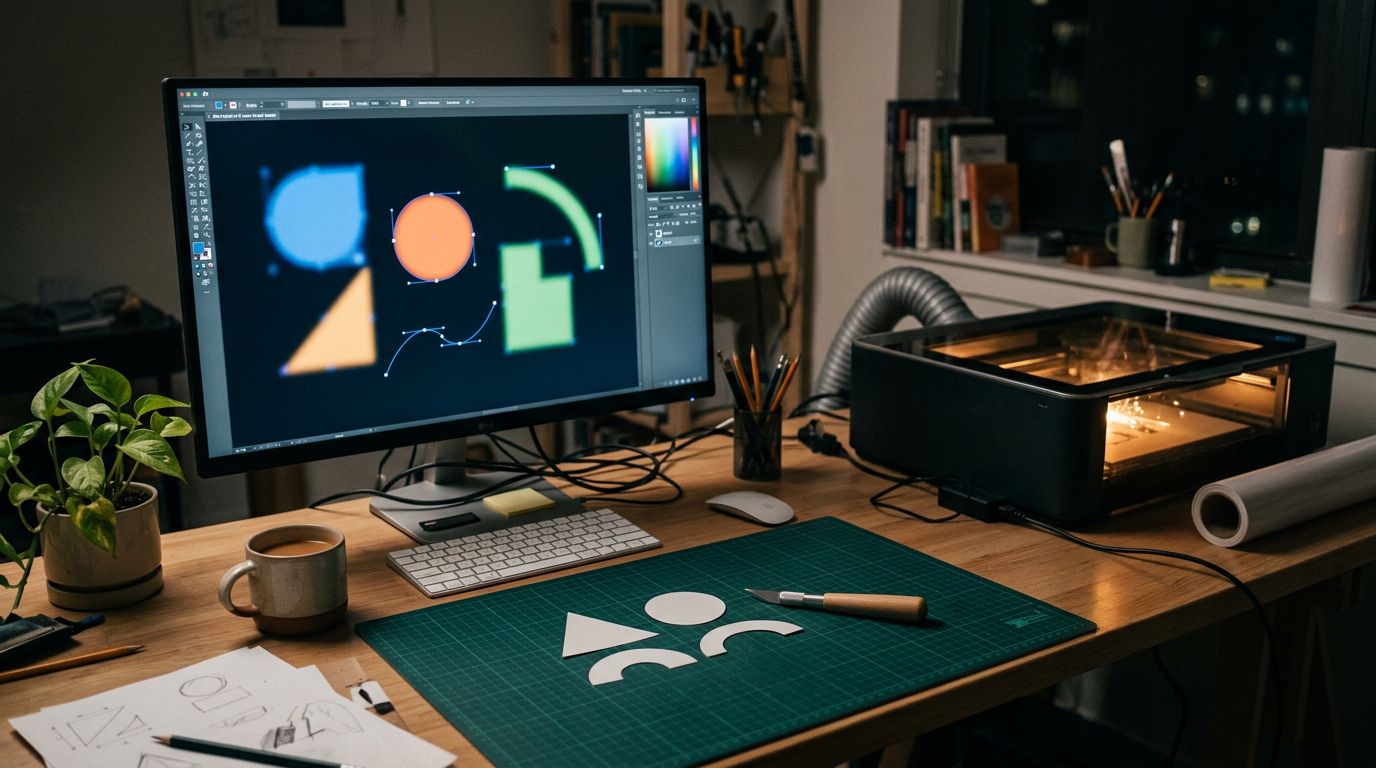
Every one of these models outputs real SVG, not a raster image wearing a vector file extension. That matters the moment the file leaves a browser. Cricut and other cutting machines, laser engravers, CNC routers, and embroidery software all expect vector paths, not pixels. A sketch vectorized for two cents can go straight into a cut file. A logo generated from a prompt can scale onto a billboard or a business card from the same source, no redraw required.
Open any of these outputs in Illustrator, Figma, or Inkscape and the file behaves like one a designer built by hand: real nodes and paths to recolor, resize, and adjust, not pixels traced after the fact.
The one-line version
Have an image to convert? Start with Recraft Vectorize at two cents a file. Starting from a prompt with no source art? Quiver Arrow 1.1 handles the visual work, Gemini 3.1 Pro handles the structural work, and both cost more because they're doing more of it.